
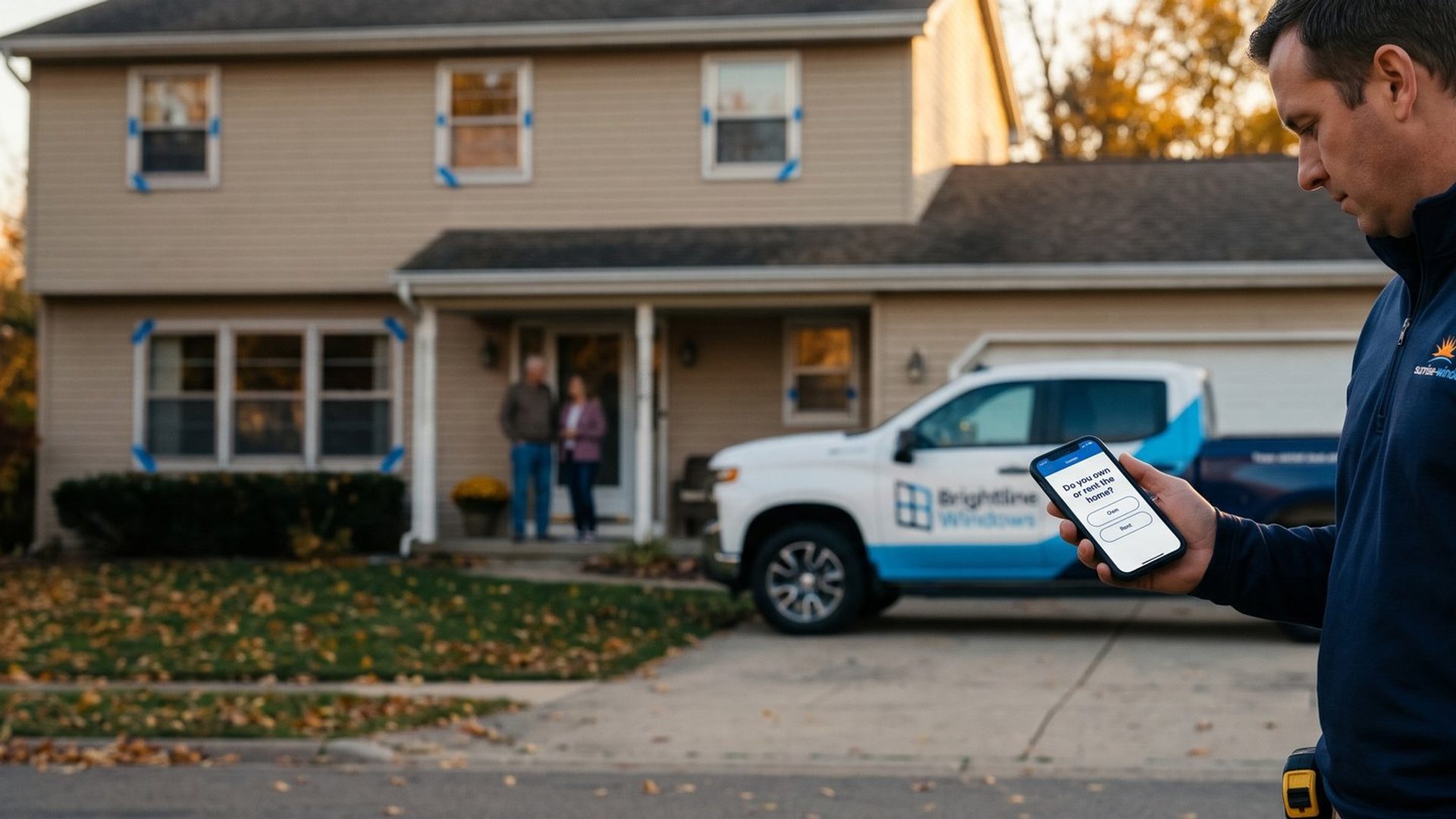
Say you run a window replacement company, and Monday morning your estimator sits down with last week's Facebook leads and a cup of coffee. The first number rings out. The second is a renter asking whether you can fix one sticky window in an apartment. The third lives two counties past the edge of your service area. The fourth wanted a price over text and stopped replying. Twenty-three calls later, the estimator has four people worth a trip to their house, and the morning is gone.
That gap between the lead count and the list is the most common complaint we hear about Facebook ads, and the usual reaction is to blame the platform and quit lead ads altogether. That is the wrong conclusion. Meta did exactly what you asked. You asked for people who would fill out a form, and a default instant form lets almost anyone fill it out in a few seconds.
So the fix is not a different platform. It is a different form. Meta's instant form has the tools to screen people before they ever become a lead, and most small businesses have never switched them on.
A Cheap Lead You Can't Sell Is the Most Expensive Lead You Buy
Start with the number that actually matters, because the dashboard won't show it to you. Ads Manager reports cost per lead. Your bank account cares about cost per customer: what you spent on ads divided by the jobs you actually sold.
Here is how far apart those two numbers can drift. Take the window company spending $1,500 a month, with two versions of the same campaign:
The open form. Name, phone, email, submit. It brings in 100 leads at $15 each. The estimator calls them all and sells 4 jobs. That is $375 in ad spend per sold job, plus every hour spent chasing the other 96.
The screening form. Three short questions first, and anyone who answers the wrong way never becomes a lead. It brings in 50 leads at $30 each. The estimator sells 7 jobs. That is about $214 per sold job, with half the calls.
These are example numbers, not a promise, but the shape is real. The form that looks twice as expensive in Ads Manager is the cheaper one where it counts. Owners who judge by cost per lead pick the open form every time, feel good about it, and wonder why their calendar is empty.
If you are not tracking which leads became customers yet, we wrote about turning your Meta exports into a cost per customer. You will need that number for everything below.
Junk Leads Come in Two Kinds. Only One of Them Is Meta's Fault.
Before you change a single setting, split your bad leads into two piles, because they have completely different fixes.
Pile one: people you could never have helped. Renters who can't approve the work. Homeowners outside your service area. People who want one window repaired when you only do whole-house replacements. Commercial property managers when you only do homes. No amount of good follow-up turns these into jobs. The form let them in, and the form is where they have to be stopped.
Pile two: good fits who fell through. They own the home, they live in your area, they want the job you do, and they still went nowhere. Usually that is a follow-up problem: the lead sat in an inbox until the next morning, the call came from an unknown number, nobody left a voicemail, or the quote surprised them and nobody explained it. A better form does nothing for this pile. If most of your bad leads land here, start with how fast you call a lead back, not with the form.
Most owners never make this split. They lump everything into one bad pile, decide the platform sends garbage, then change the targeting, the budget or the creative, and none of it touches the actual problem. Five minutes sorting the list tells you which half of the business to fix.
Your Last 60 Days of Leads Already Wrote Your Qualifying Questions
The questions on your form shouldn't come from a template or from guessing. They should come from your own lead history, because your leads have already told you exactly why they don't buy.
Pull every lead from the last 60 to 90 days. Use a window long enough for the normal sales process to play out, so a lead from last Tuesday isn't counted as dead just because it hasn't closed yet. A spreadsheet is fine if you don't use a CRM. For each lead, fill in four columns: did we reach them, were they a fit, did they book an estimate, did they buy.
Then add the column that does the real work: why not. And be specific. "Bad lead" tells you nothing. "Renter," "outside service area," "wanted one window repaired," "budget under $3,000," "just collecting prices for next year" each tell you something you can screen for.
Now count. In most service businesses, two or three reasons account for most of the dead leads. For our window company, the tally might look like this: 22 renters, 14 outside the service area, 11 repair-only requests, and a long tail of one-offs. Those top three reasons are your qualifying questions. You don't need ten. You need the three that cost you the most phone time.
Keep this habit going. Every time your team hangs up and says "that one was never going to buy," the reason goes on the sheet. When a new reason shows up often enough, it earns a spot on the form.
A Question Only Filters If the Wrong Answer Ends the Form
Here is where most owners go wrong even after they add questions. They add a multiple-choice question asking "Do you own the home?", the renter taps "No, I rent," and the form keeps going and submits anyway. Now you have a lead that tells you, in writing, that it can't buy from you. You still paid for it, and your estimator still has to deal with it.
A question only filters if the wrong answer ends the form. Meta's feature for this is called conditional logic, and it lives in the Questions section when you build an instant form in Ads Manager. Turn it on, and for every answer to a multiple-choice question you choose what happens next:
- Go to a question. The person moves on to your next question.
- Submit form. The person becomes a lead and sees your end page.
- Close form. The person is treated as a non-lead and sees a separate end page you write for them.
That last option is the one that changes everything. In Meta's own words on its help page for the feature: "Only the people who answer with a response determined to be a lead will be able to submit the form and qualify as leads. You won't receive the information for anyone who responds with an answer that closes the form." The renter never lands in your list. They are not counted as a lead, and they don't show up in your cost per lead either.
Two rules from Meta's setup are worth knowing before you start. Conditional logic only works on multiple-choice questions, so a typed short answer can't send anyone anywhere. And every form needs at least one answer that submits and at least one that closes.
Write the exit screen like a person, not a bouncer. The people you turn away are often neighbors, future homeowners or someone's brother-in-law. Thank them, say plainly that this offer is for homeowners in your service area, and point them somewhere useful: your website's page on window care, a free guide, or a repair company you trust. A renter you treated well today can still be a customer in three years.
Your Estimator's First-Call Questions Belong in the Form
The best qualifying questions are already being asked in your business. They are the first three things your estimator asks on every call before deciding whether the drive is worth it. Move them into the form, and the estimator starts every call with the screening already done.
A few rules make those questions work:
Keep it to two to four questions. Every question you add costs you some good leads along with the bad ones. Three is usually the sweet spot: enough to stop your biggest dead-lead reasons, short enough that a real homeowner finishes in under a minute.
Don't give away the right answer. "Are you a homeowner ready to invest in quality windows?" tells everyone what to tap. "Do you own or rent the home?" with two plain choices gets an honest answer. Same with location: list your service area by city or county and add "Somewhere else." A question like "Are you local?" gets a yes from almost everyone.
Ask about budget neutrally, or not at all. A budget question can work for a business with a clear floor, but phrase it as ranges with no judgment attached ("Under $3,000 / $3,000 to $8,000 / Over $8,000"). If your team can't name a real minimum, leave budget out and let the estimate handle it.
Don't shut out the maybes. Someone who answers "Not sure yet" or "Just researching" is not the same as someone who can't buy. Send them through to submit, and tag them for a slower follow-up rather than closing the form on them. Close the form only for answers that are a hard no: wrong area, can't approve the work, a job you don't do.
Put one typed question at the end. Something like "Anything we should know about the house?" It can't filter anyone, but people who type a real answer are telling you they are paying attention, and it gives your estimator something to open the call with.
A Prefilled Phone Number Can Be Years Old. A Typed One Rings Today.
There is a second kind of junk lead the qualifying questions don't catch: the right person with the wrong contact details. You call, and the number is dead, or the person doesn't remember filling anything out.
Meta's instant form fills in contact fields from the person's Facebook or Instagram profile. People can edit those fields, but most just tap through, and the email on a Facebook profile is often an address someone set up years ago and never checks. The person spent four seconds on your form and didn't type a single character, so of course they don't remember you when you call.
You have three tools to fix this, and they come with trade-offs you should know before picking:
1. Ask for contact details as typed questions. Instead of Meta's prefilled contact fields, add name, phone and email as short-answer questions so the person has to type them. Typing your own phone number is a small act of commitment, and you get the number they actually use. The cost is a slower form and fewer submissions.
2. Switch the form type to Higher intent. It is the second option at the very top of the form builder. Meta's higher intent form adds a note under the contact fields saying your business may follow up, plus a review screen where the person confirms their details before submitting. It catches accidental taps and makes the follow-up call less of a surprise. One limit: Meta only delivers higher intent forms in the Facebook and Instagram feeds on mobile, not on desktop.
3. Require text verification. Meta can send a one-time code to the person's phone, and they have to enter it before the form submits. Meta says this filters out spam bots and bad actors, and a landline can't verify at all. But it only works with Meta's own phone number field, so you can't combine it with tool one, and it only runs in Facebook and Instagram placements on mobile. Meta notes it may already be switched on by default for some advertisers, so check the box before you assume it is off.
Our recommended order is to start with conditional logic plus the higher intent form type. That combination screens out the wrong people and the accidental taps without slowing down the right ones much. Add text verification only if your leads are qualified on paper but still not answering the phone. Verification is the strongest filter of the three, and it also cuts the most volume, so it should be a fix for a problem you can see, not a default.
Your Cost Per Lead Will Go Up. Judge the Form by Cost Per Customer.
Meta says it plainly on its own conditional logic page: "The use of conditional logic may increase your cost per lead." It will. You are paying the same to show the ad, and fewer of the people who tap it are allowed through. If you judge the new form by the number Ads Manager puts in bold, you will turn it off within a week and go back to the open form.
Judge it by cost per sold job instead, and give it enough time to answer the question.
Duplicate, don't edit. Meta doesn't let you edit a published instant form. Duplicate your current form, add the questions and the conditional logic, and publish the copy. That also gives you a clean comparison: same ad, old form against new form.
Hold the budget steady. Change the form and the budget at the same time and you will never know which one moved the numbers.
Wait for jobs, not leads. Two weeks of leads tells you the new cost per lead, which you already know will be higher. What you need is enough of those leads to reach an estimate and a decision. For a window company, that might take a month or more. Track each lead from both forms all the way to sold or lost.
If the screening form sells as many jobs or more from fewer leads, it wins, even with a cost per lead that looks worse on every report. If it sells noticeably fewer jobs, one of your questions is closing the form on people who would have bought. Look at the question with the most closes and loosen it first.
Meta Learns From Whoever Gets Through the Form
There is one more payoff that most owners never see coming. When your campaign is set to get leads, Meta studies the people who submit your form and goes looking for more people like them. With an open form, it learns from everyone: renters, out-of-towners, people collecting prices for next year. It is getting very good at finding exactly the leads you don't want.
Once the form closes on the wrong answers, those people never count as leads, so the lead Meta is chasing is a homeowner in your area who wants the job you do. Your form is no longer only a filter for your estimator. It is a better set of instructions for Meta.
The next step goes further: telling Meta which of those leads actually became customers, so it can tell the difference between a lead who booked an estimate and one who signed a contract. That takes connecting your CRM to Meta, and we walked through it in send your closed jobs back to Meta. Screening the form first makes that data cleaner from day one.
A Lead Count Can't Tell You Who Bought. Your Lead List Can.
We have argued before that a high-ticket business is often better off sending people to a landing page instead of an instant form, and for some businesses that is still the right call. But plenty of owners are running instant forms today, and the answer to junk leads usually isn't to start over. It is to make the form you already have do the screening your estimator is doing by hand.
Pull the last 60 days of leads. Write down why each dead one went nowhere. Turn the top three reasons into questions, let the wrong answers close the form, and judge the result by sold jobs. That is an afternoon of work, and it usually tells you more about your Facebook ads than a month of changing targeting.
If you would rather hand this off, sorting the lead list and rebuilding the form is the kind of work we do every day in our Facebook ads management. And if you are doing it yourself, you now know where to start.