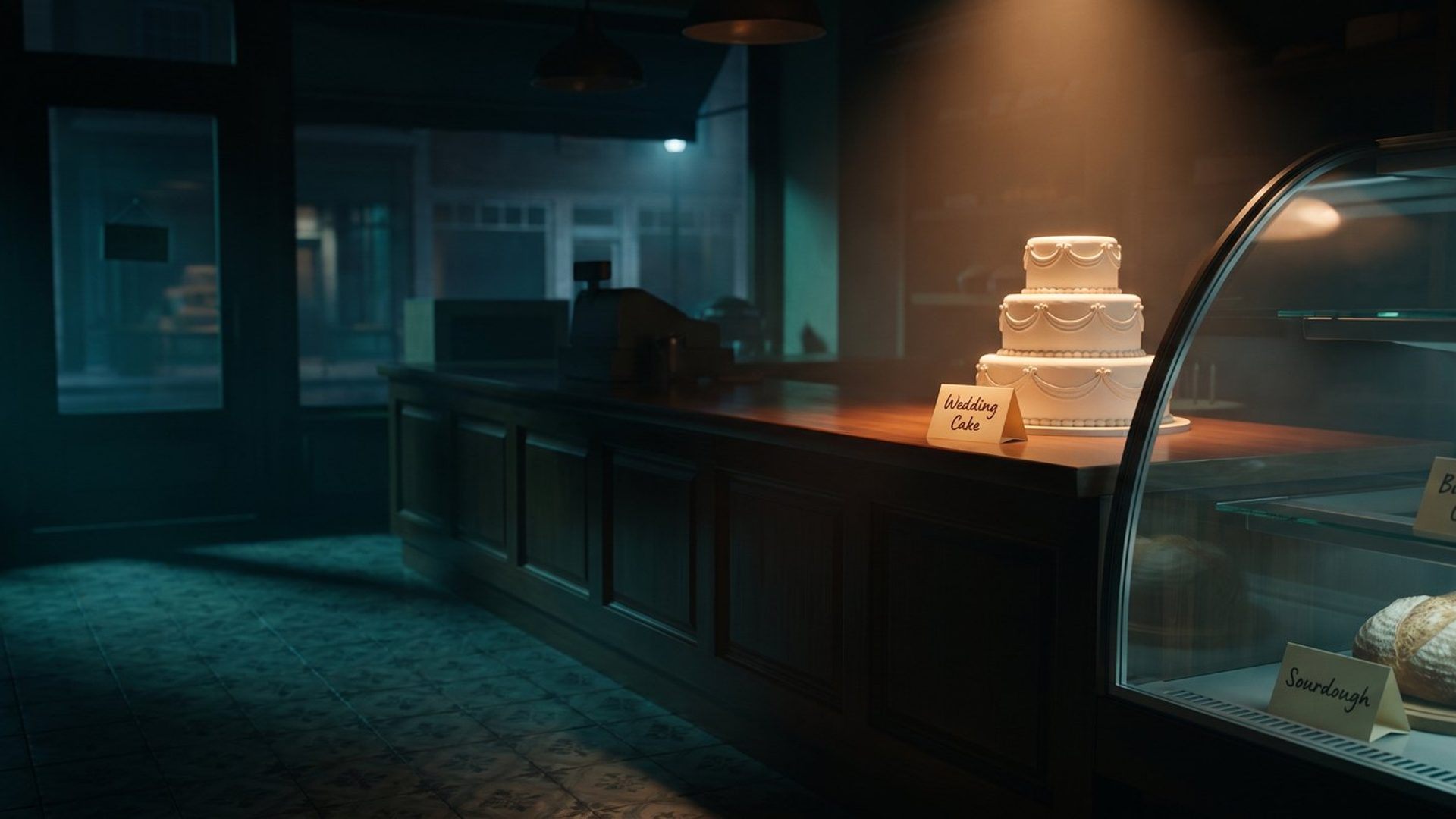
Picture a bakery running a Meta ad for the holidays. The owner uploads three photos: a three-tier wedding cake, a sourdough loaf fresh out of the oven, and a birthday cake with candles. She writes three headlines to go with them. "Custom wedding cakes, booked months ahead." "Fresh bread every morning." "Birthday cakes ready in 48 hours."
The ad that actually runs puts the wedding cake over "Fresh bread every morning."
Nobody wrote that ad. Nobody approved it. Meta built it, because for the last two years the deal with Meta's Flexible format was simple: you hand over the pieces, and Meta decides which ones go together. Most owners never see the pairings Meta chooses. They see a cost per result, decide the ad is "okay," and move on.
That deal changed this year. Meta retired Flexible as a format and replaced it with something that gives you back the one decision Flexible took away: which words belong to which picture. Most small accounts have not noticed, because nothing in Ads Manager announces it. The old option just isn't there anymore, and the new one looks like a normal image ad.
Here is what changed, why the old way kept producing ads like that bakery's, and the handful of settings that fix it.
Flexible Ads Let Meta Pick the Pairings. That Is What Broke.
Meta's own description of the Flexible format was straightforward. You could select up to 10 images and videos in a single ad, and "the ad delivery system will automatically determine what media or media combination, such as single image, video or carousel, to show to people." You supplied the parts. Meta assembled the ad, separately, for each person who saw it.
On paper that is a good idea. Meta knows more than you do about who is scrolling past in a given moment, and a person who reacts to video should probably get the video. The problem was everything Meta did not know, which was most of what makes an ad make sense.
Meta could not tell that your wedding cake photo and your bread headline had nothing to say to each other. It could not tell that two of your five images were the same photo with a different background color, so it would sometimes string them into a carousel and show a customer the same picture three times in a row. Agencies that ran Flexible at scale reported exactly that, plus crops landing in the wrong place on image after image.
Blue Sense Digital, an agency that stopped using Flexible for its clients this year, named the two costs most plainly. The first is control over how the ad looks. Its team cropped every image for each placement by hand, and Meta still turned square images into vertical ones and stitched the statics into carousels on its own. For any brand that cares about looking consistent, that is not a small thing. The second cost is worse: you lose the answer to the only question that matters when you test creative. If a Flexible ad with ten pieces does well, you cannot see which piece did the work, so you cannot make more of it.
To be fair to the format, it did not lose every time. Alvaro Berrios, who runs a small US agency, published a test on one client selling a $22 product where the Flexible ad set brought in purchases at roughly half the cost of his standard ads. That is one account, and he said himself that he could not see which of the assets was responsible. But it is a useful reminder that the automation was never the problem. The problem was that you could not tell it what belonged together.
Flexible Ads Did Not Die. Meta Rebuilt Them as Multi-Media Ads.
Over the spring of 2026, Flexible started disappearing from the format picker in Ads Manager. Meta never published a big announcement. Its help pages for the Flexible format simply grew a new line at the top: "If you no longer have access to the flexible format in Ad setup, learn more about multi-media ads and customizing your ad creative."
Multi-media ads are the replacement, and the name is the least interesting thing about them. Meta's developer documentation, last updated in September, describes them in one sentence: they "allow you to upload up to 10 images and videos within a single ad while maintaining per-media customization for placements, text, cropping, and destinations."
Read the second half of that sentence again, because it is the whole story. Same ten slots as before. The delivery system still decides who sees what. But now each photo or video in the ad can carry four things of its own:
- Its own text. A headline, primary text and description that belong to that picture.
- Its own landing page. The click goes where that picture promised.
- Its own placements. You can keep a photo out of Reels, or out of Stories, while the rest of the ad runs there.
- Its own crops. You decide what the square and vertical versions look like, instead of accepting Meta's guess.
Practitioners who walked through the new setup in April, including the Meta ads educator Professor Charley T, reported one catch worth knowing before you go looking: the new controls appear when you build a new ad. An old Flexible ad keeps running, but you do not get to edit it into a multi-media ad. If your best performer is still a Flexible ad from last year, the way to get these controls is to rebuild it, not to open it and look for them.
Leave a Photo Without Its Own Headline and Meta Picks One for It.
This is the setting that fixes the bakery's ad, and it is the one most owners skip.
A multi-media ad has two layers of text. The first is shared text: the headlines and primary text you write for the ad as a whole. Meta treats these as options and tests them across every photo in the ad. The second is per-photo text, which you attach to one specific image or video. Meta's documentation is explicit about how the two interact: per-photo text overrides the shared text for that photo.
So the rule for an owner is simple. If a line only makes sense next to one picture, attach it to that picture. "Custom wedding cakes, booked months ahead" belongs to the wedding cake photo and nowhere else. Attach it there, and it can never land under the sourdough again.
If a line works with anything you sell, leave it shared. "Order by Friday for weekend pickup" is true under every photo in the bakery's ad, so let Meta test it everywhere. That is where Meta's testing earns its keep: on lines that are interchangeable, not on lines that only make sense next to one specific photo.
Most small businesses are not bakeries, but almost every one of them sells more than one thing, and that is the exact situation where unattached text goes wrong. A landscaper with a patio photo and a lawn photo has a patio headline and a lawn headline. A dentist with a photo of a whitening result and a photo of a child in the chair has two different promises. A home remodeler with a kitchen and a bathroom has two different jobs, two different price ranges and two different customers. Leave those headlines shared and you are asking Meta to guess which promise goes with which picture, every single time the ad is shown.
One more thing to know about blank text. Meta's own help page warns that if you leave the text in your ad creative blank, it "may be pulled from the website URL that you added as your ad destination." In other words, an empty headline field does not stay empty. Meta fills it with whatever it finds on your page. Check the preview before you publish, or write the line yourself.
A Click on Your Wedding Cake Photo Should Not Land on Your Homepage.
The second thing each photo can carry is its own landing page, and this one quietly fixes a problem that has nothing to do with creative at all.
Under the old setup, every piece of a Flexible ad shared one destination. That meant a bakery's wedding cake photo, its bread photo and its birthday cake photo all sent people to the same place, usually the homepage, where the person who clicked on a wedding cake now has to find the wedding cakes themselves. Some will. A lot of them will not, and you paid for every one of those clicks.
With a multi-media ad, the wedding cake photo can send people to the wedding cake page, the bread photo to the daily menu and the birthday cake photo to the order form. The person who clicked lands on the thing they clicked on. We have written about why that moment matters so much in You Paid for the Click. Your Hero Has 5 Seconds to Keep It.: the first screen after the click either confirms the ad or makes the visitor start over. Per-photo destinations are how you make sure it confirms the right ad.
If you only have a homepage, this is not a reason to build ten new pages tomorrow. It is a reason to notice that your ad is now capable of more than your website is, and to build the one or two pages that match the products or services you advertise most.
Cropping a Wide Photo Does Not Keep It Out of Stories.
This is the setting that surprises people most, so it is worth quoting Meta directly. On its help page for media customization, Meta says: "If you want a specific asset to deliver only to certain placements, use placement opt-outs in addition to cropping. Cropping alone won't restrict delivery."
Most owners assume the opposite. They crop a wide photo of a finished kitchen into a vertical version, decide it looks cramped, and assume that because they did not like the vertical crop, the photo will not run vertically. It will. Cropping changes how the photo looks in a placement. It does not decide whether the photo shows up there. If a picture genuinely does not work in Reels or Stories (a wide landscape shot, a photo with small text, a before-and-after that needs the full width to make sense), the fix is to opt that one photo out of those placements, not just to crop it badly and hope.
The same help page explains what happens when you do not supply a version for every shape. If you skip a square, vertical, portrait or horizontal version, "the system helps fill the gaps using adjustment options such as padding, media expansion, cropping and additional AI-enabled features." Meta's own advice is to review those automatic versions before publishing and to turn off any adjustment you do not want, one version at a time. That review takes a couple of minutes per photo, and it is the difference between choosing how your ad looks in Stories and finding out after it has been running for a month. We covered the specific traps of the vertical placements in Your Story Ad Is Not Your Feed Ad Resized.
Flex Media Is On Until You Turn It Off.
There is one more setting with "flex" in its name, and it is not the same thing as the retired Flexible format. Meta even says so on the help page: "Flexible media is different from the flexible ad format."
Flex media is about where a single photo or video is allowed to run. Meta describes it as delivering "one media asset ... to additional placements that are likely to improve performance," with the example of a vertical image built for Stories or Reels also being used in the Feed. For most objectives it now lives with Meta's other automatic creative features: when you build the ad, you click through to the Enhancements screen, find Flex media and switch it on or off. Meta's own page says it can start out switched on. In practice, that means it is on unless somebody turned it off.
Meta also makes a specific promise about it. Flex media "uses technology to help detect when important information might be cropped out of your images, and will prevent these ads from being delivered." The same page then adds the limit: "We aren't currently able to detect if objects or text have been cropped out of videos like we're able to for images."
That gives an owner a reasonable rule. For photos, leaving Flex media on is usually fine, because Meta checks for the obvious failure. For videos with text on screen, or a product that sits near the edge of the frame, turn it off or check every placement in the preview yourself, because by Meta's own account nobody is checking for you. Flex media is one of several settings Meta switches on before you arrive. If you want the full list of what else is changing your ad without asking, we went through it in You Approved One Ad. Meta Is Running Several.
Ten Photo Slots Is a Limit, Not a Goal.
The last mistake is the most tempting one. Meta gives you ten slots, so it feels like you should fill them. Ten photos must test better than three, right?
Not if they are ten different ideas. Remember the problem Blue Sense described: when an ad with many pieces does well, you cannot see which piece earned it. Ten unrelated photos in one ad turn a test into a lottery ticket. Even if it wins, you have learned nothing you can use to make the next ad.
The practitioners disagree about the right number, which tells you there is no magic one. Professor Charley T's advice is not to upload more than three. Blue Sense's rule is that if you bundle at all, bundle versions so alike that it doesn't matter which one won. Berrios offers the most useful guide for a small business: don't put in pieces so similar that Meta stitches them into a repetitive carousel, and don't put in pieces so different that they clash, like a city skyline next to a mountain lake.
Put those together and you get a simple rule: one ad, one idea. The photos inside it should be different ways of showing the same promise: the same wedding cake from three angles, or three different finished patios. A different promise, like bread instead of cake, or lawn care instead of patios, is a different ad. That way, when something wins, you know what won, and you can make more of it.
We wrote about why that matters more than the win itself in Your Winning Ad Won for a Reason. Most Owners Never Find Out What. and about why Meta rewards genuinely different ideas rather than variations of one in Stop Hunting for Your One Winning Meta Ad.
Matching Each Photo to Its Headline Takes Ten Minutes. A Mismatched Ad Wastes Money All Month.
None of this requires a bigger budget, a new tool or a designer. It requires about ten minutes per ad, spent on decisions Meta used to make for you. Before you publish your next one, run through this:
- One idea per ad. Every photo in it makes the same promise. A different promise gets its own ad.
- Attach the headlines that only fit one photo. Leave shared only the lines that are true under every picture.
- Never leave text blank unless you have checked the preview and are happy with what Meta pulled from your website.
- Give each photo the page that matches it, if you have one.
- Opt photos out of placements they cannot work in. Cropping them is not enough.
- Review Meta's automatic versions for every shape you did not supply, and turn off the ones you would not have approved.
- Decide on Flex media on purpose. On for photos, off or checked by hand for videos with text near the edges.
- Rebuild, don't edit, any old Flexible ad you want to keep running with these controls.
Meta's automation is good at finding the right person. It has never been good at knowing what your ad is supposed to mean. Multi-media ads are the first time in a while Meta has given that job back to the business that actually knows. The owners who take it will run the same photos as everyone else and get ads that make sense every time they are shown.
If you would rather hand the whole job to someone, this is the kind of work our creative production team does every week: building the set of photos and videos around one idea, writing the lines that belong to each one, and setting up the ad so Meta tests what it should and leaves alone what it shouldn't.