You should own your Google Ads account. In practice that means two things: a login with Admin access under your own business email, and a payments profile in your business's name that Google bills directly. Your agency connects to that account from its own manager account and gets enough access to do the work. It never needs to be the only one holding the keys.
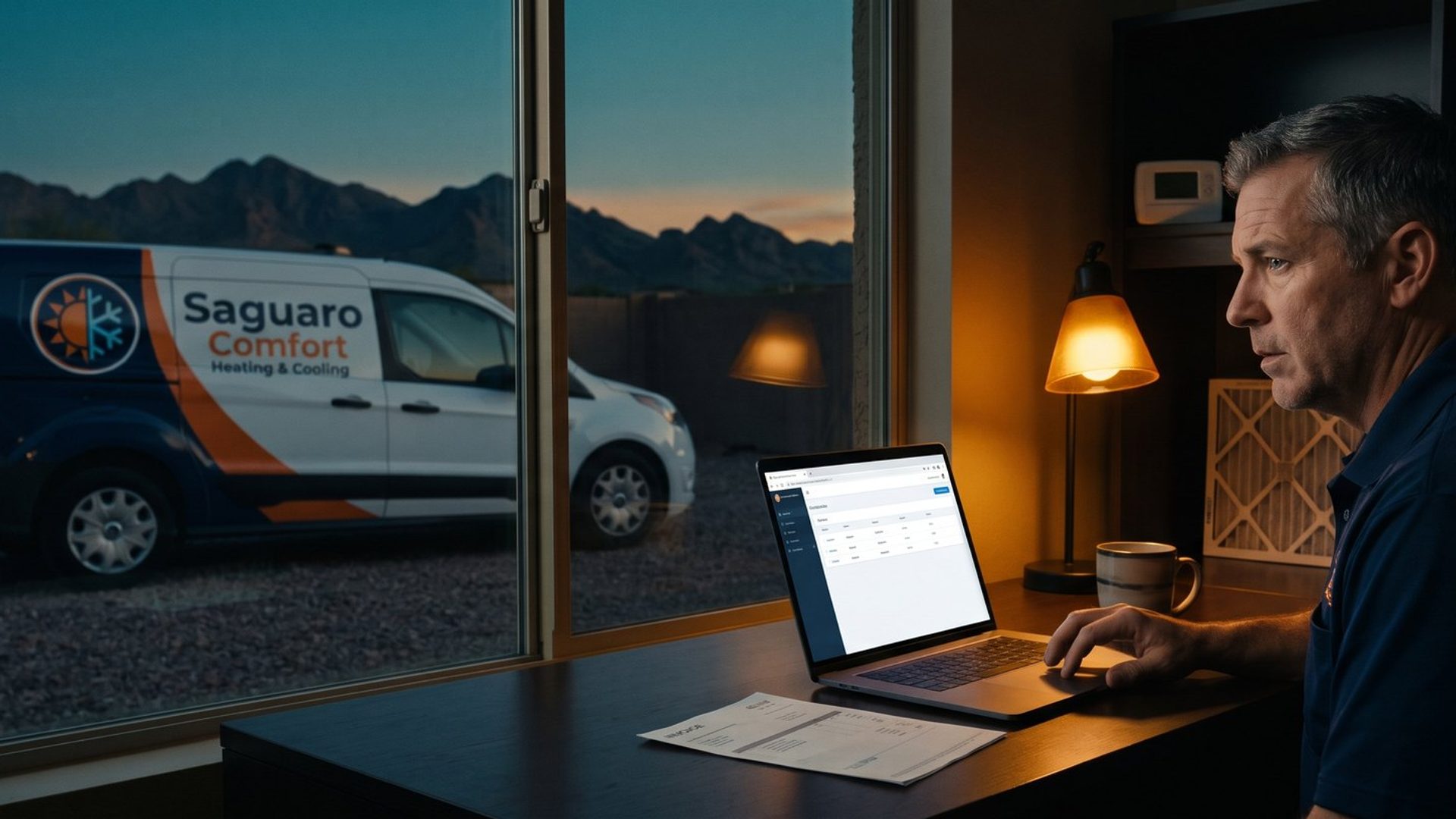
Here is why it matters. Picture an HVAC company in Mesa that has run Google Ads with the same agency for four years. The summer was slow, the owner wants a second opinion, and he asks for the login. That is when he learns three things at once. The agency created the account. Nobody at his company has a login to it. And the agency pays Google on its own invoice, then bills him one combined monthly number for ads and management. Four years of data about which searches turned into installs is sitting in an account he cannot open, paid for by a company he is about to fire.
None of that was hidden. It was just never checked. This piece shows you how to check it in about ten minutes, what each answer means, and how to fix it while the relationship is still friendly. If you run Facebook or LinkedIn ads too, we have written the same check for your Facebook ad account and your LinkedIn company page. Google works differently from both, so the steps here are its own.
Owning a Google Ads Account Takes Two Keys. Most Owners Hold One.
Google Ads splits control of an account into two separate things, and owners tend to assume that holding one means holding both.
The first key is user access. Every person who logs in to the account has one of five access levels: Email only, Billing, Read only, Standard or Admin. Standard can do nearly everything day to day, including editing every campaign. But Google reserves a short list of powers for Admin alone, and they are the ones that matter when a relationship ends: removing a manager account (that is, disconnecting an agency), reviewing who has logged in and how, and starting and completing advertiser verification. If nobody at your company has Admin, you can watch your account but you cannot take it back.
The second key is billing. Behind every Google Ads account sits a payments profile, the record of who Google invoices and whose card or bank account pays. It has its own list of users, separate from the people who can log in to the account. Your agency can have Admin on the account while your business holds the payments profile, or the reverse, and the two never have to match.
So there are four possible situations, and they end very differently on the day you part ways with an agency.
If you hold both keys, leaving is one click. If you hold neither, leaving can mean a lawyer, and you still might not get the account. Plenty of owners sit somewhere in the middle and have never checked which square they are in.
The Agency That Created Your Account Became Its Owner the Same Day
Agencies run their clients' accounts from a manager account, a dashboard that links to many Google Ads accounts at once. That is normal and it is the right way to do it. The detail most owners never hear about is a setting on that link called ownership.
Google's rules here are short. A client account can have only one owner manager. If a manager account creates a new Google Ads account, it automatically becomes the owner. If a manager links to an account the business already had, it does not become the owner unless someone with Admin on the business's account switches it on.
An owner manager is not a guest. Admins on the owner manager can invite and remove users on your account, grant and revoke Admin access, accept or decline other agencies trying to link, unlink other managers, and change your account's security settings. In plain terms, the agency that owns your account decides who else gets in.
Google is careful to say that ownership does not take data rights away from the client. In its words, the client account "still owns its data and has the ability to remove ownership access by unlinking." That is true, and it is reassuring right up until you notice the condition buried in it. Unlinking a manager takes Admin access on your own account. If the agency created the account and never added you as a user, the right exists on paper and you have no way to use it.
So the first question is not "does my agency have access." Of course it does. The question is whether the account was created by you or by them, and whether anyone at your business can log in as Admin today.
Your Google Ads Users Page Already Says Whether You Own the Account
You can answer all of it from inside the account in a few minutes. If you cannot log in at all, that is your answer, and you can skip to the last section.
Screen one: Users. Open the Admin menu, then Access and security, then the Users tab. Look for at least one person with Admin access whose email belongs to your business, ideally on your company domain rather than a personal Gmail. Then look at everyone else on the list. Former employees, a web designer from three years ago, an agency you stopped paying in 2023: each of them still has whatever access is listed next to their name.
Screen two: Managers. On the same page, open the Managers tab. This lists every manager account linked to yours, which is usually your current agency and sometimes a previous one that was never removed. Check the Owner column. If it says Yes next to your agency, that agency holds the powers described above. That is not automatically a problem, but you should know it, and you should have a reason for it.
Screen three: Billing. Open the Billing menu, then Settings. At the top you will see the payments profile name, and, if the account is on monthly invoicing, the name and ID of the paying manager, which is the manager account that controls the invoice. If the payer is your business and there is no paying manager, you pay Google directly. If the paying manager is your agency, your agency pays Google and Google treats the agency as the one on the hook.
There is also a fourth check you can run without logging in. Google's Ads Transparency Center is public. Search your business name and open your advertiser page. It shows the advertiser name Google has on file for your ads, which comes from advertiser verification or, if the account was never verified, from the payments profile. If you find your agency's name there instead of yours, or no page for your business at all while your ads are running, find out why.
An Agency That Pays Google for You Can Switch Your Ads Off
The billing key deserves its own warning, because it is the one that turns a breakup into an outage.
Some agencies put clients on their own monthly invoicing. The agency pays Google, then bills you for ad spend plus its fee on one invoice. There can be honest reasons for it, such as one consolidated invoice for a business with several locations, and some agencies buy that way for every client. But it changes the mechanics of leaving in three ways that owners rarely hear about up front.
First, Google is blunt about what happens if the link breaks. If an account on monthly invoicing is unlinked from its paying manager, the billing setup is deactivated and the account stops serving ads immediately. Not at the end of the month. Immediately.
Second, you cannot move the billing yourself. Google's process for moving an account to a new payer, which it calls "Change who pays," has to be started by someone with Admin access to the current paying manager. That is the old agency. It enters the new agency's manager account ID, and the new agency then has seven days to approve the transfer. If nobody acts in those seven days, the request is automatically canceled and has to be started again. A cooperative agency can do this in an afternoon. An uncooperative one can simply not do it.
Third, a combined invoice hides your actual ad spend. If you pay one number for ads and management together, you cannot easily tell how much of it reached Google. Michelle Kop, a Google Ads consultant who teaches small business workshops for SCORE in Orange County, puts it plainly in her video on account ownership: on an all-in budget, you do not know what share is going to the ads. If you are weighing how agencies charge, we broke down what a percent-of-spend fee actually pays for.
Your Campaign History Stays With You. The Agency's Tracking Does Not.
Owners who do hold their own account sometimes assume the account is all there is. It is most of it. It is not all of it.
Google says an account that unlinks from a manager "won't lose its own account campaign history or access to any Google Ads features." Your campaigns, keywords, ads, search terms data and the conversion actions created inside your own account all stay where they are. That history is the expensive part. It is years of evidence about which searches become customers, and Smart Bidding learns from it.
Two things can quietly stop working, because some agencies build them at the manager level instead of inside your account.
Conversion tracking run from the manager account. Google calls it cross-account conversion tracking: one tag owned by the agency's manager account that counts conversions for many client accounts. Once you unlink, that tag stops recording conversions for any click after the unlink date. Clicks from before the unlink keep counting for the length of the conversion window, usually 30 days. If the account had its own conversion tag on your site from before, Google says it resumes tracking. If it did not, your account goes blind, and an automated bidding strategy that cannot see conversions starts bidding on guesswork.
Remarketing lists shared from the manager account. Lists of past website visitors built on the agency's tag stop filling once you unlink, and you lose access to the manager's shared lists. Google says any ad group targeting those lists, and any campaign excluding them, will stop running.
Then there is everything outside Google Ads that the agency set up in its own name: landing pages on its domain, call tracking numbers in its call tracking account, a Tag Manager container under its login. Each of those is a separate ownership question, and we walked through the full inventory in what a buyer pays for when you sell your business. The short version: ask your agency for a written list of everything it built for you and whose name each one is in.
Creating Your Google Ads Account Yourself Takes Ten Minutes and Prevents the Lockout
None of this requires a difficult conversation if you set it up properly at the start. Here is the arrangement we would want for any business we work with.
- Your business opens the Google Ads account itself, signed in with a business email. Not the agency, and not the owner's personal Gmail, which is hard to hand over if anyone else ever needs to run the business.
- Two people at the business hold Admin access, each with their own login and two-step verification turned on. We go deeper on why one admin is a single point of failure in Your Ad Account Is Not Yours.
- The payments profile is in the business's name, with the business's card or bank account on it. The agency's fee is billed separately.
- The agency sends a link request from its manager account, and an Admin at the business accepts it. Standard access covers almost all campaign work. If the agency needs Admin for a setup task, grant it and agree when it goes back.
- Ownership stays off unless there is a reason to turn it on. Google itself recommends that a manager be made owner "if and only if the manager account requires these privileges."
- Conversion tracking lives in your account. Ask the agency to create conversion actions inside your account rather than counting them through its manager account.
- The contract says the account and its data belong to the business, and what the agency hands over if you part ways.
One exception is worth naming fairly. Sam Frost, a consultant who reviews agency relationships for his clients, points out that some agencies do not sell ad management at all. They sell leads at a fixed price and pay Google themselves. In that model the account is genuinely part of the agency's product, and expecting to walk away with it is less reasonable. The fix is the same either way: know which model you are buying before you sign.
A Locked-Out Owner's Best Evidence Is the Payment Method on File
If the checks above turned up a problem, work through it in this order.
Ask for Admin access to your business email, in writing. One sentence is enough: please add this address to our Google Ads account with Admin access. A good agency says yes the same day, because there is no good reason to refuse a client access to its own account. If it stalls, the stall tells you something. While you are in there, the account's change history shows every edit and who made it, which is the fastest honest look at how much work your retainer buys. We explained how to read it in Why Did My Google Ads Stop Working?
If your card pays Google, go to Google support with proof. Your invoices and the payment method on file are your strongest evidence that the business is Google's customer. Sam Frost's experience is that Google usually works with the party whose card pays, but he has also seen it refuse to override the admins, so treat it as likely, not certain.
If the agency pays Google, ask it to start the billing transfer and set the date before you unlink anything, so the ads keep running while billing moves to your own payments profile or your new agency's.
Opening a fresh account is the last resort, not the shortcut. A new account starts with no history, and Smart Bidding has to relearn everything on your money. And if the old account was ever suspended, Google treats a new account opened to get around it as circumventing its systems. We covered what a restart actually costs in A Second Ad Account Will Not Fix Your First One.
One timely check if you run Local Services Ads: Google is moving those accounts into Google Ads right now, and it emails the account's admin about two weeks before the move. In a video on the migration, the agency Surge Digital Marketing describes a contractor whose previous agency held full access to his LSA account. When the account moved, the migration went badly and he lost much of the progress he had built over three to four years. Check whose email is on your LSA account before that notice goes to an inbox nobody reads. We covered what else changes in the move in You're Not Losing Local Services Ads. You're Losing the Ceiling.
You Can Hire an Agency Without Handing It Your Google Ads Account
A good agency does not need to own your account to do great work in it. It needs access, a clear brief and a reason to stay, and the best reason is results, not a lock on the door.
That is how we work. When a business hires us for Google Ads management, the account stays in the client's name, on the client's payments profile, and we connect from our manager account. If we ever part ways, the client removes us in one step and keeps everything, including the history. If you are not sure who holds the keys to your account right now, we are happy to take a look with you.