
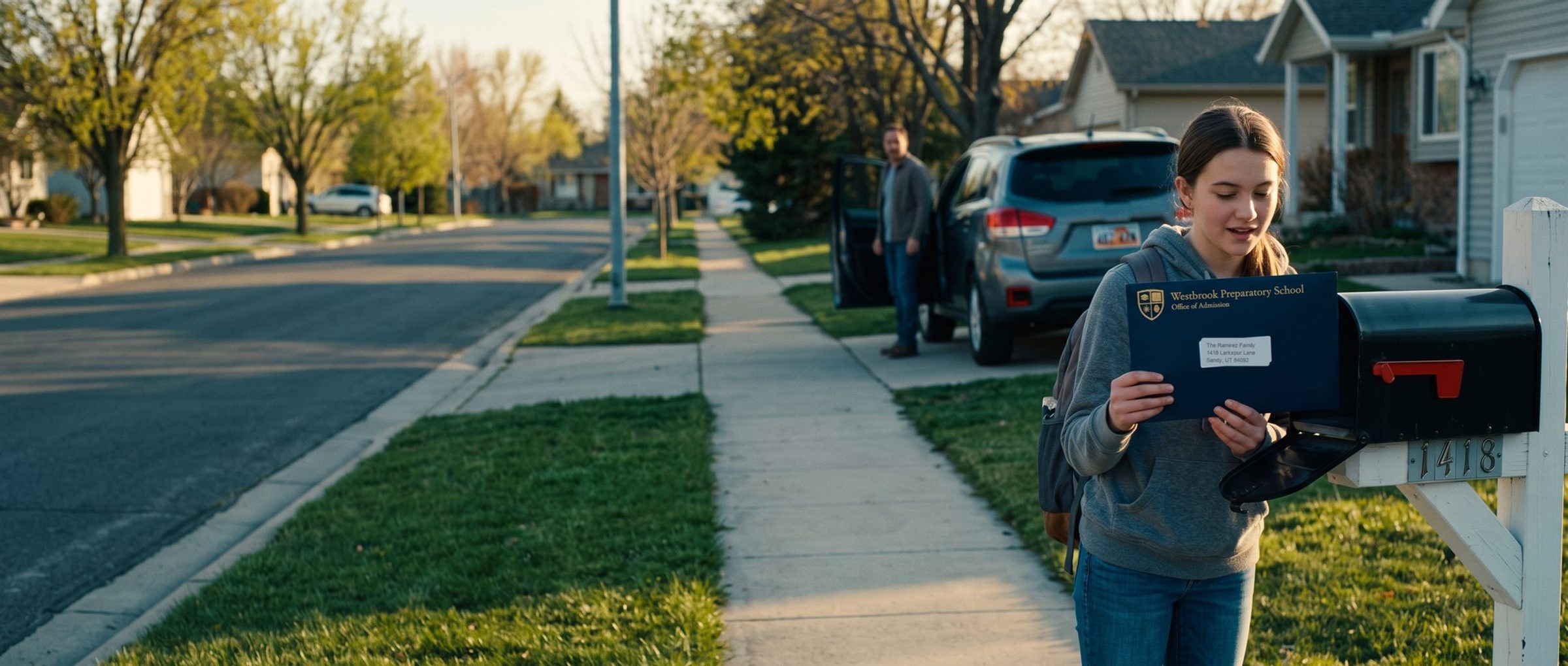
A parent clicks a school's ad on a Sunday night, reads the admissions page and taps "Inquire." The form opens on a different website, run by the company that sells the school its enrollment software. She fills it in, books a tour on a third website and gets a confirmation email. Google Ads saw the click. It never saw anything after it.
It's easy to miss, because the ads still run and the inquiries still arrive. This chapter follows the family from click to enrolled student, finds where the trail breaks, and sends the enrollment back to Google.
Google Learns From Whatever a School Counts. A Page View Teaches It to Find More Page Views.
A conversion action is two things at once: a line in your report and a lesson for Google's bidding. Mark the wrong action and the lesson is wrong too.
In a private school account we audited, the primary conversions were page views and first visits, not inquiries. The reports looked healthy. Google did exactly what it was told and found more people who would load a page, which is a different person from a parent ready to book a tour.
So the order of work is: count every real contact a family makes, mark which inquiries became students, and send the enrolled students back to Google with a value.
This guide launches a school's account in two stages with names of our own. Isolation runs first, on exact match keywords with each bid typed in by hand. Exploration follows once about 30 quality inquiries arrive each month, switching to broad match and letting Google price the clicks.
A Family Can Inquire, Tour and Apply on Three Different Websites. Each Step Needs Its Own Tracking.
Every chapter of this guide uses twelve real schools that advertise on Google in one example market, Salt Lake City: three private K-12 schools, three colleges, three trade schools and three online programs. Your market will differ. The method is the same in any city.
We followed each school's path from the home page through requesting information, booking a visit and applying. Eight of the twelve send families to a different website for at least one of those steps. Request information runs on another company's site at five of them, the tour or visit booking at six, and the application at five. All three private K-12 schools hand families off somewhere along the way.
The outside sites are the ones schools buy for enrollment: Veracross, FACTS, Salesforce sites, Element451, Calendly, Acuity, Jotform, monday.com forms, Learning Stream and the Common App. Each sits outside the school's website, where your tag doesn't follow unless the platform lets you install it. Some platforms run on a school's own subdomain instead, as Slate did at the public university, which helps only if someone puts the tag there too.
We loaded the vendor-run inquiry and tour pages at four of the schools, without accepting any cookie banner. No Google Ads tag fired on any of them.
To find your own gaps, click your own ad, then request information, book a tour and start an application, noting every web address. Each one that isn't your school's domain needs tracking some other way.
Your Enrollment Platform Decides Whether Google Sees the Inquiry. Calendly Doesn't Pass Google's Click ID on Its Own.
Whether an outside step can be tracked depends on the platform. Ask your vendor three questions:
- After a family submits, can the platform send them to a thank-you page on our website? Then you track that page like any other.
- Can we add our Google tag or Google Tag Manager to the platform's pages? Then the conversion fires on its confirmation page.
- Can the form save Google's click ID, the code Google adds to the web address after an ad click, in a hidden field? Then the enrollment can go back to Google later.
The vendors' own help pages answer some of these. Jotform, monday.com, Slate and Element451 document a redirect to a page of your choosing after the form is submitted. Slate, Element451, Finalsite and Salesforce sites document a way to run the Google tag. Jotform says it has no direct Google Tag Manager integration unless you paste the form's source code into your own page, so on Jotform the redirect is the easier route. Calendly passes standard tracking parameters through a booking, but a Calendly employee wrote in May 2026 that the click ID "is not a supported redirect parameter." The workaround Calendly suggests is to save the click ID on your own page first and copy it into one of the tracking fields Calendly does pass.
Veracross, FACTS, Ravenna and Blackbaud, four platforms common in private K-12, keep most of their help pages behind a customer login, so we couldn't confirm their answers. If your school uses one, send the three questions to your account manager in writing.
When all three answers are no, track the click on the button that leads to the outside form as a secondary conversion. You can watch it, but Google won't bid on it. A click to a form isn't a finished inquiry, and treating it as one puts you back where the page-view account started.
If the platform does run your tag, turn on the conversion linker's cross-domain setting in Google Tag Manager, and cross-domain measurement in Google Analytics 4, so the family's visit stays one visit across both sites.
Calls Still Start Many Enrollments. Only 6 of 12 Schools Put a Phone Number in the Header.
Plenty of parents would rather call. Six of the twelve example schools put a phone number at the top of the page. None of the three private K-12 schools did. Almost all had a tap-to-call link somewhere lower down. A number at the bottom still rings, just less, and if it isn't tracked those inquiries never reach the ad account.
Start with Google's own call tracking. Calls from the number in your ads are counted directly, and website calls can be tracked with a Google forwarding number that appears when someone arrives from an ad. CallRail and CallTrackingMetrics do the same job and add recordings and a number per campaign. Good to know about; not needed to start.
Set the minimum call length to 30 seconds, which you choose yourself in Google Ads. A parent leaving a voicemail after hours is a real inquiry. Google can also judge calls from recordings: call recording is turned on by default and stays off for healthcare and financial services businesses, among other sensitive industries Google doesn't fully list. Schools aren't named, so check the setting and decide on purpose.
A bare email address leaks inquiries too: the parent writes from their own inbox, where no tag follows.
An Inquiry Is the Lead. The Enrolled Student Is the Sale Google Should Hear About.
A school's sale happens in steps: inquiry, visit or tour, application, deposit or signed contract, and a student in a seat. Each can be a conversion action. They don't all do the same job.
At launch, inquiries and calls are your primary conversions, the ones Google's bidding uses. Tour bookings and applications get tracked too, as secondary actions you can see in reports. The enrolled student goes back as the sale. Chapter 7 covers which of these steps Google should bid on as volume builds.
Three settings matter on each action:
- Count. Set inquiries to "One," so a parent who submits the form twice counts once. Google calls "One" "a good choice" when what matters is whether a lead came in. Website actions default to "Every," so this is a change you make by hand.
- Conversion window. This is how long after a click Google will credit a conversion. The default is 30 days and you can extend it to 90. If families usually apply weeks after their first click, a longer window keeps those applications attached to the ad.
- Attribution. Leave it on data-driven, Google's default for most conversion actions, which shares credit across the ads a family clicked.
Then there's timing. Most boarding schools send decisions on March 10, with replies due around April 10, months after an October inquiry. That's why enrollments go back to Google as an upload from your records, not as a page view.
A CRM for Schools Knows Who Enrolled. Google Doesn't Until You Send the Enrollment Back.
Your CRM for schools, whether that's Slate, Element451, Salesforce, HubSpot or the admissions module inside Veracross or Blackbaud, is where the enrolled student lives. Google Ads offers two ways to bring that result back.
The first, enhanced conversions for leads, matches on the parent's email or phone number, scrambled before it leaves your records. The second, offline conversion import, matches on the click ID saved in a hidden field. Google now labels the click-ID route legacy and steers advertisers to the email match. Each route has a cutoff counted from the ad click: 63 days for the email match, 90 for the click ID. Since June 15, 2026, programmatic uploads of either kind run through the Data Manager API.
How the data gets there depends on the CRM. HubSpot connects directly, using its lifecycle stages to mark which inquiries became students. Salesforce connects through Data Manager; Google's older Salesforce connector ended on May 31, 2025. Slate and the K-12 platforms can go through a Google Sheet or a scheduled file upload, which Data Manager also accepts.
Set the inquiry form up so either route works later: a hidden field that saves Google's click ID, plus the parent's email. The SaaS guide's chapter on HubSpot covers mapping lifecycle stages, and the Small Businesses guide's first chapter covers sending results back without a CRM.
Because a fall inquiry can enroll after both cutoffs, the application or deposit is often the step that reaches Google in time.
A Parent's Email Can Go Back to Google. A Child's Data Can't.
Schools hold information about children, and Google's rules for uploads say so directly. Its customer data policy reads: "Don't upload any data that you know relates to individuals under the age of 13 or that was collected from any site or app that's directed to children under the age of 13." For a K-8 school, that means any upload carries the parent's contact details, never the student's.
The same policy bars the email-matched method for conversions tied to its sensitive categories, and two on that list touch schools: "Health or medical information" and "Religion or religious belief." Our reading: a school built around learning differences, autism or ADHD, or a religious school whose enrollment itself reveals a family's faith, is safest sending enrollments back by click ID with no personal details attached. The click ID tells Google which ad worked without telling it anything about the family. Have counsel confirm the approach for your school.
The federal children's privacy law, COPPA, applies to commercial websites and online services directed to children under 13, and generally not to nonprofits, so an admissions page written for parents usually sits outside it. A student portal is different. We found no federal guidance from the Department of Education on ad tags in portals, so keep ad tags off any page a student logs into until counsel has reviewed it. This is general information, not legal advice.
Put every tag in Google Tag Manager. Then play the parent: fill in your own inquiry form, book a tour slot and call the admissions line while Tag Assistant watches, and confirm each one shows up exactly once. Old page-view conversions get demoted or deleted before any automated bidding starts.
Next: Families Already Searching for a Seat Come Before Awareness Ads
Chapter 2 maps the searches families type while choosing a school, and why the first ad dollars belong to families already looking for a seat. Every chapter is listed on the Google Ads for Education guide home. If you'd rather hand the account to someone, here's how our Google Ads management works for schools.


