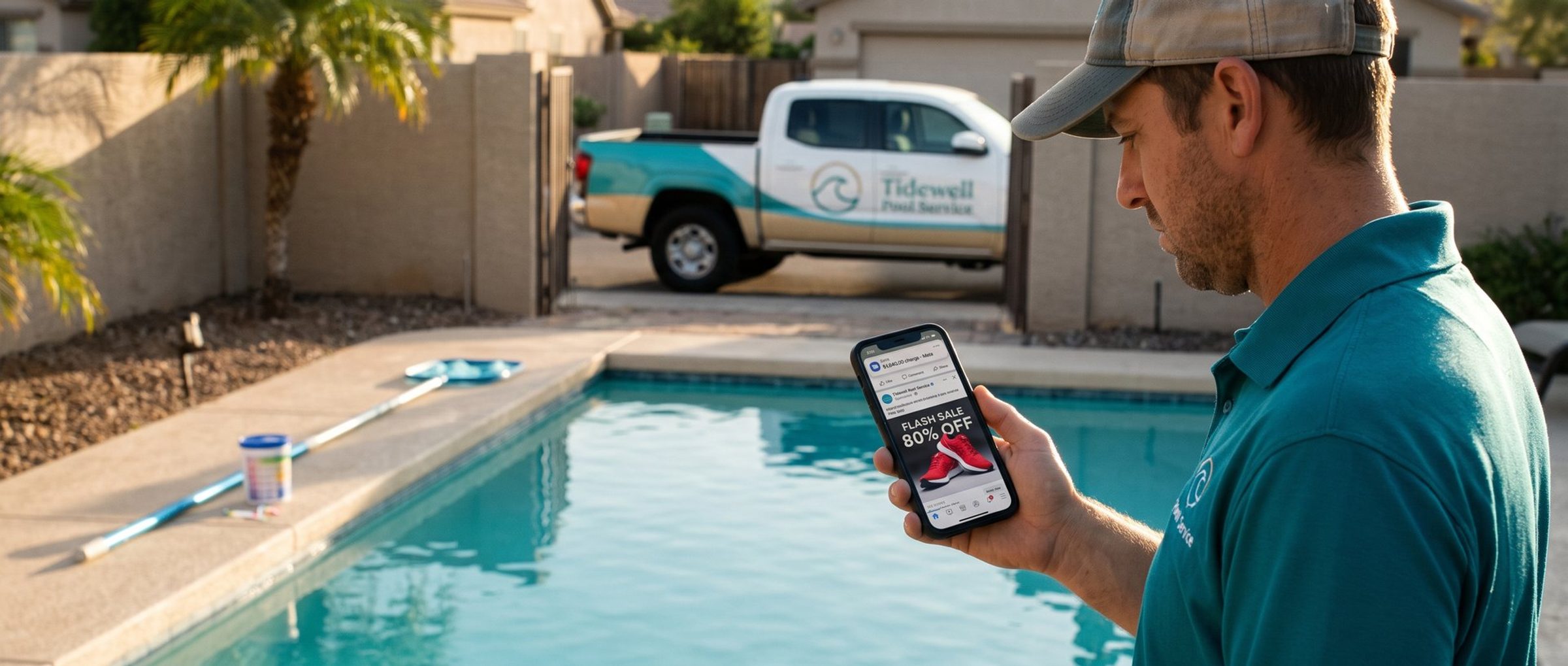
Say you own a pool service company, and at 7 a.m. on a Tuesday your phone buzzes with a card alert: $1,840 to Meta. You spend about $40 a day on Facebook ads. You open Ads Manager and find three campaigns you have never seen, selling sneakers you don't sell, to people in countries you don't serve. Your own ads are still running underneath them, quietly, as if nothing happened.
The instinct at that moment is to call the bank and start arguing about the money. That instinct is understandable, and it gets the order backward. Every hour the hacker still holds a login, they can keep spending, and every step you take to get money back works better once nobody else can touch the account. The money comes last. It also comes with a deadline most owners never hear about until it has passed.
Here is the order that works, built from Meta's own recovery pages and the way these takeovers actually happen.
Nobody Breaks Into Your Ad Account. They Log In as Someone You Trusted.
Hackers rarely crack an ad account directly. Meta says business compromises "typically occur when an individual account is hacked or accessed via malware or phishing scams." In plain terms, somebody with access to your business, you, your office manager, a former employee, gets tricked into typing their Facebook password into a fake page, or picks up malware that steals their saved login. From then on, the hacker is not breaking in. They are logging in as that person, with every permission that person had.
That matters for everything that follows. You are not hunting for a hole in the wall. You are looking for whose key was copied.
Meta lists four signs that a business portfolio (what Meta used to call Business Manager) has been taken over:
- New people or admins you never approved, or permissions that changed on their own.
- New or reactivated ad accounts and campaigns nobody on your team created.
- Sudden spend, invoices or charges you can't explain.
- Posts on your Page with copy, images or targeting that look nothing like your business.
One caution before you act. Meta also changes things when it spots trouble. Its billing help page says that when it sees suspicious activity, it may remove admins, pause your ads or change your payment methods to protect the account. So a missing admin or a paused campaign is not automatically the hacker's work. It may be Meta's lockdown. Check the activity history, covered below, before you undo anything.
A Spending Limit Stops the Hacker's Charges Faster Than Your Bank Can.
Stop the bleeding first. In Ads Manager, turn off every campaign, ad set and ad you did not create. Then go to your payment settings and set an account spending limit.
A spending limit is the most underused safety switch in Meta's billing. Meta describes it as "a flexible lifetime cap on the total money your ad account can spend across all ad campaigns you're running from the time you set it," and when spending reaches it, "your ads pause, and the account stops spending." Set it a little above what you have already spent and the account stops almost immediately, even if the hacker still has a login and tries to switch new campaigns on. One quirk to know: when the limit hits, your ads still show as active in Ads Manager, even though nothing is spending. Don't let that fool you into thinking the limit failed. And if your account is prepaid (it runs on funds you add in advance), you can't set a spending limit at all, so pausing the campaigns is your only brake.
While you are in Billing & payments, remove any card or bank account you don't recognize, and check that the billing address and contact email are still yours. Meta's recovery page lists all three as things to review.
Why not just block the card with your bank and be done? You should tell your bank, and Meta's own recovery page says to report unauthorized transactions to your bank and to Meta. But a blocked card on its own is a blunt tool. Meta's billing help says that when a payment fails, "your ads are paused and your ad account is disabled until you pay the amount due." That stops the hacker, and it also freezes your own ads until the balance, including the hacker's charges, is settled. (It is one of the quiet causes we cover in Facebook Ads Not Spending?) If your spring opening season leads come from that account, the spending limit stops the hacker without taking you offline at the same time.
Your Ad Account Kept a Record of Whose Login the Hacker Used.
Now find the copied key. Meta Ads Manager tracks every change made to your campaigns, ad sets and ads. Open any of the campaigns you didn't create and click Activity history on the right side. Meta says it shows "who made changes, what changes were made and when those changes were made," including budget changes and changes to the payment method on the account.
Look at the Changed by column. If the hacker's campaigns were created under your office manager's name, it was your office manager's Facebook profile that got taken, not the ad account itself. In one ad buyer's walkthrough of a hijacked account on YouTube, the history showed exactly whose login had pushed a single ad set to $25,000 a day, which told him which profile to lock down first.
Two details in that column trip people up. Changes made by your automated rules show the rule's name, so check your rules list for anything you didn't write. And Meta labels some changes simply as "Meta," which covers its ad review system but also, in Meta's words, "someone who has removed themselves or been removed from the ad account." A hacker who adds themselves, runs ads and then removes themselves can leave a trail that reads "Meta." If the dates line up with the unauthorized spend, treat those rows as the hacker's.
For the wider picture, Meta's recovery page points you to the Export option in the People section of your business portfolio settings, which downloads a history of who was added, which roles changed and which partners were given access.
Once you know whose login it was, act on that person in two places:
- In your business. Remove them, or drop them to the lowest access they need until their profile is secure. A profile with full control in a hacker's hands can undo everything else you fix.
- On their own profile. They run Meta's Security Checkup, change the password, and switch on a passkey or two-factor login. Meta recommends a passkey because it makes an account "less vulnerable to phishing." Codes from an authenticator app are a sound second choice; texted codes are the weakest of the three. They also log out of every session they don't recognize, remove browser extensions they didn't install, and scan the computer for malware. Skip that last step and a password stealer still sitting on the laptop can hand over the new password too.
Meta Will Give a Locked-Out Owner Control Back. It Won't Remove the Hacker for You.
Sometimes there is no Ads Manager to open, because the hacker removed you. The way back depends on who still has access.
If your own Facebook profile was taken, start at facebook.com/hacked. Meta says to do this "on a device that you have used to log into Facebook before," since a familiar phone or laptop helps prove you are you. Once your profile is back, report the business compromise through Meta's Business Support Home.
If someone on your team still has access, they can file the support request on your behalf, and if they still have full control of the business portfolio, they can remove the hacker themselves. Remove everyone you don't recognize, then remove any partner business you didn't add. A partner business is a back door: it keeps its access to your assets even after the hacker's personal login is gone.
If nobody has full control anymore, you can ask Meta to hand it back. Meta's help page for these requests lists "No one has full control of the business portfolio" as one of the situations that qualify. You will need three documents: an ID for the person asking, a document proving you own the business, and a signed attestation letter, each as a PDF, JPEG or PNG that hasn't been altered. You submit them from a support chat in Business Support Home, choosing the issue Business Manager admin dispute.
Read the last line of that page twice. If Meta approves you, "existing people will not be removed from the business portfolio." You get the keys back. The hacker keeps theirs until you take them away, so your first job after approval is the same cleanup as above.
Expect some friction while Meta reviews the account. Its recovery page warns it may limit spending, lock the ad account, pause ads, or stop you from adding users and creating ad accounts until the investigation is done. That is annoying, and it is also the protection working. If your business pays for Meta Verified, use its support channel: the business plans include chat and email support, and the higher tiers add phone call requests from support agents.
One shortcut to avoid: opening a brand new ad account to get your ads running again. The new account is tied to the same people, cards and business, and it does not fix the compromise. We explain why in A Second Ad Account Will Not Fix Your First One.
You Get 30 Days to Dispute the Hacker's Charges. The Clock Starts at the Charge, Not When You Notice.
With the account locked down, now the money. This is where most owners lose out, not because Meta says no, but because they waited.
Meta's payment terms, last updated July 30, 2026, say that if you believe an unauthorized transaction happened on your account, you agree to notify Meta immediately. Then comes the line that matters: "Unless you submit the claim to us within 30 days after the charge, you will have waived, to the fullest extent permitted by law, all claims against us arising out of or otherwise related to the transaction."
Thirty days after the charge. Not thirty days after you noticed it, and not thirty days after you got the account back. If the hacker started small two weeks before the big $1,840 charge, the clock on those early charges is already half gone. That is why this step can't wait for a full recovery, even though it comes last in the order. If the lockout is dragging on, file the claim anyway.
Build the claim from Meta's own records. In Billing & payments, open Payment activity and click the Transaction ID of each charge. Meta's receipt shows how much you paid, when, which payment method, and which ads the money went to. Match those receipts to the campaigns you didn't create, then send Meta the list through the payment support link on its unrecognized-activity help page, which says simply, if you believe someone hacked your ad account, "please let us know." Include the transaction IDs, the names of the campaigns that weren't yours, and the activity history showing who created them.
Then keep your expectations honest. Meta publishes no rule for refunding hacked ad spend and no timeline. Its terms say a refund may go back to the card you paid with, and that Meta reserves the right to decline a refund or give you ad credit instead. The ad buyer in that YouTube walkthrough put it plainly: the money spent "probably can't be returned, but we never know." Some owners get it back. Many get credit. A claim filed on day 45 gets nothing.
What about a chargeback through your card issuer instead? Tell your bank about the fraud the day you find it, both so they can watch the card and because Meta's own recovery steps say to. A formal chargeback is a separate decision. Meta's terms make you "responsible for chargebacks, and associated fees," and let Meta offset those costs against your account. So file with Meta first, ask your bank what its dispute deadline is, and if that deadline gets close with no answer from Meta, make the call with the bank's date in front of you rather than letting both windows close.
One Stolen Login Can Hand Over Your Whole Meta Account. A Second Admin Can Take It Back.
Once the dust settles, close the door the hacker came through. Every one of these settings lives in your business portfolio, and most take a few minutes.
Give two people full control. Meta recommends, though it doesn't require, that two active people hold full control of a business portfolio. It calls this "second admin approval": sensitive actions, like changing the access of someone with full control or sharing a credit line, need a second person to approve them. It also means someone else still has top-level access if one of your logins is ever taken, which is exactly the situation where a one-admin business ends up mailing ID documents to Meta. Keep the list short. Meta suggests 10 or fewer people with full control, and for a small business two is usually right.
Turn on peer approval with a budget line. Meta's peer approval makes a trusted person review an ad before it can run. The setting called Custom protection requires approval on any ad published above a budget you choose, and Meta recommends it for accounts "that want to keep spend under control in cases of compromise or errors." Set the line just above your normal daily spend, and a hacker's $1,000-a-day campaign sits waiting for your approval instead of running. Two limits to know: ads published by people with full control skip the review, which is one more reason to keep that list short, and people who haven't been active on the ad account for 90 days can't act as reviewers.
Clean out old access. Meta's own security recommendations say to remove people who haven't logged in within 90 days, remove anyone without a passkey or two-factor login until they set one up, remove people on public email domains like Gmail whose addresses aren't tied to your business, and close ad accounts that haven't run ads in the last year. Bad actors, Meta says, target exactly those: the forgotten login and the dormant account nobody is watching.
Give your agency its own access, never your login. If someone runs your ads for you, they should come in as a partner business with their own permissions, not by logging in as you. A shared password is a stolen password waiting to happen, and when the relationship ends, partner access is one click to remove. If you are not sure whether you or your agency actually owns the account, find out before you need the answer: we cover it in Your Ad Account Is Not Yours. And for the other way small businesses lose an account, an enforcement restriction rather than a hack, see Meta Rejected Your Ad. That Is Not the Emergency. Losing the Account Is.
A Hacked Ad Account Is a Lockout Problem First. The Money Comes Second.
A hacked ad account feels like a money problem, so owners treat it like one and start with the bank. Run it in order instead. Cap the spending so the charges stop. Read the activity history to find whose login was used. Secure that profile and remove the intruder, or ask Meta for control back. Then file the claim with your transaction IDs inside 30 days of each charge, and tell your bank what happened.
None of it is technical. It is mostly knowing which screen holds which answer, and doing the steps before the deadline. If you would rather have someone watching the account so the next strange charge gets caught on day one, keeping that watch is part of our Facebook ads management, and we always work through partner access, never your password.