
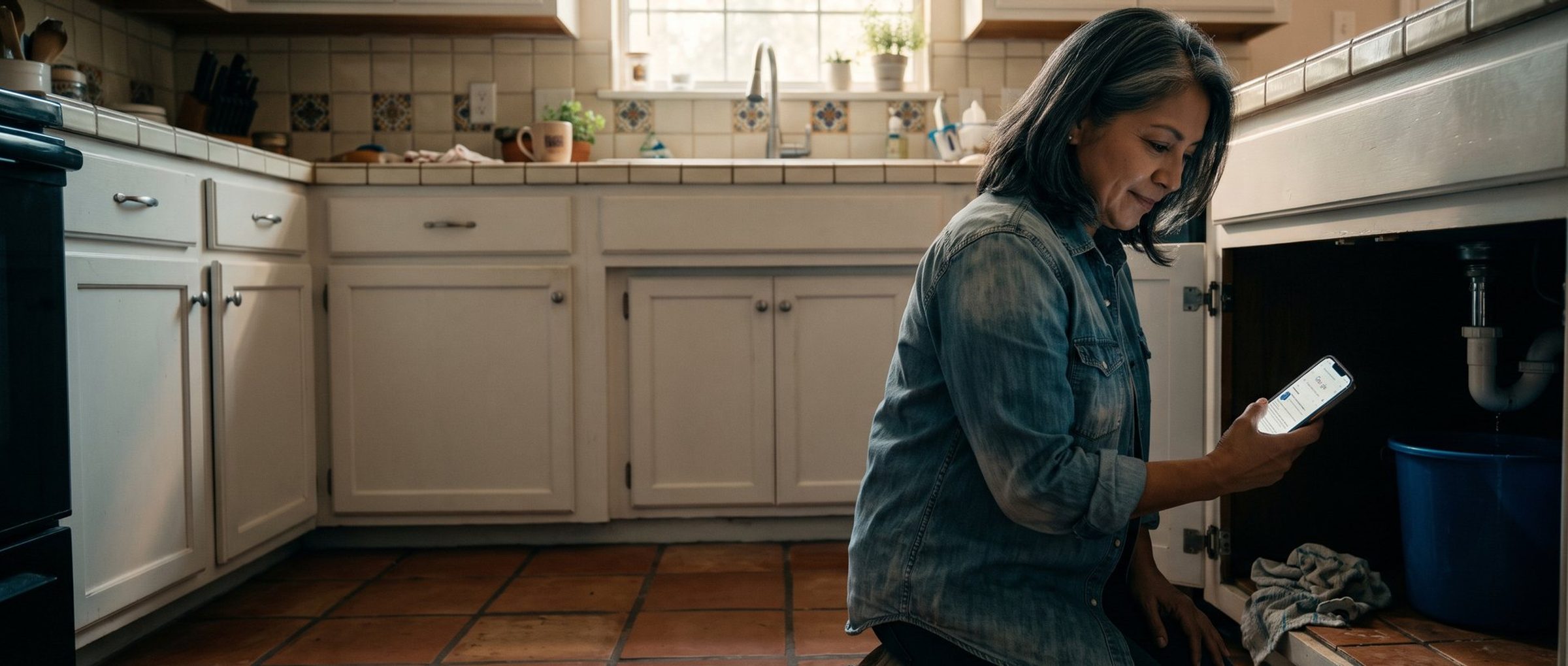
A plumbing company in San Antonio set up its Google Ads campaign years ago, ticked two boxes under Languages, English and Spanish, and wrote every ad in English. The owner believed that covered both halves of the city. This fall the Languages line vanished from the campaign settings, and Google's help page says, in its own words, "No action is required by advertisers for this change."
For a business whose customers all read English, that is true. For this plumber, it is the wrong lesson. The setting never did what he thought it did, and the change makes something else plain: in Google Ads, the language your ad and landing page are written in now decides who sees them. Nothing else does.
That matters to a lot of small businesses. In the 2024 American Community Survey, 44.9 million US residents age 5 and older speak Spanish at home, and 18.4 million of them say they speak English less than "very well." An English ad is not written for those 18.4 million people, and no setting ever made it so.
Here is what changed, how Google picks the language of the ad it shows, and what a business with Spanish-speaking customers should set up instead.
The Language Box Never Blocked Anyone. Most Owners Thought It Did.
Google first said in 2025 that the campaign-level language setting would leave Search campaigns by the end of that year. It missed that date. On August 14, 2026, Google's Ads Product Liaison, Ginny Marvin, announced the removal would start in September for Search campaigns and for the Search part of Performance Max. On November 3, a Google Ads consultant posted a screenshot of a Search campaign's settings with no language line at all, and PPC Land reported on November 8 that the setting was gone from live accounts. Google has not given a completion date, so a few accounts may still show it for now.
To understand why it barely matters for some advertisers and matters a lot for others, look at what the box actually did. It checked whether the languages you picked matched a language the searcher used. That was one filter among several. It was never an exclusion list. In the August announcement, Marvin wrote that language exclusions "are already not supported (e.g. leaving a language unselected doesn't mean it's excluded)." Leaving Spanish unticked never kept your ads away from Spanish speakers, and ticking it never made your English ads reach them.
So picture the setup most small businesses ran. One campaign. English and Spanish both ticked. Every headline and description written in English, sending people to an English page. That campaign reached bilingual customers, who could read the ad anyway. It mostly missed the customers who read Spanish far more comfortably than English, because Google also checks whether a person can understand the ad they are about to be shown, and an English ad fails that check for them.
The plumber in San Antonio was never reaching his Spanish-speaking customers through that box. The box just made it look like he was.
Google Now Favors Your Spanish Ad When Someone Searches in Spanish.
With the setting gone, Google's help page lays out what it checks instead. There are two parts worth knowing.
Can this person understand the ad and the page it opens? This check existed before and it stays. Google looks at the language of your ad and your landing page and compares it with the languages it believes the searcher understands. Its definition of a person's languages is broad: "any of the languages the user set, regularly interacted with, or searched in." Someone whose phone is set to Spanish but who searches in English half the time counts as understanding both.
When more than one of your ads would work, which language wins? This is where the new rule sits. If the search has a clear language, Google now favors the ad and landing page written in that language. A search for "plomero de emergencia" pulls your Spanish ad ahead of your English one. If the search has no clear language, such as a brand name or a product model number, Google falls back on the searcher's most preferred language.
Two things follow, and both surprise people.
First, an English ad can still show to a Spanish search. Google's own example on the help page describes a woman named Pat who understands English and Spanish and keeps her phone in Spanish: "Pat may also enter a query in Spanish and be served an ad in English." If you only have English ads, bilingual customers searching in Spanish can still see them. That is fine as far as it goes.
Second, the new priority rule only helps you if you have a Spanish ad for Google to pick. If you have none, there is nothing to favor. The rule rewards businesses that already did the work and does nothing for the ones that ticked a box and stopped there.
An English Ad With "Hablamos Español" in It Is Still an English Ad.
The quickest fix owners reach for is a headline that says "Hablamos Español" or "Se Habla Español" in an otherwise English ad. It is a good sentence to have somewhere. It does not change what language the ad is in. Google reads the ad as a whole, and fourteen English headlines with one Spanish one is an English ad.
Now think about who each kind of ad can reach.
A customer who reads only English sees your English ad and never your Spanish one.
A bilingual customer can be shown either. When they search in Spanish, Google now leans toward your Spanish ad. When they search in English, your English ad.
A customer who mostly reads Spanish is the one an English ad fails. Google checks whether the person understands the ad and the page it opens. A Spanish-dominant searcher fails that check on an English ad, so the ad isn't shown, or it's shown and the person scrolls past it. Either way the click goes to whoever wrote in Spanish.
The landing page is part of that check, which is the piece most businesses skip. A Spanish ad that opens an English page asks the reader to switch languages at the exact moment they are deciding whether to call. Google also looks at the page when it decides whether the person understands what you are offering. A translated ad pointing at an English page is half a Spanish campaign.
Two more points. Google said plainly in its August announcement that it does not translate your ads, so whatever language you write in is the language that runs. And mixing languages inside one ad group, some English headlines and some Spanish, gives Google a muddled signal about who the ad is for, which is why practitioners tracking this change advise keeping each ad group in one language.
Spanish-Speaking Customers Need Their Own Campaign, Ads and Page.
If Spanish-speaking customers are a real part of your business, give them a real campaign. Here is what that looks like for a small local business.
A separate Spanish campaign. Not because a campaign can target a language anymore, since it can't, but because a separate campaign gives you its own budget and its own numbers. When the Spanish side books six jobs in a month and the English side books forty, you want to see both numbers, not a blend. Marvin said in August that single-language campaign structures, separate English and Spanish campaigns being her example, keep working exactly as before.
Keywords the way people actually search in Spanish. Do not run your English keyword list through a translator. People search the way they talk, so the words change by region and by trade. Someone in South Texas may search "plomero cerca de mí" or skip the accent and type "plomero cerca de mi." Someone else types "destapar drenaje" instead of anything that translates to "drain cleaning service." Start with the obvious terms, then let the search terms report tell you what real customers type, and add those.
Spanish ads that are actually written in Spanish. Every headline, every description, the sitelinks and the callouts. If the offer in your English ad is "Same-day service, no trip charge," your Spanish ad needs the same offer, written by someone who would say it that way out loud.
A Spanish landing page. A real page, not a pop-up translator. It should match the ad the person just clicked, list the same services and the same offer, and show the phone number that rings a Spanish speaker.
Someone who answers the phone in Spanish. This is the part that decides whether the campaign pays for itself. A Spanish ad that rings a front desk where nobody speaks Spanish is a paid introduction to a frustrated caller. If nobody on your team can take that call during the hours the ads run, fix that first, or schedule the Spanish campaign only for the hours when someone can.
A budget the campaign can live on. A second campaign splits your money and your data. A small Spanish campaign that brings in a handful of leads a month gives automated bidding very little to learn from, which is the trap we walk through in You Organized Your Google Ads Account. You Starved It. Fund it so it can produce enough calls to judge, keep the bidding simple until it has a track record, and review it on a monthly view rather than week to week.
Google's Translation Tool Writes the Ads. Someone Who Speaks Spanish Still Has to Read Them.
Google has a shortcut for part of this. In October a beta tool called AI campaign localization started appearing in Google Ads. It takes an existing Search campaign written in US English and builds a copy in one of 10 target languages, including Spanish for Latin America and the Caribbean.
What it does, according to Google's help page for the tool:
- It creates a brand-new campaign. Your original is never changed.
- It translates the headlines, descriptions, sitelinks, callouts and keywords.
- It removes text baked into images and moves the translated message into separate text.
- It copies the budget and bids exactly, with no adjustment.
- It publishes the new campaign paused, so nothing runs until you switch it on.
- For review, it shows each original line, the translation, and a translation back into English, and Google says "You don't need prior knowledge of the target language to review your new campaign."
That last line is where we disagree with Google. Reading a translation back into English tells you the meaning survived. It does not tell you whether the Spanish sounds like a real business or like a machine, whether it uses the words your customers use, or whether the tone is right for your area. A customer can tell in one line. Use the tool to get a first draft fast, then have a native Spanish speaker read every headline before you turn it on.
Two more limits worth knowing. The tool only works on campaigns written entirely in US English, so a campaign that already mixes English and Spanish keywords can't be copied. And the copied budget is your English budget, so lower it to what you actually planned to spend on the Spanish side before you turn the campaign on.
The tool also offers a script for your website that translates the landing page on the fly when someone clicks the ad. Nobody reviews that translation, including you, and it runs as new code on your site. Build a real Spanish page instead. It is the page your customer reads before they decide to call.
Performance Max Kept the Language Setting Everywhere Except Search.
If you run Performance Max, the change is split down the middle. According to Google's help page, the campaign's language setting "will no longer apply to ads shown on the Google Search Network," where it behaves like a Search campaign and matches on the language of your ads. But the setting "will continue to apply to other channels within your Performance Max campaign, such as YouTube, Display, Discover, and Gmail." Shopping ads inside Performance Max ignore the language setting entirely.
So one campaign now follows two sets of rules. On Search, the words in your assets do the work. On YouTube and Display, the box you ticked still counts. If your Performance Max campaign has English assets and Spanish ticked, its YouTube and Display ads can still be shown to people Google thinks read Spanish, in English. Set the language list deliberately, match it to the language of the assets, and if you want Spanish across every channel, build a separate Performance Max campaign with Spanish assets. We are cautious about Performance Max for small accounts in general, for reasons covered in Performance Max Isn't Your Smartest Campaign. It's Google's.
One loose end. At least one practitioner reported in November that the language setting still appears in Google Ads Editor for Search campaigns even after it disappeared from the web interface. Google's help page doesn't mention Editor, and Google hasn't said what a value set there does. Don't rely on it. If it's still showing in Editor, assume it does nothing for Search.
Your Old "English and Spanish" Campaign Still Reaches Only Customers Who Read English.
If you set up your account a while ago, there is a good chance it still carries the old setup. Here is what to check, in about the time it takes to drink a coffee.
1. Find campaigns that used two languages. In accounts where the setting is gone, you won't see it anymore, so check the account's change history or ask whoever set it up. Any campaign that once had English and Spanish both selected was built on the old assumption.
2. Check what language each ad group is actually written in. Open the ads. If an ad group mixes English and Spanish headlines, split it into two ad groups, one per language. If everything is in English, you have no Spanish ad for the new priority rule to favor.
3. Look for Spanish searches in the search terms report. Spanish searches already triggering your English ads are a sign of demand you are reaching badly. They are also your starting keyword list for a Spanish campaign.
4. Check the page behind every Spanish ad. A Spanish ad should open a Spanish page that matches it. If it opens the English homepage, fix the page first. The same rule applies in any language, and we go into it in Your Page Should Look Like the Ad They Just Clicked.
5. Call your own number and ask for help in Spanish. Do it during the hours your ads run. Whatever happens on that call is what happens to every Spanish-speaking customer you pay to reach.
While you are in the account, two more quick checks. Look up which competitors in your area already run Spanish ads, which takes a few minutes using the method in Your Competitors' Google Ads Are Public. Read Them Before You Write Yours. And check your location settings, since a setting nobody touches is often sending ads to people who only searched about your town, as we explain in Your Google Ads Reach People Who Only Searched About Your Town. One Setting Stops It.
Spanish-Speaking Customers Don't Need a Google Ads Setting. They Need an Ad Written in Spanish.
Google took a setting away and said nothing needed to change. For most English-only businesses, that is right. For any business with Spanish-speaking customers, the change makes something clear that was true all along: Google decides who sees an ad by the language it is written in, and the only way to reach someone who reads Spanish is to write to them in Spanish, on the ad, on the page and on the phone.
The plumber in San Antonio doesn't need a new setting. He needs a Spanish campaign with its own budget, Spanish ads written by someone who talks like his customers, a Spanish page, and a person who picks up and says "Bueno." That is a weekend of work and a few weeks of watching the numbers.
If you would rather have that built and run alongside your English campaigns, it is everyday work for our Google Ads management team. And if you would rather do it yourself, start with step five above. Call your own number in Spanish today.