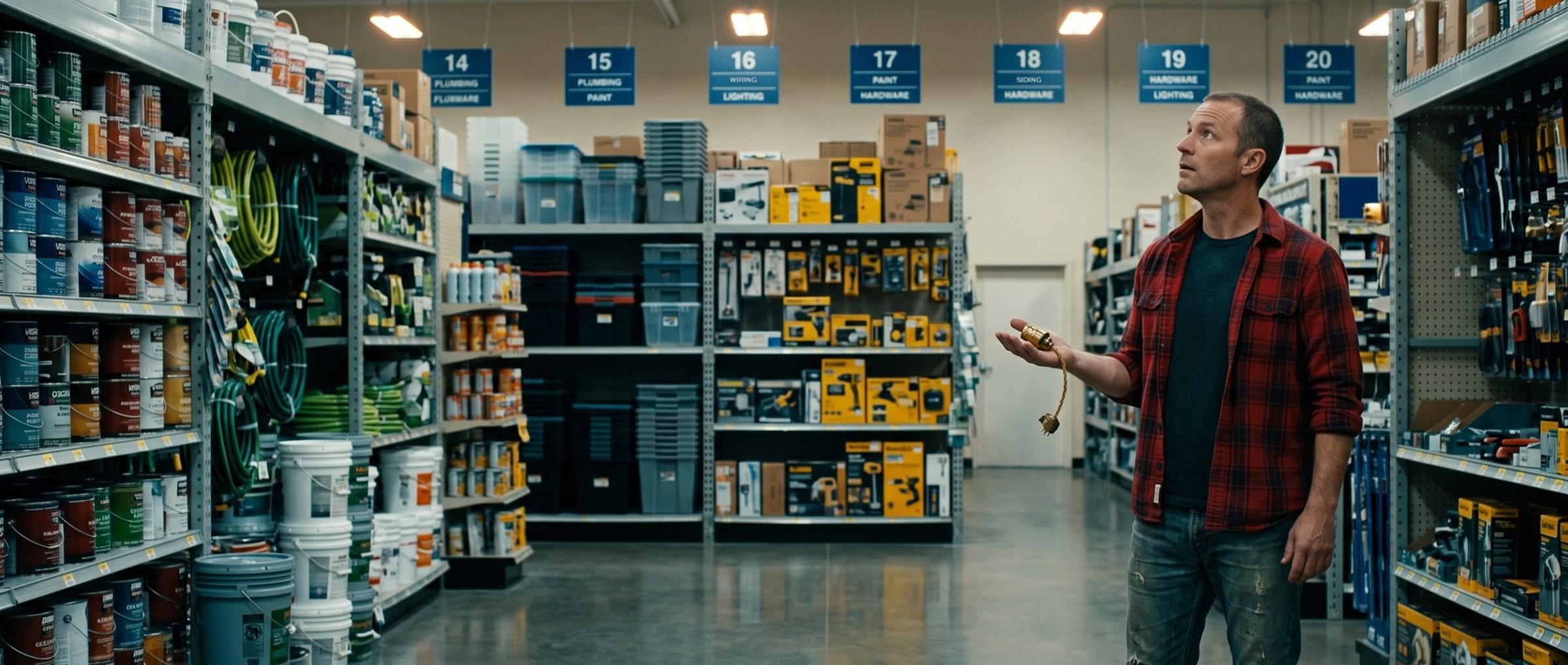
Someone searches "move-out cleaning." Your ad shows up, they tap it, and they land on your home page: a photo of a sparkling kitchen, a paragraph about your values, a menu with seven links. Somewhere in there, maybe, is the move-out service they asked about. Plenty of people won't dig for it. They'll hit the back button and tap the next ad.
Google has a name for a page that doesn't match: landing page experience. This chapter is about the two things Google grades besides your bid, how well your ad matches the search and how well your page matches the ad, and why a small business with one home page and one big ad group pays for both.
Google Scores Your Ad and the Page It Lands On. A Home Page Can't Answer Every Search.
Every time your ad is eligible to show, Google runs an auction and gives your ad an Ad Rank. Google names six inputs. For a cleaner or a candle shop they boil down to this: what you bid, whether your ad and page are any good, whether you clear Google's quality minimum, who else wants the spot, the searcher's situation, and whether your phone number and extra links make the ad more useful.
Beyond the bid, one of those six is about you directly: the quality of your ad and page. Google weighs the page partly by how well it follows from the ad that was clicked and how easy it is to get around. The reward, by Google's account, is often a lower price per click.
There's no published formula, whatever a YouTube video tells you. The only peek Google offers is Quality Score. It grades three things: whether people are likely to click your ad (expected clickthrough rate), whether the ad fits what they meant (ad relevance), and whether the page they land on is useful and on topic (landing page experience).
Read those three together and the problem with a single home page is plain. A home page is written for everyone. A search is written by one person who wants one thing. The closer the ad and the page get to that one thing, the better all three parts look.
Six of 12 Small Advertisers Show the Same Bare Home Page Address in Every Ad.
We read the Search ads of the 12 small businesses in this guide's sample in Google's Ads Transparency Center. Half of them, six of 12, show only their bare domain, or no address at all, in every ad: no path after it, nothing that points to a service, a class or a product. Across all 12 we counted just 20 distinct display addresses, home pages included.
One caution about that count. The address an ad displays is typed text, and it doesn't have to match where the click goes. We didn't click the ads, so this shows what the ads display, not where every click lands. Still, an ad that shows only a home page address is often an ad built around the home page.
It's an easy habit to fall into. The home page is often the page you spent the most time on, and usually the least specific.
Seven of 12 Small Advertisers Ran Ads Promising Something Their Website Didn't Say.
The page has a second job: keeping the promise the ad made. Seven of the 12 businesses ran at least one ad line that their own website didn't state, contradicted, or that other public records didn't back up. A few examples, without naming anyone:
- An ad headline said "From $199." The site's lowest listed prices were $129 for one service and $399 for another.
- An ad and its booking page both promised "100+ 5-Star Reviews," while Google showed 80.
- An ad offered help for "grades 1-6." Everywhere on the site, the service was described as grades 1 through 12.
- An ad invited people to "Read Blog." The site had no blog.
None of these are scandals. They're the kind of mismatch that happens when ads and the website are written separately. But to the person who clicked, a price that doesn't match or a claim that isn't on the page can read as a bait and switch, and many leave.
Splitting One Big Ad Group Into Tight Themes Is Google's Own Fix for Weak Ad Relevance.
The fix starts in the account, not on the website. An ad group bundles keywords that all show the same ads. If one ad group holds "move-out cleaning," "office cleaning" and "weekly house cleaning," no single ad can speak to all three, and no single page can answer them.
Google's own advice, when ad relevance comes back weak: "Look for ad groups with many different keywords that can't be easily addressed by the same ad. Split these ad groups into multiple ad groups that are a better match to the user's searches." And: "Try grouping your keywords into themes to increase relevance. These themes can be based on your products, services, or other categories."
For a small account, that usually means one campaign with many small ad groups. David Smania, BrandRocket's founder, sketched it for a service business spending around $1,000 a month: one lead-generation campaign with "10 to 20 ad groups that just have like two or three different keywords" each. Each ad group gets ads written for its theme and a page that matches it.
Which keywords go in which group is Chapter 5's job. This chapter's point is the shape: one theme, one ad, one page.
A Small Business Needs a Page per Service, Not a Page per Keyword.
You don't need a hundred landing pages. You need one page for each theme your ad groups are built around. What that looks like depends on how you sell:
- A local service business needs a page for each service it advertises: move-out cleaning, deep cleaning, recurring cleaning; drywall repair, fixture installs, small remodels.
- A professional service needs a page for each kind of client or problem: bookkeeping for a particular industry, tutoring for a particular need.
- An appointment or class business needs a page for each class, lesson or service people search for, even when booking happens in a separate tool. The page before the booking button still has to match the search.
- An online store's best landing pages are usually category or product pages; the Ecommerce guide's landing page chapter covers why.
Each page should say, near the top, the same thing the ad said: the service, the price if the ad named one, the offer, the area you serve. Then it should make the next step easy, whether that's a phone number someone can tap, a short form or a booking button. If you serve several towns, the Local Businesses guide covers location pages in depth.
Quality Score Is a Warning Light on the Dashboard, Not the Price of Your Click.
After your ads have run a while, each keyword gets a score out of 10, and each of the three ingredients gets a rating from below average to above average. It's tempting to chase the number. Google tells you not to. Its own help pages say the score itself isn't used in the auction, though live versions of the same three parts do feed it. Treat the score as a dashboard light for you, not a dial to turn.
Use it the way you'd use a warning light: look at which part is lit, and fix that part.
- Low expected clickthrough rate: people see the ad and pass on it. Rewrite the headlines around what the searcher typed and what makes you the obvious choice (Chapter 8 covers ad copy).
- Ad relevance below average: the ad doesn't match the searches, often because the ad group is too broad. Match the ad's wording to the searches, and split the group as Google suggests above.
- Landing page experience below average: the page doesn't answer the search, or doesn't keep the ad's promise. Send that ad group to a page that matches it, and check the page on a phone.
A "—" in the Quality Score column means, in Google's words, "there aren't enough searches that exactly match your keywords" to score them yet, which can happen when your keywords get few searches. That's not a problem. The parts still tell you where to look once they appear.
Five of 12 Small-Business Websites Still Had Placeholder Text Live, Like "123 Main Street."
There's a simpler page problem than relevance, and it was common in our sample. Five of the 12 websites still had leftover template text where a visitor could see it: a template email address in a link, a platform error message in a newsletter box, a 404 page reading "123 Main Street, City, State 11111," empty menu items, and "[BUSINESS NAME]" in a form's consent line. Two more linked from their menus or buttons to their own missing page.
A small business usually builds its site once, from a template, and then gets back to work. That's normal. But every one of those leftovers is a moment where someone who just clicked a paid ad wonders whether anyone is home. Before you send paid traffic to a page, read it top to bottom on your phone the way a stranger would.
Next: Google's Free Keyword Tool Suggested Candle Warmers to a Store That Sells None.
Your ad groups now have a shape: one theme, one ad, one page. Chapter 5 fills those groups with keywords from Keyword Planner, Google's free tool, and explains why every idea it offers gets read before it goes anywhere.
Every chapter, from tracking to budget, bidding by hand and when to hire help, is on the guide's home page.
When we take on an account through Google Ads management, we map every ad group to a page before a single ad is written, and flag pages that need building first. Doing it yourself? List your ad groups in one column and the page each one sends people to in the next. Any row that says "home page" is where to start.