
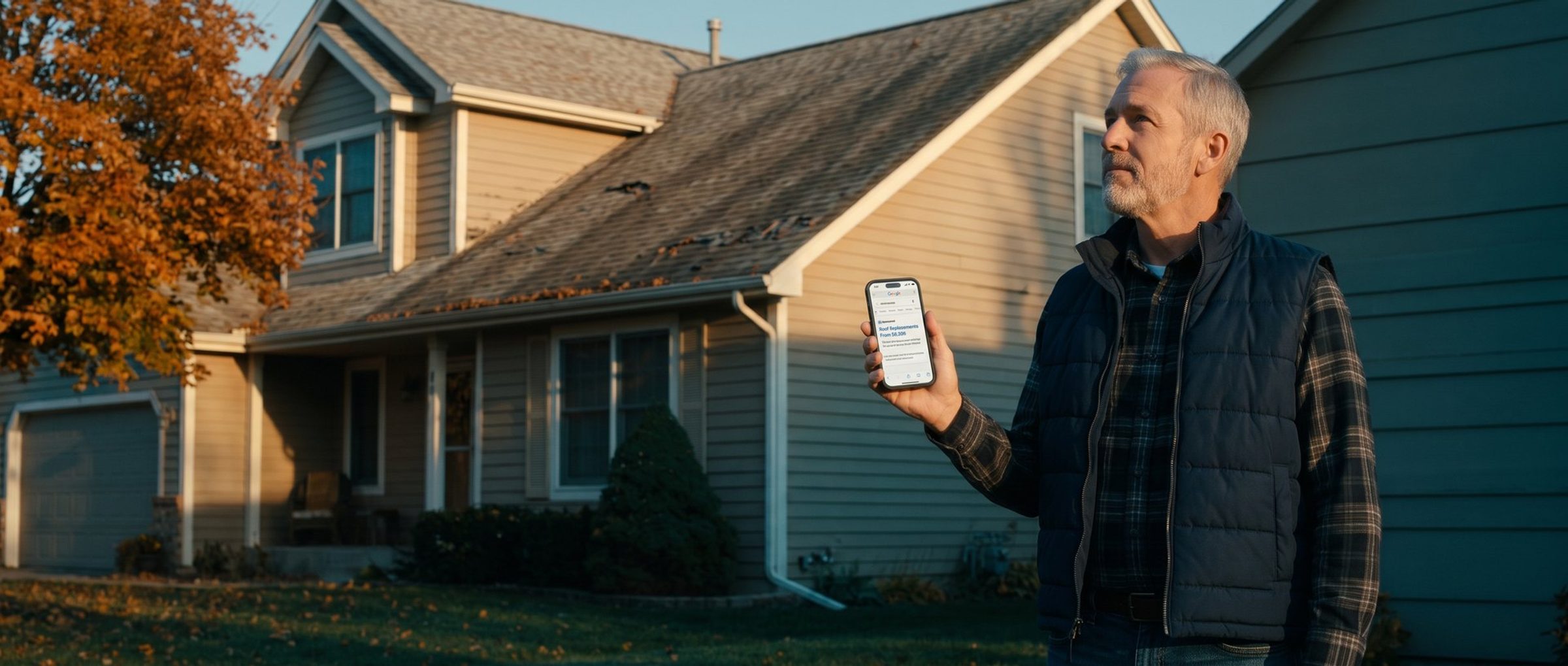
You pay for the click either way. A Google Ads lead from someone who wants a job, lives two counties over or expected the work for free costs exactly as much as a lead from a homeowner who is ready to sign. The account counts both as conversions, and Smart Bidding goes out next week to find more of each.
So how do you get better leads from Google Ads? Stop treating junk as one problem. Junk leads come in a handful of distinct kinds, each one gets in through a specific door, and Google Ads has a control on every one of those doors. The cheapest place to turn the wrong person away is before they click, because then they cost nothing. The next cheapest is before they submit, because then they cost you a click but none of your time. And the controls on the far end, the ones that decide what Google counts as a lead, are what keep the junk from coming back.
This article walks through all of it in that order. We'll use one business the whole way: a residential roofing company that replaces roofs in three counties, doesn't do commercial work, doesn't do small patch jobs, and wants homeowners who are ready to get an estimate.
Junk Leads Come in Six Kinds. Each One Gets In Through a Different Door.
Pull up the last month of leads and sort them. Not into good and bad, into kinds. Almost every junk lead a small business gets from Google Ads falls into one of six groups.
Job seekers. Someone searched "roofing jobs near me" or "roofer hiring," your ad showed, and they filled in your quote form because it was the only form on the page. They came in through the search.
The wrong service. A property manager wants a flat roof on a strip mall, or a homeowner wants one shingle replaced after a windstorm. Your roofer does neither. They came in through a search that was close to your service but not your service, and through an ad that never said what you don't do.
Outside your area. They live 60 miles away, or they searched about your town from another state. They came in through the location setting.
Bargain hunters. They want the cheapest roof in the county and will collect five quotes to find it. They came in through an ad that said nothing about the size or kind of job you take.
Vendors and salespeople. Someone selling SEO, a lead list or a truck wrap uses your form as a free inbox. They came in through the form, and there is no search to block, because they found you, not your ad.
Bots. Automated form fills with fake names and phone numbers that don't connect. They came in through the form too.
Notice what that sorting does. "Our Google Ads leads are bad" is a complaint nobody can act on. "A third of last month's leads were outside our service area" points straight at one setting. The diagnosis tells you which door to work on, and it keeps you from changing five things at once when one of them was the problem.
Most Junk Leads Start in the Search, Not the Ad.
Three of the six kinds, the job seekers, the wrong service and much of the out-of-area traffic, are decided before your ad is even written. They are decided by which searches you let your ad show on.
Your keyword is not the search. When you add "roof replacement" to a campaign, Google shows your ad on searches it judges to mean the same thing, and with broad match that net is wide. The record of what people actually typed lives in the search terms report, under Insights and reports. Open it, set the date range to the last 90 days, and read down the list looking for the kinds above. Expect to find more than you'd like. Google also hides a large share of searches from that report, and you can still see what's in them through the route we cover in Google Ads Hides About Half the Searches You Pay For.
The fix is a negative keyword list, and the useful way to build one is by kind, not one search at a time:
- Job seekers: jobs, job, hiring, careers, salary, apprentice, employment, "how much do roofers make"
- Do-it-yourself: how to, diy, yourself, tutorial, youtube
- Free: free, but think before you add it. "Free estimate" is one of the best searches a roofer can get, so block "free" as a single word only where it doesn't sit in front of estimate, quote or inspection, or use phrase-match negatives like "free roof" instead.
- Wrong service: commercial, flat roof, repair, patch, leak, whatever you genuinely don't do
- Outside your area: the names of towns and cities you don't serve
Put those in one shared negative list and apply it to every campaign, so a new campaign never launches without it. We go much further into building and pruning negatives in You're Paying Google for Searches You'd Never Choose.
Here's what a closed door looks like. We checked the 22 Google Ads accounts we run that bought search clicks over the last 90 days. Twenty of them block job searches, all 22 block do-it-yourself searches, and 21 block "free" in some form. Across $90,769 of spend on the searches Google showed us, job, do-it-yourself and "free" searches cost $379 together and brought in one conversion. That's about four-tenths of a percent. Those searches still get through occasionally, because new phrasings appear every week, but they stopped being a budget line. An account without those lists pays for them every day.
The location door needs two checks. First, the setting under Locations in each campaign: Google's default shows your ad to people who are in your area or have merely shown interest in it, and the second half of that is how a homeowner two states away who looked up your town ends up on your call list. Switch it to people in or regularly in your locations. We explain the setting and what it costs in Your Google Ads Reach People Who Only Searched About Your Town. Second, the size of the area itself. Owners tend to draw the radius around where customers have ever come from, including the one job a referral sent from an hour away. Draw it around where people actually pick you from a list of strangers on Google, which in a city is usually much tighter.
The Right Google Ad Gets Fewer Clicks and Better Leads.
The bargain hunters and most of the wrong-service leads get past a clean search list, because their searches look exactly like your best customers' searches. "Roof replacement cost" is typed by the homeowner with a 25-year-old roof and by the one who wants the lowest bid in town. Only the ad can tell them apart, and it does that by saying something that makes the wrong person decide not to click.
We made the case for writing ads that turn people away in Most Google Ads Advice Wasn't Written for a Local Business. The idea is right. What that piece doesn't cover is the mechanics that decide whether your filter line ever appears, and that's where most attempts quietly fail.
A responsive search ad is not one ad. You give Google up to 15 headlines and 4 descriptions, and it assembles a different combination for each search, showing three headlines at most and often fewer on a phone. Write "Full Roof Replacements Only" as headline nine and it may show on a small fraction of searches, or almost never, because Google picks the combinations it predicts will get the most clicks, and a line written to reduce clicks is not what it predicts.
Pinning fixes that. Pin the filter line to headline position 1 or 2, and Google's own help page says content pinned there "will always show." Position 3 and description 2 are not guaranteed, so a filter pinned there is a filter some people never see. Pin two versions of the line to the same slot if you want Google to test wording.
The cost is real, and you should go in knowing it. Google's help page also says pinning "isn't recommended for most advertisers and can affect ad strength." Your Ad Strength rating will likely drop a notch or two, and the dashboard will nag you about it. Ad Strength grades how much variety Google has to mix and match. It doesn't measure whether the ad brings in customers, which is the whole argument of Ad Strength Decides Which Google Ad Gets Shown. Take the lower rating.
Which lines actually filter? The test is simple: would the wrong person read it and decide not to click?
- Job size or minimum: "Roof Replacements From $9,500." The person hoping for a $400 repair stops here.
- What you don't do: "Residential Roofs Only" or "No Repairs or Patch Jobs." Short, blunt and very effective.
- Where you work: "Serving Hall County Homes." A county name does more work than "local," and a description line has room for all three.
- Who you're for: "Roof Past 20 Years? Read On." The homeowner with a new roof and a leak scrolls on.
Headlines cap at 30 characters, so every one of those is written to fit.
And lines that feel like filters but aren't: "Licensed and Insured," "Family Owned," "5-Star Rated." Everyone claims them, nobody reads them and thinks "not for me," so they turn nobody away. Keep them for trust, not for filtering.
You get more room in the assets around the ad. A callout can carry "Residential Roofing Only." A structured snippet with the header "Services" can list exactly the jobs you do, which tells the wrong-service searcher what you don't do without saying it. A price asset can show a starting figure for your main job types.
Expect your click-through rate to fall and your cost per click to tick up a little. That's the point, not a side effect. Judge the change by cost per booked estimate over the next 30 to 60 days, not by click-through rate in the first week.
Google's Lead Form Has a "More Qualified" Setting. It Starts Switched Off.
The last two kinds, vendors and bots, come through the form. Most of the fixes for your own website form, like a ZIP code question, a project-type question and spam protection, are in the section on keeping bots out of the count in Performance Max for Lead Generation Starts in Your CRM. Google also has its own form, and it has two settings most owners have never seen.
A lead form asset attaches a form to your search ad, so someone can send their details without ever visiting your site. That convenience cuts both ways. A form that takes ten seconds to fill out on a phone attracts plenty of people who are only half interested.
The first setting is lead form optimization. Google gives you two choices. More volume is the default and, in Google's words, "uses a lead form design with fewer steps to submit," which "may result in more leads" that "may include people who are less interested." More qualified "uses a lead form design that contains more steps," which may bring fewer leads with "a greater interest in your business." You can switch between them any time. For a roofer, a lead who can't spare two extra taps was never going to sit through a two-hour estimate.
The second is qualifying responses, and it's the more useful of the two. In a Search campaign's lead form, you can add a multiple-choice question, either from Google's list or your own, such as "What do you need?" with the answers "Full roof replacement," "Repair" and "Commercial." Then you mark which answers count as qualified. Two things follow. Every submission with a qualifying answer is tagged as a qualified lead in your download, webhook and API data. And Google automatically adds a conversion action called "Lead form - Response qualified (Google-hosted)" under the Qualified lead goal. That second part matters more than it looks: it gives Google a signal about which form leads are the good ones without connecting a CRM. Qualifying questions are required, so the person filling it out can't skip them.
Two practical warnings. Google keeps lead form submissions for 60 days, and you can only download the last 30, so a form nobody checks is a form whose leads expire. Connect it to your email or CRM through Google's webhook, Zapier or the API on day one. And the lead form doesn't fit every business. If your customers mostly call, and for most roofers the phone call is still the main event, the form is a second door, not a replacement. Of the 22 accounts we run, only 3 use one, and that's on purpose: it earns its place when people are searching on phones and would rather tap than type out a message on your site.
Google Hunts for More of Whatever You Count as a Lead.
Everything so far keeps junk out. This last door decides whether it comes back, because Smart Bidding studies your conversions and goes looking for more people like them. If a job seeker's form fill counts the same as a homeowner's, Google learns to find job seekers, and it gets better at it every week.
We've covered each piece of this in depth, so here are the moves and where to read more:
- Count only real leads as primary conversions. A newsletter signup or a careers-page form marked primary steers your budget as hard as a quote request. Mark them secondary. The full cleanup, including the duplicate counting most accounts have, is in Your Conversion Number Is Going Up. Your Sales Aren't.
- Count calls that were real conversations. A tap on a phone number isn't a lead. We count calls of 30 seconds or more, so voicemails from real prospects still count. Google now also scores some calls with AI, which changes what that conversion means, as we explain in Google Now Listens to Your Ad Calls.
- Run ads when someone answers the phone. A call that goes unanswered at 9 p.m. becomes a lead for whoever picks up first. See Your Phones Close at 6.
- Send back the leads that became customers. Sending back the qualified stage from your CRM is the strongest signal you can give the bidding, covered step by step in the Performance Max lead generation guide linked above.
Expect one uncomfortable thing when you do this: cost per lead goes up, because you've stopped counting the cheap junk. Cost per booked job is the number that should come down.
Fifteen Minutes in the Search Terms Report Every Monday Keeps Junk Leads Out.
None of this stays fixed on its own. New search phrasings show up every week, broad match keeps stretching, a staff change leaves the lead form unchecked, and Google changes defaults without asking. A short weekly routine keeps the doors shut.
Minutes 1 to 5: the search terms report. Last 7 days, sorted by cost. Anything that matches a junk kind goes on the shared negative list right then. Don't save it for later.
Minutes 5 to 10: last week's leads, sorted by kind. Count how many were job seekers, wrong service, outside the area, bargain hunters, vendors and bots. One kind growing week after week tells you which door to look at.
Minutes 10 to 15: the form and the phone. Download the lead form submissions if they aren't flowing somewhere automatically. Check that the call conversions match the calls your office actually remembers taking.
Do that for a month and the junk report goes from a feeling to a number, and the number goes down.
Better leads from Google Ads isn't one setting. Close the search door with negatives and location settings, the ad door with a pinned filter line, the form door with Google's qualifying questions, and the counting door so Google learns from real customers. If you'd rather hand the whole job to someone who does it every day, that's what we do when we manage Google Ads for small businesses. Either way, start with 15 minutes next Monday.