
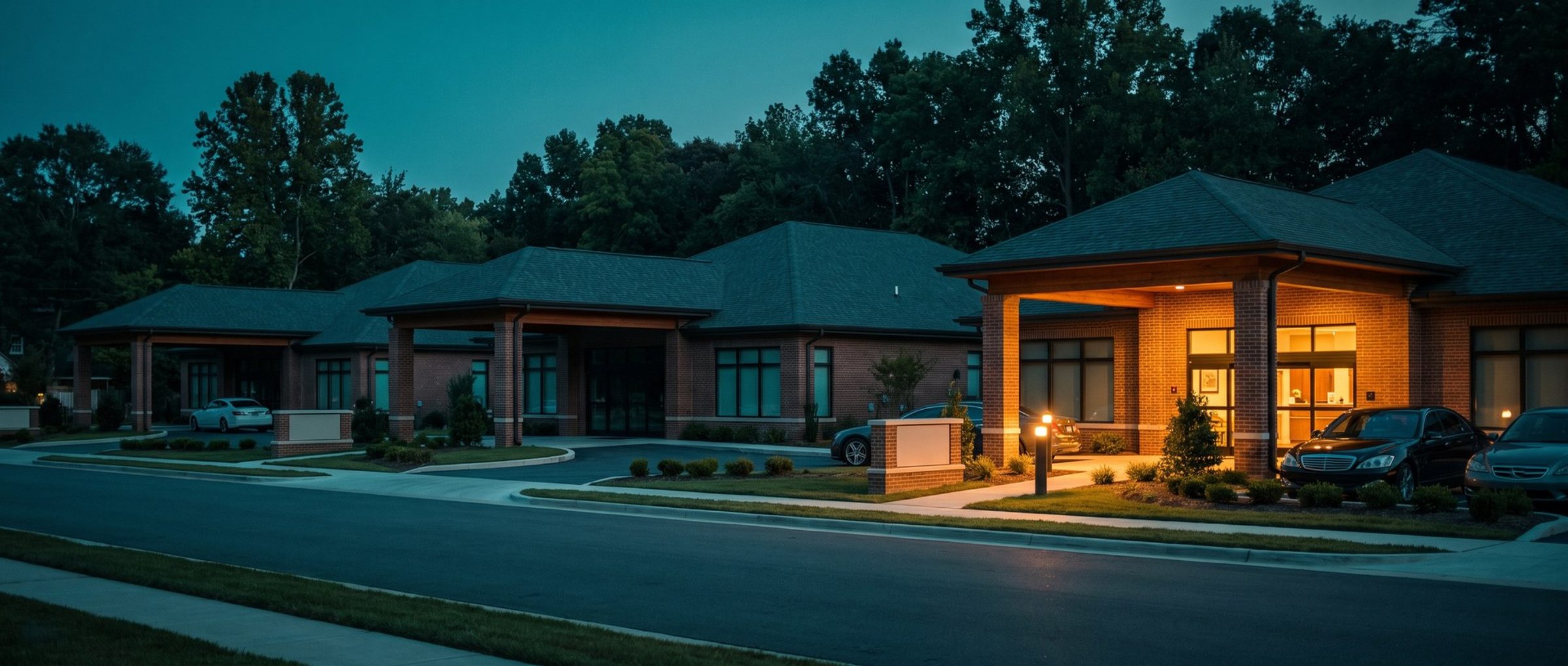
Plumbers, roofers and physical therapists can buy a special kind of Google ad: a Local Services ad, where Google screens the business, puts a badge next to its name and charges per lead instead of per click. Nursing home owners who hear about it tend to ask the obvious question. Can we get one?
No. And in practice it hardly matters, because nursing homes already get something that works much like it, free: the map. Search for a nursing home and a block of three listings with stars, reviews and a phone button almost always appears near the top of the page. For many families, that block is the first impression, and it's one the building has to earn rather than buy.
No Pay-per-Lead Program, and a Map Pack on 17 of 20 Nursing Home Searches
We read Google's full list of US Local Services categories. It includes physical therapists, occupational therapists, primary care physicians, child care and funeral homes. It has no category for nursing homes, skilled nursing, senior care, assisted living, rehab or hospice. Google is folding Local Services into Performance Max over the next year, and its own timeline puts health care services in the last phase, in 2027. For now, a nursing home can't buy its way into that part of the page.
The map pack is another story. We saved the Google results pages for 20 nursing home searches in our example market, Pittsburgh.
Seventeen of them showed a local pack. The three that didn't were informational: "nursing home vs assisted living," "how to choose a nursing home" and "medicare nursing home coverage." Any search where a family was looking for a place, rather than an explanation, came with the map.
One search, "5 star nursing homes pittsburgh," also showed a block labeled "Sponsored places," paid listings dressed like map results. Every advertiser in it was an assisted living or personal care home. That's the paid version of the map pack, and it's open to nursing homes through the location assets covered at the end of this chapter.
Only 14 of 48 Nursing Homes in the Example Market Hold Four Stars or Better
The map pack shows a star rating beside every listing. Here's how the 48 nursing home listings in our example-market review sample rate:
The median is 3.5 stars. Eight listings sit under 3.0. Only 14 of the 48 hold 4.0 or better. The median listing has 56 reviews, and 21 have fewer than 50.
That spread is an opportunity as much as a warning. In a market where most buildings sit in the low 3s, a nursing home at 4.2 with a hundred reviews stands out in the pack before a family reads a single word. And because the stars sit right beside your ad's map pin, no headline can talk a family past a 2.6.
It also explains why Chapter 8 built the ads from the reviews. Families read the reviews and the ad in the same minute. From here on the subject is the listing: which searches it appears for, how its review count grows within Google's rules, and how to answer a bad review without a HIPAA problem.
43 of 48 Listings Say "Nursing Home." The Second Category Is Where Rehab Gets Found.
Your Google Business Profile category tells Google what your building is, and it shapes which searches the listing appears for. Of the 48 listings in our sample, 43 used "Nursing home" as the category Google displays. That's the right primary choice for almost any skilled nursing facility.
Google's rules for categories are short. Use as few as possible, and make them as specific as possible. Google's test for a category is whether it names what the business is rather than something it contains. A nursing home contains a dining room and a chapel. What it is, is a nursing home.
The second category is where rehab comes in. Several local listings added "Rehabilitation center," which makes sense for a building with a big short-term rehab unit. But "Rehabilitation center" is broad. In our own sample, hospital inpatient rehab units and an outpatient clinic used it too, and "rehab" carries the same double meaning Chapter 5 cleared out of the keywords. "Physical rehabilitation center" says what a nursing home's rehab wing actually does. That's our reading of the list, not a Google ruling, so check it against the searches your profile shows up for.
Two more notes:
- An outpatient therapy clinic with its own entrance can have its own profile. Google allows separate profiles for departments that operate as distinct places with a separate customer entrance. A rehab wing inside the main building generally doesn't qualify.
- "Skilled nursing facility" as a category is disputed. Some sources list it, and a full category list from earlier this year doesn't. Check the live category picker in your profile before you plan around it.
The Best Moment to Ask for a Review Is After the Family Gets Home
More reviews help, and there's a right way and a wrong way to get them. Google's review rules ban the shortcuts that tempt a busy building:
- No incentives. No gift cards, discounts or free anything for a review.
- No cherry-picking. Every discharged family gets the same request, including the one whose stay went badly.
- No asking in the building. Google's rules rule out pushing someone to write a review before they've left.
- No staff quotas. Asking staff to collect a certain number of reviews, or reviews that name a staff member, is out.
- No staff reviews. Current and former employees reviewing their own workplace is a conflict of interest.
What's left is simple, and it works: ask every family, the same way, after they've left the building. For a short-term rehab stay, that's a text or email a few days after discharge, once the patient is home and the family has had a chance to breathe. For long-term families, the natural moment is after a care-plan meeting, by email, rather than stopping them in the hallway on the way to the car. By our reading of Google's wording, asking at the discharge desk counts as pressure on the premises, so send it afterward.
Make it easy. A short message, a direct link to your review form, and nothing that hints at what to say.
HHS Fined Two Health Practices for Their Review Replies. A Nursing Home Reply Should Never Confirm a Resident.
Replying to reviews is good practice, and families read the replies. But a Medicare-certified nursing home that bills electronically is a covered entity under HIPAA (Chapter 1), and a reply can disclose protected health information just by confirming that someone was a patient.
Federal regulators have fined practices for exactly that. The larger case came in 2023: a New Jersey psychiatric practice, Manasa Health Center, agreed to pay HHS $30,000 because its answers to four negative Google reviews exposed those patients' health information. In 2019, Elite Dental Associates in Dallas paid $10,000 after replying to Yelp reviews with a patient's last name and health details.
For a nursing home, the rule is absolute: never confirm that the reviewer or their relative was a resident, even when the review is wrong and you want to set the record straight. That means no "we're sorry your mother's therapy felt rushed," no unit names, no dates. A safe reply sounds like this: thank you for the feedback, we take every concern seriously, and our administrator would like to talk with you directly at this number. It reads as caring to the next family, and it says nothing a regulator could object to.
Write that template once, get your compliance lead to sign off on it, and make sure whoever answers reviews uses it every time. The Cadia settlement in Chapter 10 named marketing staff in its required training for a reason.
Linking the Business Profile Lets Your Search Ads Appear on the Map
The last step connects the listing to the ads. Two connections do it: the Business Profile gets linked inside Google Ads, and the Search campaigns get location assets switched on. Once it's linked, a Search ad can carry your street address, a small map and how far the searcher is from the building. A family comparing three nursing homes on a phone sees yours is 10 minutes away before they tap.
It also opens Google Maps itself. Google lists four kinds of campaigns that can show ads in Maps: Performance Max, Demand Gen, Smart campaigns, and Search campaigns that have location assets. Inside the Maps app they show up two ways: as a square promoted pin among the ordinary round ones, or as a sponsored line in a Maps search. The "Sponsored places" block from the Pittsburgh search is the same idea, and on the day we checked, only assisted living advertisers were in it.
Keep the profile's hours, phone number and photos current, because the ads pull from it. An admissions number on the profile that rings a general switchboard after five is a problem the ad will quietly repeat.
Next: AI Max, and the Words It Might Write for You
Chapter 13 covers AI Max, the Search feature that lets Google write parts of your ads and pick new searches for you, and why it comes last for a nursing home.
Every chapter, from tracking through the hospital list and hiring, is on the guide's home page.
On the nursing home accounts we run in Google Ads management, the Business Profile gets the same attention as the ads, and the review-reply template is written before the first reply goes out. If you're running your own, open your profile today and read your last five replies the way a regulator would.


