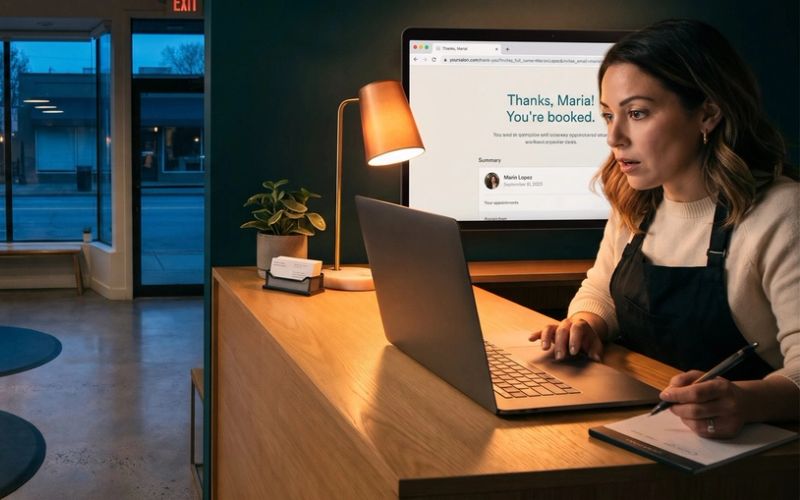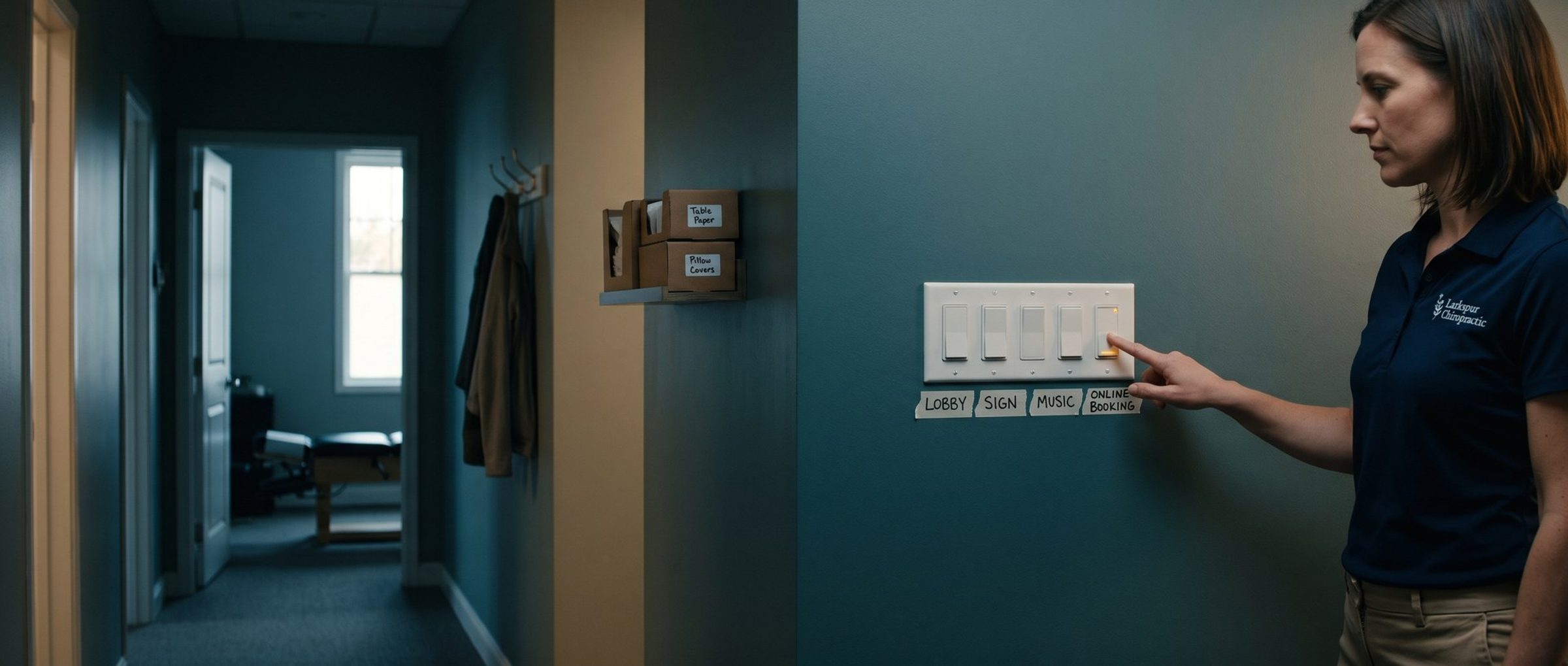
A new chiropractic campaign asks a lot of questions on the way to the Publish button, and most of them come pre-answered. Google adds a booking goal to the account, includes search partners, picks how wide the location setting reaches, whether AI rewrites your ads, and more. Each answer is a reasonable guess for an average advertiser. Several are wrong for a chiropractor, and one is something Google's own healthcare rules say you shouldn't use at all.
This chapter goes through those choices one at a time, in the order you'll meet them, with the setting a chiropractic practice should pick and why.
Google Turns On "Appointments Booked" for Every Eligible Account. A Chiropractic Campaign Is Barred From Using It.
Start in the Goals menu, before you build anything.
Google has a conversion goal called "Appointments booked." It counts bookings made through Google's booking partners, the scheduling companies that connect directly to Google, and the patient taps a Book button right on Google. Google's help page is clear about how it arrives: the goal "is available to all eligible accounts, so you won't need to manually opt in." In other words, it's already in your account.
The same page has a section titled "Healthcare restrictions." It rules out appointment booking links and booking goals in healthcare campaigns, and it tells healthcare advertisers not to pick the goal even when it appears in their account. A chiropractor is a healthcare advertiser.
One detail softens this a little. Google says the goal isn't attached to individual campaigns automatically; an advertiser has to add it to a campaign. So the risk is choosing it by accident during setup, or leaving it sitting in the account where it can be picked. Two steps close both doors:
- Remove the goal. In Goals, open Summary, switch the view to All conversions, tick "Appointments booked," then choose Edit and Remove.
- Turn off your scheduler's version. Chapter 1 flagged this one. Jane, a scheduler many chiropractors use, says its Book button can show up in Google Ads campaigns through Reserve with Google. Its fix is to remove the "Partner Bookings" conversion action from your campaigns or from the whole account. Check your own scheduler's settings for the same thing.
Then, when you build the campaign, make sure the only goals selected are the ones from Chapter 1: calls of 30 seconds or more, new-patient forms, bookings on your own site, and the kept first visit once it's flowing back.
A Chiropractor's Ads Should Reach People Who Live or Work Nearby, Not Anyone Who Searched the Town
Next comes location. Draw the area your patients actually come from, usually a radius around the office or a list of ZIP codes, rather than a whole metro or state. Care usually means repeat visits, and few patients will drive past several other practices to make them.
Then open the location options underneath. Google's default uses both a searcher's physical location and their locations of interest. There are two choices. "Presence or interest" also counts someone in another city whose searches show an interest in your town. "Presence" is narrower. Google limits it to searchers who are in the area, or are there regularly (Google's own phrase is "located or regularly located"), so the ad reaches someone close enough to make a Tuesday adjustment and a Thursday follow-up.
Google's help page recommends the broad option as a general best practice. But it also lists when "Presence" makes sense, and the first case is a business that "falls within a sensitive vertical with strict targeting limitations." Health care, with its own advertising restrictions, fits that description; that's our reading, since Google's page doesn't name industries. The second case fits too: you only want people in your locations, not people somewhere else who are interested in them.
For a chiropractor, picture someone two states away typing your town's name while planning a visit to family. Under the broad option, your ad can show and you can pay for that click. Under "Presence," it doesn't. Pick "Presence."
Search Partners Carry a Chiropractor's Ads Beyond Google. Leave Them Off Until You Know What One New Patient Costs.
The Networks section asks where else your ads can run. Google describes Search partners as sites in its Search Network that "partner with Google to show ads," which carries a chiropractor's search ad onto hundreds of sites Google doesn't own, plus YouTube. Google says Search campaigns include search partners by default. The Display Network is a separate group of more than 2 million websites, videos and apps.
At launch, uncheck both. A new chiropractic account is trying to learn one thing first: what a new patient costs when the ad shows on Google's own search results. Mixing in clicks from other sites muddies that number before it's even clear.
That doesn't mean never. When the practice can name its cost per kept first visit with some confidence, try partners in a single campaign, split the report by network, and keep them only if partner clicks bring patients at roughly the same price.
AI Max Comes On by Default in a New Search Campaign. Switch It Off Before a Chiropractor Spends a Dollar.
AI Max is Google's newer bundle of automation for Search campaigns. For a chiropractor, that means Google may show the sciatica ad on searches you never added, rewrite its headlines, and land the click on whatever page of your site it prefers. Google's setup page says AI Max is already switched on when a Search campaign is new. Inside it, text customization, which lets Google write its own ad text from your site, "will be enabled by default" as well.
For a new chiropractic account, switch it off. The setup page includes a toggle to opt out of all AI Max settings.
The reason goes back to Chapters 4 through 8. Isolation, the first campaign, holds exact match keywords for back pain, neck pain and sciatica in their own ad groups, each sending patients to that condition's page with headlines taken from patient reviews. AI Max undoes each of those choices: wider matching, rewritten headlines, other landing pages. A chiropractic ad that reaches a new search with text Google wrote and lands on a page you didn't pick is hard to judge and harder to fix.
A practice can try AI Max much later, after months of kept first visits have taught the account what a good chiropractic patient looks like. It doesn't belong in the launch.
Google Now Matches Search Ads by Their Language, So Spanish-Speaking Patients Need Spanish Ads
There used to be a language setting in every Search campaign. From September 2026 that box disappears from Search. Google's language page explains that a Search ad will instead reach searchers who use the language its own text is written in.
For most chiropractors that changes nothing: English ads reach English searches. It matters for a practice with a Spanish-speaking doctor or front desk. One Baltimore-area chiropractor already runs an ad for its Takoma Park office that leads with "Se Habla Español."
If your practice serves patients in Spanish, the setting won't do it for you anymore. Build it into the account instead: a Spanish ad group with ads written in Spanish, pointing at a Spanish page that says who on staff speaks it. And only do it if a Spanish-speaking patient who calls will reach someone who can help.
Five of Twelve Chiropractors We Studied Close Midday. The Call Button Should Show Only When Someone Answers.
Chiropractic hours are unusual. Of the twelve Baltimore-area practices we studied, five post a break in the middle of the day: one is closed from 1:00 to 3:00, another from 11:00 to 3:00, another for an hour mid-afternoon. Many open late on some weekdays and close early on Fridays.
A call button that shows at 1:30 rings an empty front desk. Some new patients leave a message, as Chapter 1 noted; others may try the next practice instead.
The fix is a schedule on the call button, not on the whole campaign. Google lets a call asset carry its own days and hours, separate from the campaign. Copy the front desk's posted hours into it, lunch break and all. The ads can keep running during the break for people who prefer a form or online booking, which works any time.
If your practice uses an answering service that books new patients or takes a message someone returns the same day, the call button can run longer. Ask what actually happens to a call at 1:30 before you decide.
Without Auto-Tagging and Call Reporting, Google Ads Never Learns Which Click Became a Patient
The last two settings live at the account level, and Chapter 1's tracking depends on both.
Auto-tagging. With it on, each chiropractic ad click arrives at your site carrying a unique Google click ID. Chapter 1's plan sends kept first visits back to Google by that click ID, with no patient details attached. Google calls auto-tagging "required for businesses that want to track offline conversions," which is exactly what a kept visit uploaded from your schedule is. Check that it's on in account settings before the first click arrives, because clicks without an ID can't be matched by click ID later.
Call reporting. With it on, the call button dials a Google forwarding number that rings through to your front desk, and Google times every call so the ones past your minimum count. Without it, the 30-second call conversion from Chapter 1 has nothing to measure. Some practices prefer their own number on the ad, or already pay for a call tracking service. That's allowed, but then the practice has to get those calls into Google by some other route.
Both settings take a minute to check. Missing either one means weeks of clicks the account can't learn from.
If you'd like someone to go through these settings with you before the first dollar is spent, our Google Ads agency team checks every one of them on the accounts we launch.
Next: Google Treats Back Pain as a Health Condition
With the campaign launched and tracking in place, the next question is reaching people again after they visit your site. For a chiropractor, Google's health rules limit what that can look like. Chapter 10 explains what those rules mean for remarketing and Performance Max. The earlier chapters, from ad copy back to tracking, are on the Google Ads for Chiropractors guide home.