
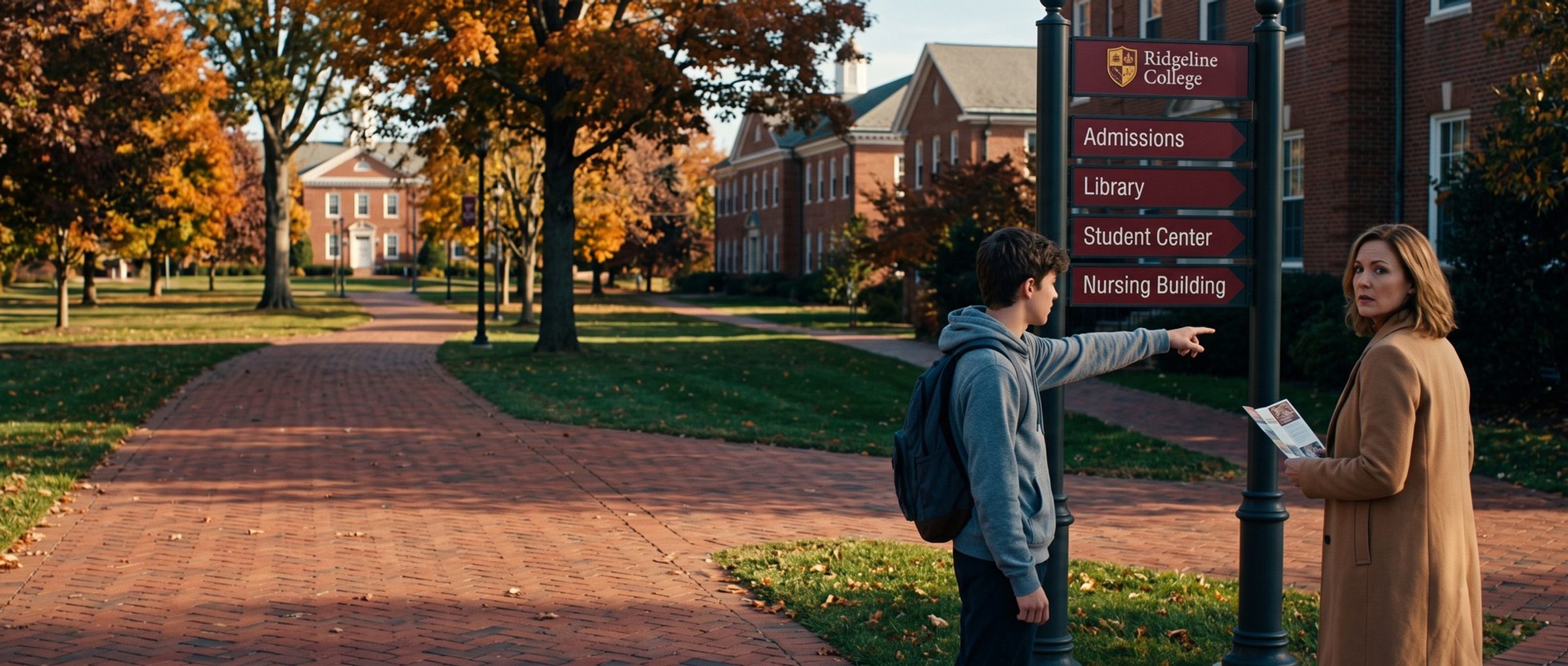
A father searches "welding school near me" and clicks an ad. He lands on the school's home page: a hero photo of the campus, a slider of news stories, a menu with 40 links. Somewhere in there is the welding program. He taps back and tries the next ad.
That click cost the school money, and it also told Google something. Google judges whether the page behind an ad answers the search, and it keeps track. Below: what decides the position and price of a school's ad, why Quality Score is a symptom rather than a target, and the structure that fixes both, one program to an ad group and a page.
Your Bid Is One of Six Things Google Weighs in Every Auction. The Page Behind the Ad Is Another.
Picture two community colleges bidding on "nursing programs near me" in the same town. One bids more. The other wins the top spot anyway. That happens because Google doesn't rank school ads by money alone. Its help page on Ad Rank names six inputs, and the bid is just one of them. Paraphrased:
- The bid. The ceiling the school sets on what one click may cost.
- Ad and page quality. Whether the ad fits the nursing search and whether the page after the click talks about nursing, is easy to use and matches what the ad promised.
- A quality floor. Below a certain level, an ad isn't shown at all.
- How tight the race is. Two colleges with similar rank trade places; a college far ahead may pay more to stay there.
- The family's situation. The exact words, where they are, the phone or laptop, the hour, and what else is on the results page.
- The extras. A call button, links to the tuition and visit pages, and the other assets attached to the ad.
There's no published equation tying these together, so this guide won't invent one. Google's help pages add that a higher-quality ad often pays less per click. That's the opening for a school with a modest budget: the college with the sharper ad and the nursing page can beat the college with the bigger bid.
Quality Score Grades Each Keyword on the Ad, the Page and the Click. It Is a Report Card, Not a Price.
Inside the account, every keyword carries a Quality Score from 1 to 10, and schools tend to treat it as the goal. It isn't. Google describes the score as a diagnostic, kept outside the auction, that shows how the ads behind one keyword stack up against other advertisers on the same search.
Three grades sit behind each score. Would a parent who sees the "Montessori preschool" ad likely tap it? Does the ad answer that search? Does the page after the tap deliver it? Your keyword report lists them under Google's own labels as columns you can add next to each keyword. Each carries one of three labels, with "below average" the one to act on first, program by program.
Read it like a school report card. Weak ad relevance on "Montessori preschool" means the ads in that group are talking about something else. A below-average landing page grade on "welding certification" often means the page those clicks reach isn't about welding certification, or is hard to use. Fix the cause and the grade follows.
"Nursing Programs" and "Welding School" Belong in Different Ad Groups. One Program per Group Keeps Ads Relevant.
Ad relevance is where a school has the most say, and it's decided by how the account is organized. Inside each campaign, keywords are bundled into ad groups, and every keyword in a group gets the same ads. If "nursing programs," "welding school" and "medical assistant certification" all sit in one ad group, every ad has to speak to all three, so it speaks well to none.
The fix is small ad groups built around one program, one grade level or one campus, with ads written only for that program. In our experience, about five or six closely related keywords per group is plenty. What that looks like by school type:
- Private K-12: separate groups for preschool, lower school and upper school, and separate groups for "private school," "Montessori school" and "Christian school" searches, since each family is asking for something different.
- Colleges: one group per program families search for by name: nursing, business, criminal justice, each pointing to that program's page.
- Trade schools: one group per trade. A CDL searcher and a cosmetology searcher share nothing but a campus.
- Online programs: one group per degree or certificate, with the word "online" in the keywords where families use it.
Schools have a structural trap: a single website that serves several audiences at once. The same site holds the admissions pages, the student portal, the athletics schedule, the alumni giving form and the job openings. A home page built to serve all of them answers none of a searching family's questions in the first screen, which is why an ad sending families there is likely to earn a weak landing page grade. A program page has one reader in mind.
The same rule carries through to the page. Each ad group has one landing page, and the ad and the page answer the same search. Chapter 5 covers finding the keywords; this chapter is about where they lead.
A Home Page Ad Makes a Family Hunt for the Program. Five of 12 Schools Showed the Home Page in Every Ad.
Every chapter of this guide uses twelve schools that advertise on Google in one example market, Salt Lake City: three private K-12 schools, three colleges, three trade schools and three online programs. The numbers are theirs; the lesson applies to any school.
We read their Search ads in Google's Ads Transparency Center. Of the 210 ads that showed a web address, 153 showed only the home page address. That's the address printed in the ad, not a click we followed, so it's a hint about where the ad leads rather than proof. Five of the twelve schools showed only the home page address in every ad. One of them ran 30 ads about nursing programs, and each of those programs has its own page on the school's site.
Seven schools did show deeper addresses in at least some ads. At six of those seven, at least one of the addresses led to an error page or bounced to the home page when we typed it in. A printed address that leads nowhere when a family types it in looks careless, wherever the click itself lands.
A Program Page Answers the Search Before the Family Scrolls. Tuition, Next Start Date and One Button.
A good program page does one job: it confirms to the family, in the first screen, that they're in the right place and tells them what to do next. That means:
- The program's name in the family's words. If they searched "welding school," the page says welding, not "Advanced Manufacturing Pathways."
- Who it's for. Grade levels, prerequisites, schedule.
- What it costs. All twelve example schools publish tuition somewhere on their site. Put it, or a link to it, where the family can see it from the program page.
- When it starts. A next start date, an open house or the application deadline.
- One next step. Request information, book a tour or call, with the phone number tappable.
Forms deserve their own word. The request-information forms we counted at the example schools ran from 5 to 17 visible fields, with a median of 9. Every field is one more reason to stop. Ask for what admissions needs for the first conversation and collect the rest later.
The page is also where Chapter 1's tracking lives, so the button, the form and the phone number should each be counted. And the page's own words are the best source for the ad: Chapter 8 covers writing ads from them.
Slow School Pages Make Parents Wait on Their Phones. Google's Test Clocked 11 of 12 Home Pages Over Four Seconds.
A parent comparing schools between pickups is often holding a phone, not sitting at a desk. Google's free PageSpeed Insights test, run in mobile mode on each school's home page, was not kind. Eight of the twelve scored under 50 out of 100. At eleven, the biggest image or block of text took longer than four seconds to appear in that lab test. Real visits can be faster or slower; the test is the same for every school, which makes it a fair comparison. One online program's main request-information page, the page its ads exist to fill, scored 8.
Google's advice on landing page experience includes this line: "Make your website mobile friendly. Ease of navigation is something users value even more on mobile websites." Speed isn't the whole of landing page experience; a fast page about the wrong program still loses. But a slow page about the right program loses some of the families who were ready.
Run your own program pages through PageSpeed Insights, not just the home page. Large hero images and video, chat widgets that load before the content, and stacks of tracking scripts are the usual causes, and your web team or platform vendor can usually trim them.
Next: Keyword Planner Fills a School's List With the Wrong Searchers
Chapter 5 builds the keyword list these ad groups hold, starting from Google's Keyword Planner and the sites of competing schools, and shows why every idea it returns needs a human read. If you haven't set your budget yet, Chapter 3 builds it from your enrollment funnel. The full chapter list lives on the Google Ads for Education guide home. Schools that would rather have us set up the program-by-program structure can read about our Google Ads management.


