
Performance Max is the campaign Google's reps bring up first. One campaign, every Google channel, artificial intelligence doing the targeting. For an orthodontic practice, it can genuinely add patients. It can also turn a practice's website into an ad factory that runs without anyone checking what comes off the line.
The difference comes down to two things: when you open it, and what you hand it. This chapter covers both. The timing rule is short. The second half takes longer, because Performance Max will happily make its own ads from whatever it finds on your site, and on an orthodontist's site that includes the one kind of photo Google's own ad policy is most wary of.
Performance Max Opens When Search Books About 30 Consults a Month, Usually Around Month 6 or 7.
One Performance Max campaign can put a braces ad on a YouTube video, a Gmail inbox, the Maps app, the Discover feed, a banner and the search results, all from the same budget. For an orthodontist, that breadth cuts both ways. A campaign that can show anywhere needs a very clear idea of what a good result looks like, or it spends its way to finding out.
That's why it comes after Search, not alongside it. For most practices that's around month 6 or 7. The calendar is only a guide: the real trigger is volume, roughly 30 booked exams a month already coming in from Isolation and Exploration, the two Search campaigns from earlier chapters. A large orthodontic group can reach that much sooner. A single-doctor practice in a small town might take longer, and that's fine.
When it opens, give it the simplest possible job. The goal is booked exams, the same conversion the Search campaigns count, not a dollar value. Don't set a target cost per exam on day one. Give it a few weeks on a modest budget to find its footing, and only then add a target cost per exam, set from the exams it really booked. Families still have to drive in for adjustments, so the location setting matches Chapter 9: Presence.
Left Alone, Performance Max Writes Its Own Orthodontic Ads From Your Website, Pictures Included.
Here's the part most practices never see happen. Performance Max builds ads from "assets," the headlines, descriptions, images and videos you give it. If you don't give it enough, or leave certain settings in place, it fills the gaps itself.
Google's own help pages describe three ways that happens. With text customization switched on, Google can invent headlines of its own and even borrow pictures straight off your landing pages. Final URL expansion arrives ticked, so a parent who clicks a braces ad can land on your financing page, your blog or anywhere else on the domain Google prefers. Skip the video upload and Google's video page warns it may assemble clips on its own from whatever photos and text the asset group holds.
None of that is sinister. It's just unsupervised. An auto-generated video stitched from three website photos and a headline is not how a practice that charges $5,000 for treatment wants to introduce itself on YouTube. A searcher sent to a blog post about retainer cleaning instead of the Invisalign page from Chapter 4 is a click that's unlikely to book.
So we switch off the generated assets entirely. The headlines come from the Search campaigns instead, specifically the ones that have already booked exams, which is a better test than any algorithm's guess. And the practice supplies its own video, even a simple one. Final URL expansion gets either switched off at the start or fenced in with URL exclusions, which Google provides for exactly this purpose.
4 of 12 Orthodontic Sites We Checked Publish Before-and-After Galleries. Google's Clickbait Policy Keeps That Format Out of Ads.
Which pages to fence off is not a hard question for an orthodontist. Of the 12 orthodontic practice sites we checked in the example market, Detroit, four publish before-and-after galleries: split photos of crooked teeth beside the straight result. One more publishes a gallery of finished smiles only.
Those galleries do a real job on a website. A parent comparing practices wants to see results, and in many states the dental board sets the rules for how they're shown. Texas, for example, requires actual patients of record, written consent and the line "Actual results may vary." California adds conditions on how the before and after photos must match.
Ads are a different arena. Google's Clickbait policy says ads may not "use 'before and after' images to promote significant alterations to the human body." Orthodontics isn't named in the policy, and Google decides case by case. Our reading is that a split smile photo in an image ad sits squarely in the risk zone. So: keep before-and-after galleries on the website, keep those pages out of Performance Max with URL exclusions, and never upload a split photo to an asset group.
While you're writing that exclusion list, add the other pages a new patient should never land on from an ad: the patient portal login, the online bill-pay page, the careers page, the retainer-replacement order form, and any blog post that isn't about a treatment you're advertising. Each one is a real page on your domain, and each one is somewhere final URL expansion could decide is "more relevant" for some search. Five minutes of exclusions now saves a month of wondering why a campaign is sending parents to the job listings.
Stock Smiles Look Like Every Other Orthodontist. Your Own Team, Office and Finished Patients Don't.
So what goes in instead? The things that make a practice look like itself.
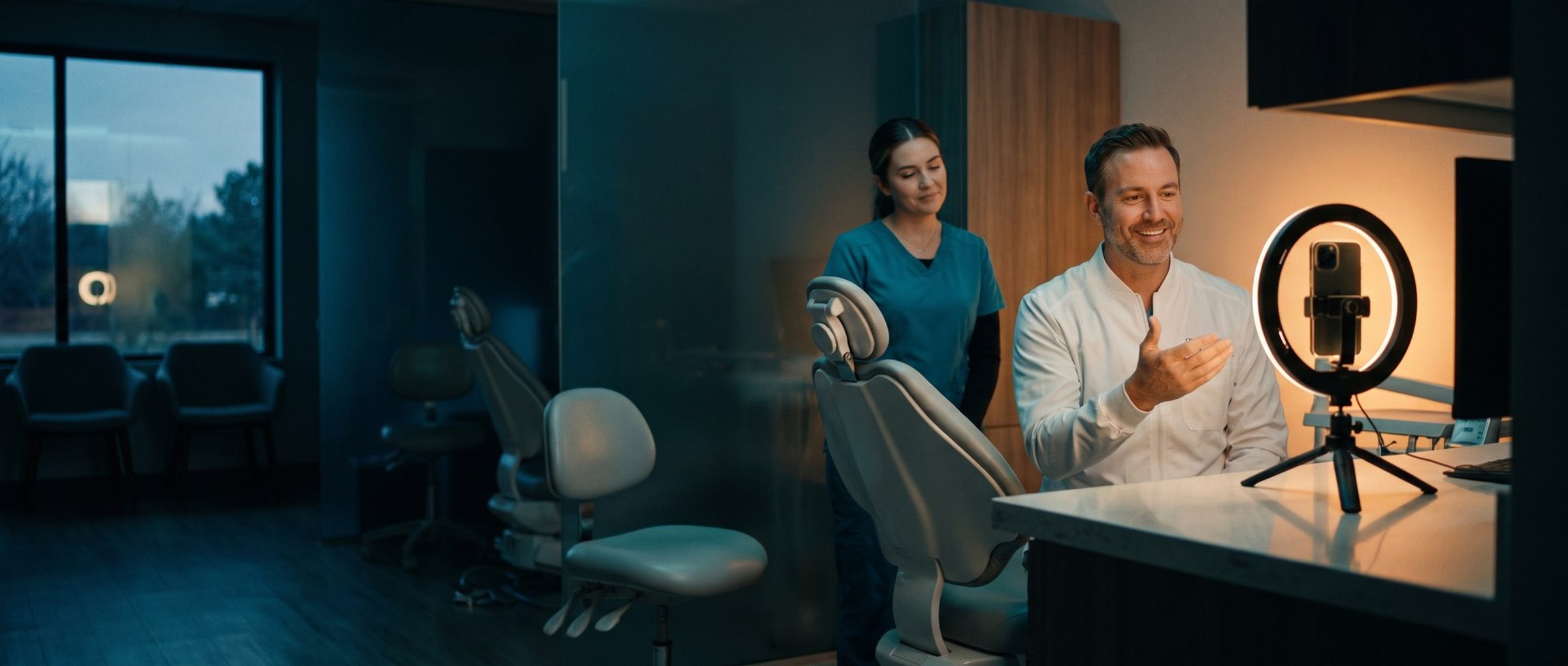
Finished smiles, the after half only, from patients who've agreed in writing. For a minor, that agreement comes from a parent. The team at work: an assistant at the chair, the front desk, a treatment coordinator walking a parent through a plan. The office itself, the open bay, the waiting room, the building from the parking lot. The orthodontist talking to the camera for 20 seconds about what happens at a first visit. A short vertical video of a teen picking elastic colors is the kind of footage no template can produce, because it's specific and it's true.
What doesn't go in is stock photography. A model with impossibly white teeth looks like every other orthodontic ad in the country, and parents have seen thousands of them. Chapter 8 found that happy patients praise the people. The asset group is where you get to show them.
A practical shot list for one afternoon:
- The orthodontist, facing the camera, explaining what happens at a free consultation, in under 30 seconds.
- A treatment coordinator showing a parent a scan or treatment plan on a screen, filmed over the shoulder.
- Hands placing elastic ties or fitting a retainer, close enough to see the work but not a patient's face.
- The front desk greeting a family, shot with everyone's permission.
- Three or four finished smiles, photographed in good light, with signed consent on file.
- The building exterior and the waiting room, for the image sizes Google asks for.
Phone video is fine. Google's video specifications list horizontal, square and vertical formats, each at least 10 seconds long. A practice can shoot all three in an afternoon. What it can't do is skip them and expect the automatic version to represent it well.
Excluding the Practice Name Stops Performance Max From Claiming Patients Who Already Knew You.
Left to itself, Performance Max can show up on searches for your own practice name. They're the cheapest, most reliable conversions in the account, and claiming them makes its results look excellent. The trouble is that those people were already looking for you. Chapter 9 put them in a brand campaign of their own for exactly that reason.
Brand exclusions fix it. Add the practice name, each orthodontist's name and any other brand the practice uses, and Performance Max stays out of those searches. Google notes that in Performance Max, brand exclusions apply to Search, Shopping and YouTube search inventory. That covers the searches that matter here. The brand campaign keeps doing its job, and Performance Max's numbers show what it actually found that Search didn't.
Search Themes and Competitor Sites Tell Performance Max What a Parent Shopping for Braces Looks Like.
The last setup step is pointing it in the right direction. Performance Max takes two kinds of hints.
A search theme is a plain phrase that tells Google which searches you're after, like "braces for kids" or "invisalign for adults." On Search, Google treats themes like phrase and broad keywords, and an exact keyword in your Search campaign that matches the search word for word still takes the click. Isolation keeps its exact searches. Google may flag some health-related "near me" themes. Drop those and move on.
Audience signals are the second hint. Build a custom segment before launch, from the kinds of things a parent shopping for braces would search, and from the websites of up to 20 competing orthodontists. This isn't remarketing to their visitors. It's a profile, telling Google, "people who look like this." In a health practice, lists of your own past visitors are usually too thin to help much anyway.
Bring the negatives too. Chapter 5's list of searches to block (mail-order aligner brands, orthodontic assistant jobs, at-home braces) carries over to Performance Max, attached to the campaign or to the whole account. Google notes those negatives cover its Search and Shopping inventory only, so they keep the campaign off the wrong searches but don't shape where it shows on YouTube or Gmail. That's another reason the assets matter so much: on those channels, the pictures and video are most of what a parent sees.
Then let it run. Read it monthly against the same yardstick as everything else: cost per booked exam, after brand searches are excluded. If it beats Exploration, give it more budget. If it doesn't, the Search campaigns are still there, still doing the work.
An orthodontic practice that would rather have someone set up Performance Max with real assets and keep it fenced in can see what our Google Ads management includes.
Next: The AAO Tells Parents to Check at Age 7. Chapter 11 Reaches Them Before They Search.
Chapter 9 set up the Search campaigns that come first. Chapter 11 turns to the parents who haven't searched yet, and how Demand Gen reaches a family whose seven-year-old is due for a first orthodontic check.
This chapter is part of Google Ads for Orthodontists, our sixteen-chapter guide for orthodontic practices anywhere in the US.


