
A new Google Ads campaign comes with a stack of settings already filled in, and every one of them was chosen to reach more people. That's a fine goal for Google. For a pest control company with trucks, routes and a phone that one person answers, more people is often the wrong people: someone three counties away, someone reading about your town from another state, someone scrolling a website that isn't Google at all.
A lot of the money a new pest account wastes in its first month is lost here, before a single keyword gets a chance. The settings take an afternoon to get right. This chapter walks through them in the order they cost you.
Google's Default Location Setting Shows Your Ads to People Who Only Read About Your Town
Pick Pinellas County as a campaign's location and Google still has to decide what "in Pinellas County" means. Out of the box, the setting is "Presence or interest," which counts both the people physically in the county and anyone Google judges to be interested in it, from Ohio to Ontario. The stricter choice, "Presence," counts only the people who are actually in the ZIP codes, cities or counties you picked.
For a travel company, interest makes sense. For a pest company, it doesn't. A retiree in Ohio who spends every February in Clearwater may search for pest control while planning the trip, and the default setting can show that person your ad in October. Someone researching a move to Tampa might see it too. Neither one has roaches in your service area this week.
Switch every campaign to Presence before it goes live. It's under the campaign's location settings, and it's the single cheapest fix in this chapter.
Pest Control Websites Draw Their Service Areas in Towns and Counties. Not One We Read Draws a Circle.
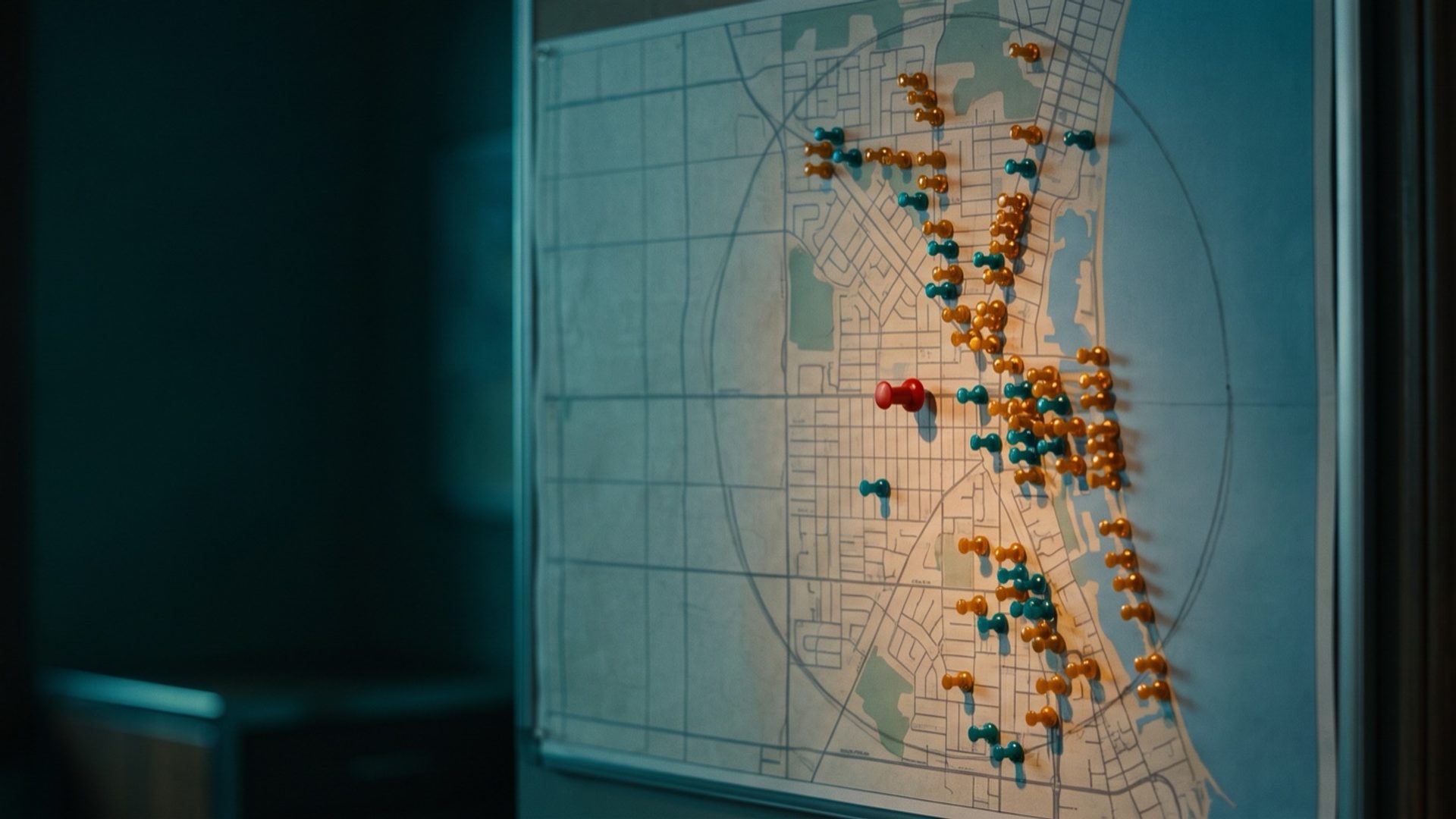
The next question is what location to target, and here Google's easiest option is a trap. A radius, say 25 miles around your office, takes three seconds to set up. It's also a shape no pest company actually serves.
We read the websites of twelve pest control companies in our example market, Tampa-St. Petersburg. Eleven have a local presence, and ten of those eleven describe where they work as a list of places: towns, neighborhoods, counties. Not one describes a plain circle.
The clearest example came from a Clearwater company, Coby's Pest Control, whose contact page spells it out: "For pest control we work Pinellas County, generally within about ten miles of the shop. Termites we go further. About twenty miles, and we try to stay west of 275."
That one sentence holds three lessons for your targeting:
- Your real area has edges a circle can't draw. A highway you don't cross, a bay, a county line. Draw a circle around the Clearwater shop and it spills across the water into neighborhoods the trucks never visit.
- Different services travel different distances. A quarterly general pest route stays tight. A termite job is worth the longer drive. Your targeting should match both.
- You already know the list. Your routes, your invoices and your technicians know exactly which ZIP codes you serve.
Google lets you target by ZIP code, city or county in the United States. Build the list from the addresses of the customers you already have, then add the ZIP codes your trucks pass through on the way. That's your targeting, and it matches your business instead of a compass.
Here's the fastest way to build it. Export your active customers from whatever software schedules your routes, count them by ZIP code, and sort the list from most customers to fewest. The ZIP codes at the top are your core. The ones with a handful of customers are the edges of the route, and they're worth including if a truck already drives through them. The ZIP codes with none are the ones a radius would have paid for anyway.
Google also lets you exclude places, and that's worth doing for the areas that sit just outside your line: the far side of the bay, the county you don't hold a license in, the neighborhoods past the highway where a single stop costs more in drive time than the visit brings in. Excluding a place tells Google not to show your ad there, even if it sits inside a city or county you target.
The list isn't finished at launch. Once the ads run, Google Ads reports where they were shown. Read it after the first month next to your sold plans. A ZIP code that brings clicks and never a signed customer is a candidate to drop, and a new neighborhood that keeps calling may be a route worth adding.
Location is set for a whole campaign, not per ad group. So if termites travel farther than your general pest service, termites need their own campaign with the wider ZIP list. That's a little more setup. It also means a termite click from 18 miles out doesn't get shown a quarterly plan ad for a route you'll never run.
Search Partner Sites Are Switched On by Default. Pest Budgets Start Without Them.
A Search campaign doesn't show only on Google. Google's own help page says that when you create one, "search partners are included by default": other websites that run Google's search ads. You'll find the checkbox under Networks, labeled "Include Google search partners."
Uncheck it at launch. In our experience, partner traffic is harder to judge, and some of it doesn't come from real people. In the first months, when Isolation is supposed to teach Google what a real pest control customer looks like, every click needs to be one you can read clearly. Once the account has clean conversions, you can test partners on purpose and see whether they sell plans. Test them in one campaign at a time, so the difference shows up clearly in the numbers instead of blurring across the account.
The Display Network is a separate setting. Check that it's off too. A Search campaign for "termite inspection" should show up when someone searches for a termite inspection, not as a banner on a recipe site.
AI Max Is On by Default. A Pest Company Buying Exact Searches Turns It Off Before Launch.
Google's newest Search feature, AI Max, is switched on for every new Search campaign. Google says so plainly: new campaigns have it "turned on by default."
AI Max reaches past your keywords, and it can rewrite your headlines and send people to pages you didn't choose. Those are two of its settings, text customization and final URL expansion, and both start on. Long-time advertisers knew text customization by its old label, automatically created assets. This September Google moved it under the AI Max umbrella. Google also plans to move Dynamic Search Ads, which build ads from your website on their own, into AI Max starting in February 2027.
Every one of those pulls in the opposite direction from Isolation. The first campaign exists to buy exact searches you chose, with ads you wrote, sent to the pest pages you built in Chapter 4. A headline rewritten by Google might promise something your office doesn't do. A click sent to your blog instead of your termite page lands somewhere you never built to sell.
So turn AI Max off when you build the campaign: Campaigns, Settings, the campaign, then the AI Max toggle. It belongs at the end of the rollout, after Exploration has proved broad match can sell plans for you, never at the start.
Two related settings follow the same logic:
- Broad match comes from Exploration, not a switch. Chapter 6 laid out when broad match earns its place. Until then, Isolation stays exact.
- Your company name gets its own campaign. Chapter 2 covered why. Keeping brand searches separate keeps them from making Isolation's numbers look better than they are.
An Ad Schedule, Call Reporting and Auto-Tagging Take Ten Minutes. Skipping Them Costs the First Month.
The last group of settings is quick, and each one protects money you're about to spend.
- Ad schedule. New campaigns run "All day" by default, in your account's time zone. For a pest company that lives on phone calls, run the ads during the hours someone answers the phone. Chapter 3 showed what an unanswered ring costs. If you have an answering service or a real after-hours line, keep the evenings; if calls go to voicemail at 5 p.m., the ads should stop at 5 p.m. too.
- Call reporting. Chapter 1 set up call tracking and Google's call recording. Confirm it's on before launch, or the phone calls your ads produce won't be counted and Google will learn from forms alone.
- Auto-tagging. This adds Google's click ID to every ad click, which is how a signed plan gets matched back to the ad that started it. New accounts get it switched on automatically, but a pest company that inherited an old account should confirm it in the account-level settings before a dollar goes out.
- Ad rotation. Leave it on Optimize, which lets Google favor the ad combinations that earn clicks. Google advises against the even-rotation alternative, and once Exploration runs on automated bidding, Optimize is applied for you regardless.
- Language. Google removed the Search campaign language setting this fall; ads now match searches in the language they're written in. If you serve Spanish-speaking customers, write Spanish ads in their own ad groups pointed at Spanish pages.
- A modest first budget. Start small enough that a mistake in the first few days is cheap. Read the top-of-page bid estimates and the first search terms, then raise it once the settings prove out.
None of this is exciting, and all of it compounds. A campaign that launches with the right location, the right networks and AI Max off spends its first dollar on a nearby homeowner searching for your service. A campaign that launches on defaults spends it on whoever Google found.
Next: Performance Max, Once the Conversions Are There
With the settings locked, the account is ready to run, and the next campaign type waits until the conversions are there. Chapter 10 covers Performance Max: when it belongs in a pest account, and why the images a pest company chooses for it need more care than any other advertiser's.
If you're catching up, Chapter 6 explains when broad match earns its place, Chapter 7 sets the bids, and Chapter 8 writes the ads. The whole series is on the pest control guide's home page.
For the pest companies on our Google Ads management, the ZIP list comes from the customer file, and AI Max stays off until the account has earned it.


