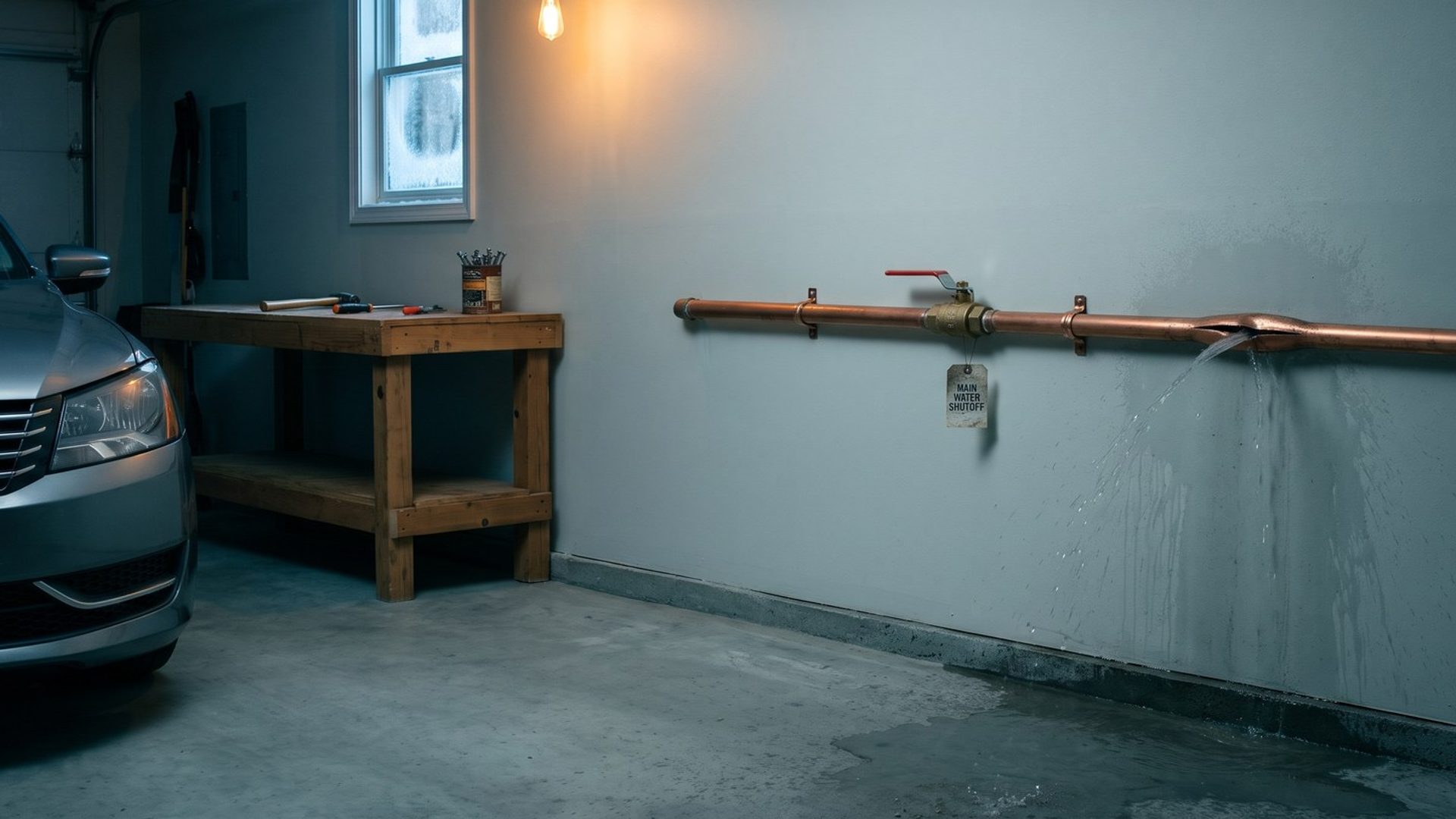
Picture three homeowners searching on the same night. One types "water damage restoration near me" with a wet carpet under her feet. One types "mold removal" after finding black spots behind a bathroom cabinet. One types "burst pipe" while standing in the garage with the main shut off. A restoration company can help all three. A single ad sending all three to the same home page helps none of them very much.
Google notices that too. Whether the ad fits the search, and whether the page fits the ad, shapes where a restoration ad lands on the page and what each click ends up costing. Below is how Google says it ranks ads, in its own words, and why the most useful change is also the least glamorous: a tight group of searches, an ad written for exactly those searches, and a page that answers them.
Google Ranks a Restoration Ad on Six Things at the Moment of the Search. The Bid Is Only One of Them.
Each search sets off an auction, and every ad in it gets a score Google calls Ad Rank. That score decides whether the ad appears and where. Google's help page lists six ingredients, and each one plays out a little differently for a restoration company:
- Your bid. The ceiling you set for one click. Google's page says you'll often pay less than it.
- Ad and page quality. Google measures it per search, live, so a water ad that fits "water mitigation near me" can rank well on that search and poorly on "mold testing."
- Ad Rank thresholds. A floor of quality. An ad below it doesn't run, whatever the bid.
- Auction competitiveness. In Google's words, "If two ads competing for the same position have similar ad ranks," the gap between them shapes the price.
- The searcher's context. Google weighs the words typed, where the searcher stands, what device is in hand and when the search happens. A tap from a phone a few miles from your shop in the middle of the night is a different auction from an office desktop two counties away.
- Expected impact of assets and formats. Call buttons, location details and links to your water, mold and fire pages can change how useful the ad looks.
There's no formula in that list, and Google doesn't publish one. The multiply-your-bid-by-your-score math repeated in older blog posts isn't how Google describes Ad Rank now. What Google's page does say is that better ads and pages can lower what you pay and lift where you show. When the top of Google's range for water damage searches runs near a hundred dollars (Chapter 3), that difference is real money.
Quality Score Is a Report Card, Not a Price. Google Says the Auction Never Reads It.
Beside each keyword in a restoration account sits a number from 1 to 10. Owners often read it as the thing they're being charged for. Google's help page draws the line the other way: the score stays out of the auction entirely, and it exists to show you where an ad falls short.
Three grades sit behind it, each on Google's three-step scale:
- Will people click it? Google's click grade imagines your ad in the same slot as everyone else's, extras stripped away, and asks how often it would get tapped. A bigger bid can't buy it.
- Does the ad fit the search? The ad relevance grade. A mold ad showing for mold searches passes; a water ad showing for mold searches doesn't.
- Does the page deliver? The landing page grade. A click for "fire damage restoration" that lands on a page about fire passes; one that lands on a page about everything doesn't.
The single number matters less than which of the three is dragging it down. Say "mold removal" shows below average on ad relevance: the group is probably mixing mold with water searches, or the ad never says mold. Say it shows below average on landing page experience: the click is probably landing on a home page that spends its first screen on water. Each grade points at a different fix.
For a restoration company, ad relevance is usually the quickest grade to move, because it depends almost entirely on how the account is organized.
Ten of 12 Restoration Sites We Checked Split Water and Mold Into Separate Pages. Ad Groups Should Split the Same Way.
In one example market, Sacramento, we went through the pages we could find on 12 restoration company websites. Eleven had a page for water damage, and ten of those also had a separate mold service page (one more mentioned mold only in a blog post). Ten had a page for fire and smoke. Your own market's sites will differ, but most restoration companies already sell these as separate services, and most of their websites already say so.
The ad account should be built the same way. Inside an account, an ad group is a handful of near-identical searches that share their own ads. For a restoration company, the first ad groups follow the services:
- Water damage: "water damage restoration near me," "water damage repair," "water mitigation," and close cousins, landing on the water damage page.
- Mold: "mold remediation," "mold removal" and similar, landing on the mold page. Chapter 15 covers why mold often deserves its own campaign.
- Fire and smoke: "fire damage restoration," "smoke damage cleanup," landing on the fire page.
Each group gets its own ads, written in the words of its searches. The water ad says water. The mold ad says mold. When a homeowner searches "mold removal" and sees an ad that says "Mold Removal" above a page titled mold removal, the ad is relevant in the plainest sense, and Google's ad relevance rating tends to follow.
Keep each group small. About five or six closely related searches is enough. Once a group holds both "water mitigation" and "mold testing," one of them is getting an ad that wasn't written for it.
We Found No Burst Pipe Page on Any Restoration Site We Checked. Homeowners Search "Burst Pipe" 2,400 Times a Month.
The service split is the easy half. The harder half is the way homeowners actually describe the problem. Chapter 2 showed that many people search for what broke, not for the service: nationwide, "water heater leaking" draws about 14,800 searches a month, "flooded basement" about 5,400, and "burst pipe" about 2,400.
Among the pages we could find, none of the 12 sites had one for a burst pipe, a leaking water heater or a ceiling leak. Four had a page for sewage cleanup, and the only flooded-basement page was a blog post, not a service page. Everything else water-related landed on one general water damage page.
That leaves room to win. A homeowner who searched "burst pipe water damage" and lands on a page that starts with burst pipes (what to shut off, what happens to the drywall, how fast you can be there) is reading about her own problem. A general water damage page makes her do the matching herself.
You don't need these pages on day one. At launch, the account runs on exact match for the service searches (Chapter 6). The problem searches arrive later, when broad match starts finding them, once the account books about 30 jobs a month (Chapter 6). Once a problem search starts booking jobs, split it out: its own small group, its own ad, and a page that opens with that problem.
A Water Damage Landing Page Wins or Loses the Call on the First Screen of a Phone.
For a restoration page, Google's third grade comes down to the screen a worried homeowner sees before scrolling.
Many of these searches can come from a phone held in one hand while the other holds a towel. The first screen should answer four questions:
- Is this the service I need? The heading says water damage, mold or fire, matching the ad.
- Do you work where I live? The service area, in plain words.
- How do I reach you right now? A phone number that can be tapped, at the top. It should be the number Chapter 1's tracking swaps, so the call counts.
- What happens next? How fast you can arrive, what the first visit involves, and how you handle insurance, said plainly and only if it's true.
Speed matters too. PageSpeed Insights, a free Google tool, grades how fast your page loads on a phone and lists what's holding it up. A page that is still loading while the water spreads loses calls to the next ad.
Top positions do get more clicks. Quality is how a restoration company affords them without paying the top of the range for every one.
A useful test: open your own ad on a phone, tap it, and count the seconds until you could call. Then ask whether a stranger standing in water would know, from that first screen alone, that you fix the exact problem they searched for. If either answer is slow or unsure, the page is costing you calls, and Google's landing page grade will usually say the same.
Next: Keyword Planner Counts One Search Six Times.
The ad groups in this chapter need keywords. Chapter 5 builds the list: Keyword Planner seeded with competitors' sites and your own, the trap that makes one search look like six, and the competitor and do-it-yourself searches to keep out.
If you're starting here, Chapter 1 sets up the tracking, Chapter 2 maps the searches, and Chapter 3 prices the click. The guide home lists all sixteen chapters.
When we take over a restoration account for Google Ads management, the ad groups are rebuilt around the pages the site already has, and the missing pages go on the list next.