
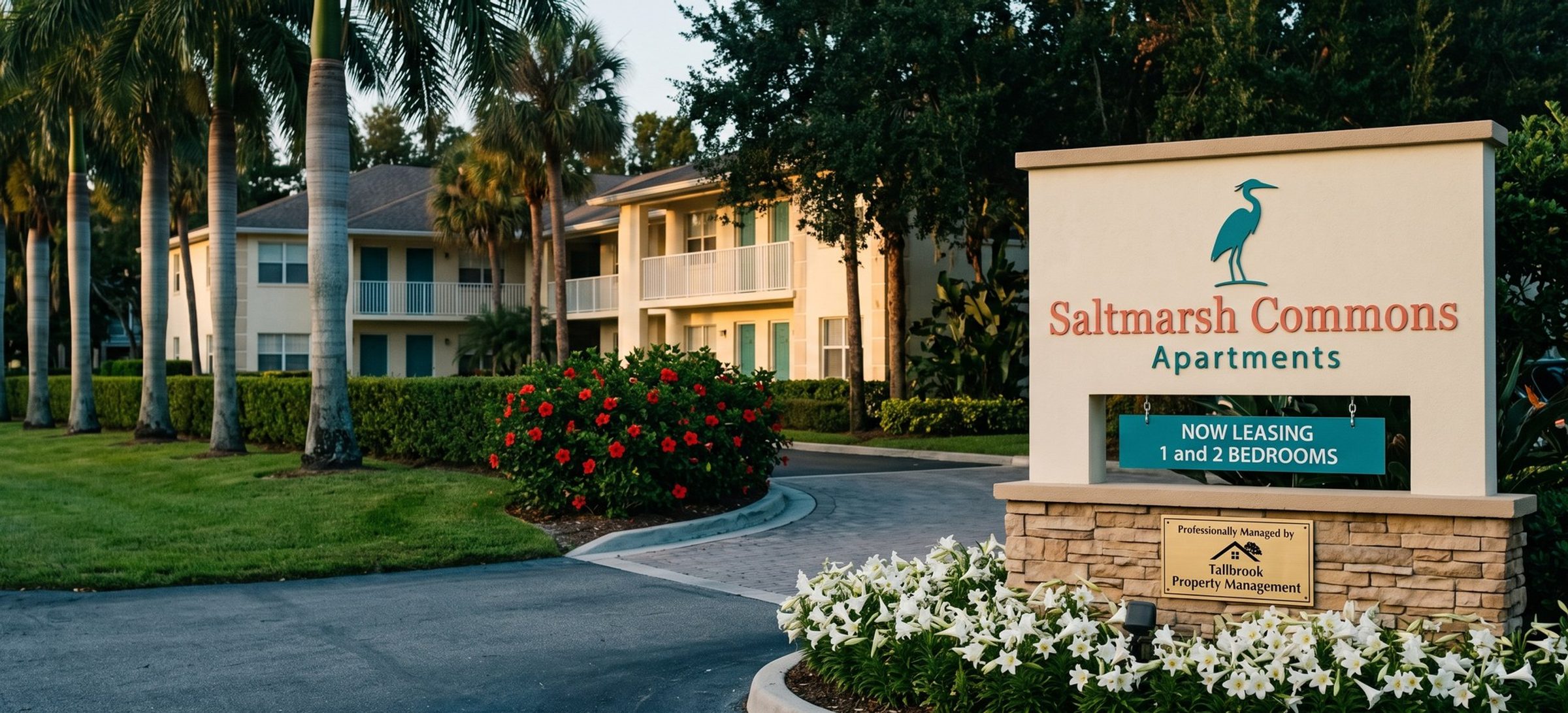
A property manager who runs both kinds of ads is really running two businesses through one account. The leasing ads sell an apartment or a rental house, which Google files under housing, with limits on whom those ads can be aimed at. The owner ads sell a service to the person who owns the place, and Google says those may not fall under the same rules at all. Mixing the two in one campaign means one of them gets the wrong rulebook.
This chapter covers what Google's housing rules switch off, why owner ads can stay outside them and what pulls them back in, the account alert you should accept on day one, the location setting that hides you from out-of-town owners, the defaults to change before launch, and how a leasing campaign targets an area without ZIP codes. The policy quotes come from Google's help pages, saved on the date we read them.
Google Restricts Targeting on Every US Renter Ad. Age, Gender, Family Status and ZIP Codes Are Off the Table.
People searching for this often type "special ad category," which is Meta's name for its version. Google doesn't use that phrase. It files housing under restricted targeting, and an ad it decides is a housing ad carries a housing label you can filter for in the account.
Google's housing page is short on this point. For ads shown in the US and Canada, five targeting choices are gone: gender, age, parental status, marital status and ZIP code. The FAQ spells out what that means inside a campaign: the age, gender and parental status settings "must all be set to 'Enable'," any bid adjustments on demographics go back to 0%, and the marital status and parenting audiences come out, along with the life events about getting married. The policy covers homes "for sale or rental," and its own examples include apartments, so a leasing campaign for a community or a single rental house is squarely inside it.
A lot is still allowed. You can target by city, county, state, DMA or a radius, as long as the radius is "at least 1 km." The FAQ lists household income, homeownership status, in-market audiences, affinity audiences and custom segments as unrestricted. Remarketing and Customer Match stay available unless the list was built from the barred signals; a list of past residents is fine, a list filtered to certain ZIP codes isn't.
Google applies the label one ad at a time. Asked about an ad group where only some ads carry it, the FAQ answers that only those ads are affected: "Just the ones labeled for the policy." Put owner and renter ads in the same campaign and you get a campaign that's half restricted, where a setting that's fine for one ad quietly stops the other. Separate campaigns keep each one's targeting, budget and conversion goal clean, the way Chapter 1 set up the two goals.
Owner Ads Can Stay Outside Google's Housing Rules. Rental Listings on the Landing Page Bring the Rules Back.
Google's FAQ gives two lists. Housing services that "will have targeting restricted" include rental databases and "Real estate agents or brokers." Services that "may not have targeting restricted" include hotels, home inspection and "Property management services." An ad that sells management to an owner is, on Google's own list, a service that can run without the housing restrictions.
The catch is in how Google decides. It reviews "both the ad text and landing page," and it warns that "If a significant portion of the landing page is in scope, the ad could be flagged for the policy despite the ad itself not containing elements related to housing." A manager's home page is often exactly that page. Among the four residential managers in our example set, 53 of the 61 ads with a readable web address showed only the bare home page address. Three of the four residential managers put rental listings in their top menu, and one had a home page banner aimed at renters while every one of its ads spoke to owners. Send an owner ad there and Google sees a page that's partly a rental listing site.
That's one more reason for the owner page from Chapter 4: owner words, owner offers, and no listings widget. Most states require a real estate broker license to manage rentals for others, and brokers sit on Google's restricted list, so we build owner targeting as if the label could arrive anyway. The cost is small, since an owner campaign rarely needs age or ZIP targeting in the first place. If an owner-only page does get the housing label, it's a fair case to appeal, citing "Property management services" on Google's list.
Until the Housing Alert Is Accepted, Google Blocks Every New Campaign in the Account
The first time Google labels an ad in your account as housing, an account-level notice appears asking you to accept the policy. You have 60 days. Until you accept, you can't start a new campaign. The FAQ's wording is that you'll "also not be able to create new campaigns in the account," and that the block holds "even beyond the 60 days."
The same FAQ gives two slightly different answers about what happens to running ads after 60 days. One says labeled ads stop; another says they stop only if they use the barred targeting. There's no reason to find out which is right. Accept the notice the day it shows up. An agency running several managers' accounts can accept for all of them at once through a request form Google links from the FAQ.
Out-of-State Rental Owners Live Outside a Local Ad's Target Area. Town-Name Keywords Reach Them Anywhere in the US.
Google offers two location options. The one it picks for you and recommends, Presence or Interest, also reaches people elsewhere who've shown interest in your area. Presence shows the ad only to searchers Google places inside your chosen area, by where they are now or usually are. We launch every owner and leasing campaign on Presence, and Google's own location page suggests Presence for businesses in sensitive categories with strict targeting limits. To be fair to Google, that page also reports about 5% more Search conversions for real estate, travel and education advertisers who switched the other way, a figure from its own data over 12 days in 2022.
Presence has a blind spot for a property manager. Some of the owners you want don't live anywhere near their rental. One owner review in our set praised the peace of mind of not dealing with it "from miles away." One manager's site carries a testimonial from an owner who wrote, "I am based out of Nashville, so I needed a reliable company to handle my investment property in Orlando," and another manager runs a whole page for out-of-state investors. A campaign aimed only at your metro on Presence rarely shows that owner an ad.
So we split the geography. The near-me and service ad groups target your service area on Presence. The company-plus-town ad group from Chapter 4, filled with Chapter 6's town searches like "property management" plus a town you serve, moves into its own campaign aimed at the whole US, still on Presence. The keyword carries the place: an investor in Nashville typing "property management kissimmee" sees your ad, and someone in Nashville searching "property management near me" doesn't.
AI Max Starts Switched On in Every New Search Campaign. Owner Campaigns Launch Without It.
Google's AI Max help page says every new Search campaign starts with it switched on. AI Max lets Google match a property management ad to searches outside your keyword list and swap in its own headlines and landing pages, and Google says those parts work properly only with bidding that targets conversions. An owner campaign that opens as Isolation, exact match with bids typed by hand, gives AI Max nothing to steer by, so turn it off before the first owner click. AI Max comes last in our order, in Chapter 13.
Two more settings come off at launch. In a new Search campaign the search partner box comes already ticked, Google's page says so "by default," and the owner ad can then run on outside sites that host a search bar. Google admits some of that traffic is poorly targeted. Display Expansion spends part of a Search budget on the Display Network, in front of people browsing websites rather than searching for a manager. Turn both off so the first results come from Google Search alone; you can test partners later, once the account has owner leads to compare against.
Leasing Campaigns Draw a Radius Around the Community. ZIP Code Targeting Isn't Allowed.
A leasing campaign has to describe its area without ZIP codes. Draw a radius around the community, at least 1 km, or target the city and the neighborhoods renters actually move between. Exclusions follow the same rule: you can exclude a city or a radius, but excluding a ZIP code counts as ZIP targeting.
Most of the local precision comes from the keywords anyway. Chapter 6's bedroom-and-neighborhood searches, like a two-bedroom in a named part of town, already tell Google where the renter wants to live.
The targeting rules are Google's. The words in a leasing ad are governed by fair housing law, which is stricter than any ad policy, and Chapter 14 covers that.
For a similar rulebook in another industry, see how a senior living community launches under the same housing rules.
Next: Leasing Earns Performance Max Before the Owner Campaign Does
Chapter 10 covers why a leasing campaign usually earns Performance Max long before an owner campaign does, and why both start on Search. Earlier chapters cover the owner landing page, the first owner searches to launch, bidding by hand and owner ad copy. The full list is on the Google Ads for Property Management guide home, and our Google Ads management page explains how we'd set up your account.


