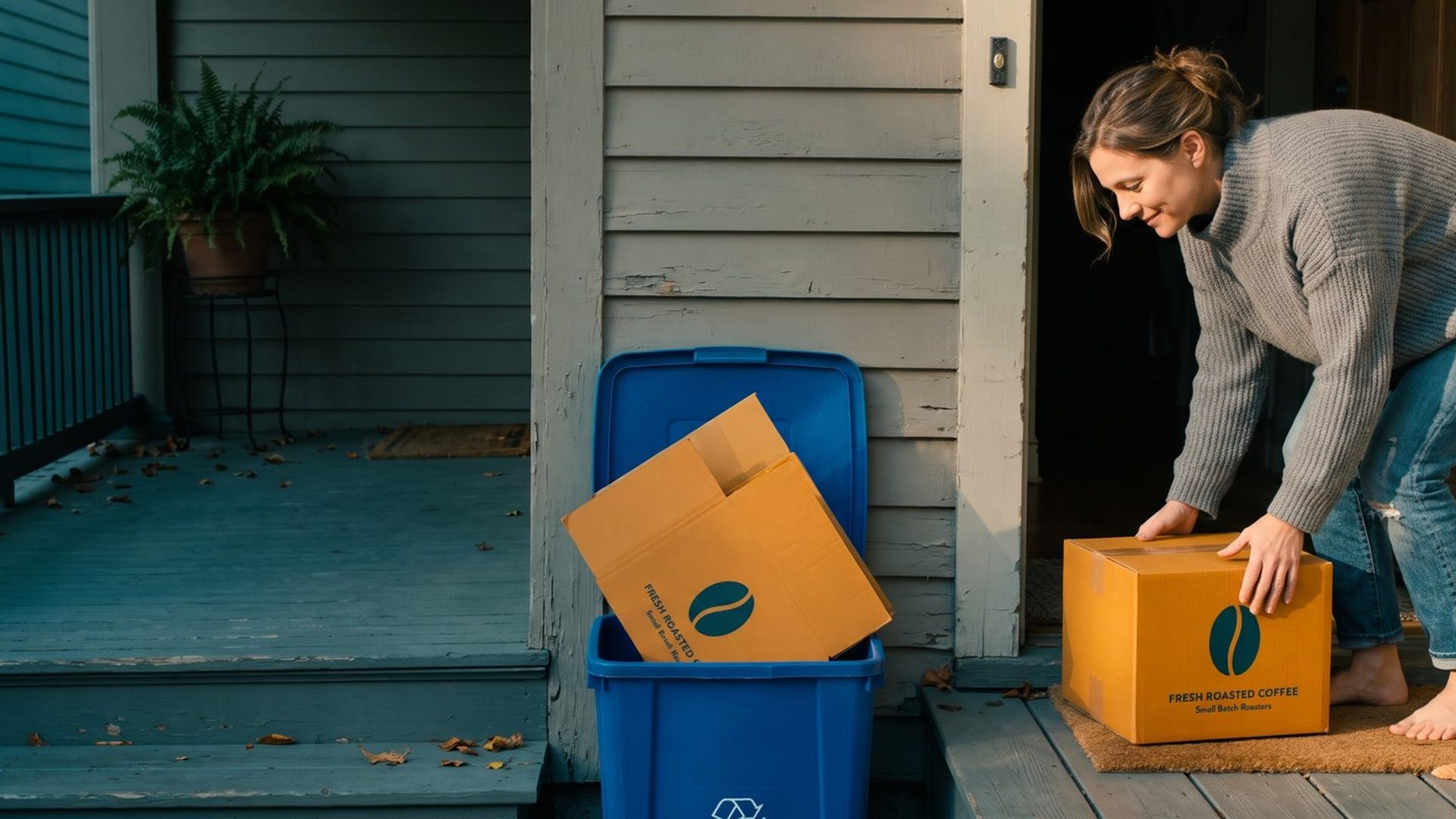
A small coffee roaster tries Google Shopping ads for a month. The report comes back looking bad. Each new customer cost about $35 in clicks, and a typical first order of two bags, after the beans, the bag, shipping, card fees and the occasional refund, left about $20. On paper, every customer the ads found lost the roaster $15. Most owners would turn the ads off right there.
That would be the wrong call for this store. The same customers who cost $35 to find come back for more coffee. Six months later, the roaster's order history shows those customers placing their second and third orders without another click, and the $15 hole is gone.
So, is Google Ads worth it for an online store? Yes, if the orders a customer places after the first one pay back what it cost to find them, inside a stretch of time you can afford to wait. Plenty of stores knowingly lose money on the first sale and come out well ahead. Plenty of others cannot, because their customers buy once and disappear for years. Which one you run decides how much you can pay for a customer, how long you can wait to get it back, and how you should set up and judge Google Ads.
We wrote the version of this question for service businesses in Is Google Ads Worth It?, where one job's profit has to cover the clicks. A store works differently, and the rest of this article walks through it.
A Store Whose Customers Reorder Can Lose Money on the First Sale. A Store Selling Sofas Can't.
Start with what you sell, because it sets every number after it.
Some products run out. Coffee, supplements, pet food, skincare, cleaning supplies, vitamins, refills of anything. A customer who liked the first order has a reason to come back in a few weeks, and the best ones come back on their own. A store like that can pay more for a new customer than the first order earns, because the first order is not the whole relationship. It is the down payment.
Other products don't run out. A sofa, a mattress, a dining table, a bike, a grill. A happy customer might buy from you again in five or ten years, or might never need to. For that store, the first order is most of the relationship, and it has to pay for the clicks that found it. A sofa that leaves $300 after the product, freight and card fees means the most that store can pay for a customer is $300. There is no second order coming to cover the gap.
Most stores sit somewhere between those two, and the honest way to find out where is to look at what your own customers did, not at a category average. A clothing store can have customers who buy every season or customers who bought one jacket for a wedding. A gift shop can look like a one-time business and turn out to have a core of people who buy every birthday.
There is a real argument on the other side, and it is worth hearing. Some owners raise prices until every first order makes money, accept fewer sales, and end up more profitable. We told one retailer's version of that story in our piece on scaling an ecommerce store. For a store with few repeat buyers, that is exactly the right move, because nothing later is coming to rescue a losing first sale. It is the wrong move for the coffee roaster, whose repeat customers are the business.
Your Order History Already Shows What a New Customer Earns You Over a Year
You don't need a forecast to know whether your customers come back. Your store has been recording it.
Pick a month from about a year ago and pull every customer whose first order landed in that month. Shopify, WooCommerce and most store platforms will export orders with the customer's email and order date, and a spreadsheet does the rest. Then count what those same customers bought in the twelve months after that first order, and how much profit those orders left.
Keep three rules while you do it.
Count profit, not revenue. A repeat order still costs you the product, packaging, shipping and card fees. On the Free to Grow CFO podcast, whose hosts advise direct-to-consumer brands on their finances, this is the first rule: compare what a customer cost against the lifetime gross profit or contribution margin they bring in, not the sales total. A $45 reorder that leaves $22 is worth $22.
Use your own customers, not a benchmark. If a blog post says ecommerce customers buy 2.3 times a year, that number belongs to somebody else's store. Your repeat rate is in your order export.
Only trust the number as far as your history goes. The same podcast makes this point plainly: plenty of brands want to plan around what a customer is worth over two years when they don't have two years of orders to look at. If your store is eight months old, you know what a customer is worth over eight months. Plan on that.
For the coffee roaster, the export shows the pattern. For every 100 new customers, those customers placed about 80 more orders in their first six months and about 140 more in their first year. Each reorder left about $22. So the average new customer was worth $20 on the first order, about $38 after six months, and about $51 after a year.
That changes the question. The roaster was asking whether $35 for a customer is too much. The order history says a customer pays back $35 somewhere around month six. Whether that's acceptable depends on the next number.
The Most You Can Pay for a Customer Is What They Pay Back Before Your Cash Runs Short
A customer who pays you back in month six still leaves you down $15 for five months. Multiply that by every customer you buy, and the gap is real money sitting in somebody's coffee cupboard instead of your bank account. This is the part owners miss when they hear "lifetime value": the value arrives over time, and the ad bill arrives this month. We went deeper into that timing problem in Lifetime Value Does Not Pay This Month's Invoice.
The way to handle it is to pick a payback window, the number of months you're willing to wait for a new customer to repay what they cost, and let that window set your ceiling.
For the roaster, the ceiling changes a lot depending on the window:
- Pay back on the first order: at most $20 per customer.
- Pay back within six months: at most about $38.
- Pay back within a year: at most about $51.
The ads are the same and so is the coffee. The ceiling moves from $20 to $51 depending on how long the owner can carry the gap.
How long is reasonable? People who do this for a living disagree, and they say so. The Free to Grow CFO hosts treat three to six months as their usual standard, while saying they have seen great businesses built on paybacks of six to twelve months, and that a payback past a year is rare and risky. The working ranges agencies quote are in the lifetime value piece linked above. Treat all of them as rules of thumb from people who manage bigger accounts than most small stores, not laws. The point they share is the useful one: the right window is the one your cash can carry without stress. A store with three months of expenses in the bank can't run a twelve-month payback, however loyal its customers are.
That scaling piece calls first-order profit the safe default for a small store. This is the other half of that sentence: you can go past the default when your order history shows customers coming back, and when you've decided how long you can wait for them.
Google Ads Treats Every Buyer the Same Until You Tell It a New Customer Is Worth More.
Here is the catch with everything above. Out of the box, Google Ads doesn't know your customers come back. When a first-time buyer places a $50 order, Google records $50. When a loyal customer reorders for $50, Google records $50 again. If you bid on return on ad spend, Google has no reason to prefer a stranger's $50 order over a regular's, and the regulars are often the easiest orders to win, because they were already looking for you.
Google built a setting for exactly the situation in this article. It sits under customer lifecycle goals, and Google's help page describes the New Customer Value mode as "bid higher for new customers than existing ones." It works on Search, Shopping, Performance Max and Demand Gen campaigns. You enter a dollar value for a new customer, and Google adds that value to any purchase it identifies as a first-time buyer. Smart Bidding then treats a new customer's $50 order as worth more than a repeat customer's $50 order, and bids accordingly.
What value should you enter? Google's own starting guidance is to value a new customer at about twice a regular one. Your order history gives you a better number. A sensible starting point is the extra revenue a new customer brings in within your payback window. For the roaster on a six-month window, that's about 0.8 reorders at $45, or about $36. The bid then reaches as far as the customer's repeat orders can pay for, and no further.
A few requirements, straight from Google's pages:
- You need a purchase conversion goal that is actually tracking sales, and a value-based bid strategy: Target ROAS or Maximize conversion value.
- Google has to know who your existing customers are. It will auto-detect them from up to 540 days of tracked purchases, but Google itself recommends adding a Customer Match list of your customers for accuracy. A list needs at least 100 active members to work, and Google warns that a list under 1,000 can limit how well the setting performs.
- There is also a New Customer Only mode, which bids only for new customers. Google recommends it only when you have a strict acquisition budget. For most stores, the New Customer Value mode is the better fit, because it still lets you reach returning customers at their normal value.
One warning that catches people out. Once you turn this on, the "Conversion value" column includes the extra value you entered, so your reported return on ad spend goes up even though no extra money reached your bank account. Google adds separate "New customer lifetime value" and original conversion value columns so you can see the difference. When you judge whether the ads are paying, use the real sales, not the adjusted number.
If you also run Demand Gen, the same idea shows up there as new prospects mode. And when customers do lapse, Google's retention side of the same settings can bid to win them back.
A Few Products Bring In Most First-Time Buyers. They Belong in Your First Shopping Campaign.
Go back to your order export, and this time look only at each customer's first order. What did they buy?
At most stores, a short list of products does most of the work of bringing in new customers. For the roaster, it might be a sampler of three single-origin bags and its best-known house blend. Strangers don't start with the $60 limited lot. They start with the safe bet, and the customers who start there are the ones who come back.
That short list is where Google Ads should start. A store owner's instinct is to put the whole catalog into Shopping ads and let Google sort it out. A new store with a small budget can't afford Google's sorting. Put the products that bring in first-time buyers into your first campaign, give them the budget, and add the rest once those are working. We walk through why Standard Shopping is the right first campaign for most stores, and it lets you set your own bids, which matters when you're working to a ceiling.
Before the first dollar goes out, two things have to be right. Your purchases have to be tracked, with the real order value, or none of the value settings above have anything to work with. And your product feed in Merchant Center has to be clean, because Shopping ads have no keywords and the feed decides where your products show. Our guide to Google Merchant Center covers the problems that most often keep products from showing.
Then handle searches for your store's name on their own. When someone types your brand into Google, there's a good chance they already know you, and many of them are past customers. If those clicks sit in the same campaign as your Shopping ads, they make the whole account look cheaper per sale than it is. Keep brand searches in their own campaign and judge them separately, so the cost of finding a genuinely new customer stays visible.
Your Google Ads Report Judges the First Order. Judge the Customer Six Months Later.
Google Ads reports on the day of the sale. A new customer's $50 order shows up as $50 of value against $35 of cost, and that's the last time the report thinks about them. If you judge Google Ads only by that screen, you'll judge a coffee store the way you'd judge a sofa store.
So judge it in two places.
In Google Ads, add the "New vs. returning customers" segment to your campaigns table. Google splits your purchase conversions into new customers, returning customers and unknown. The "New customers" column counts how many distinct new customers a campaign brought in, which gives you a real cost per new customer, not a blend of new and repeat buyers. If a campaign's sales are mostly returning customers, it's taking credit for business you already had.
In your store, check those same customers later. Tag your ads with UTM codes so your store records where each first order came from, then pull the customers whose first order came from Google in a given month. At 90 days and again at 180 days, count what they've bought since. If Google's customers come back at the same rate as the rest of your customers, the math from your order history holds. If they come back at half the rate, Google is finding bargain hunters, and your ceiling has to come down.
That second check is the one that matters most, and it's the one almost nobody does. It's also the only way to know whether the ad spend that looked like a loss in month one became a profit by month six.
Google Ads Can't Fix a Store Nobody Reorders From. It Just Bills You Faster.
Everything above rests on one thing: customers coming back. If your order export shows that most first-time buyers never place a second order, the honest answer changes. For your store, Google Ads is worth it only if the first order pays for the clicks, and the work before scaling ads is finding out why people don't return. That might be the product, the packaging, the follow-up emails, or simply that nobody asked them back. Our piece on earning the second order is the place to start.
If your customers do come back, you have an advantage most of your competitors are leaving on the table. They're judging Google Ads by the first order and turning off campaigns that would have paid. You can afford to pay more for the same customer because you know what that customer is worth, and you can tell Google so.
Either way, check the math on the first order before you start. Our break-even ROAS guide shows how to find what a first order really leaves after shipping, fees and returns. That's the floor everything in this article builds on.
If you'd rather have someone run these numbers against your own order history and set up Google Ads to match, that's the kind of work we do with online stores. We'll look at what your customers are actually worth before we spend a dollar finding more of them.