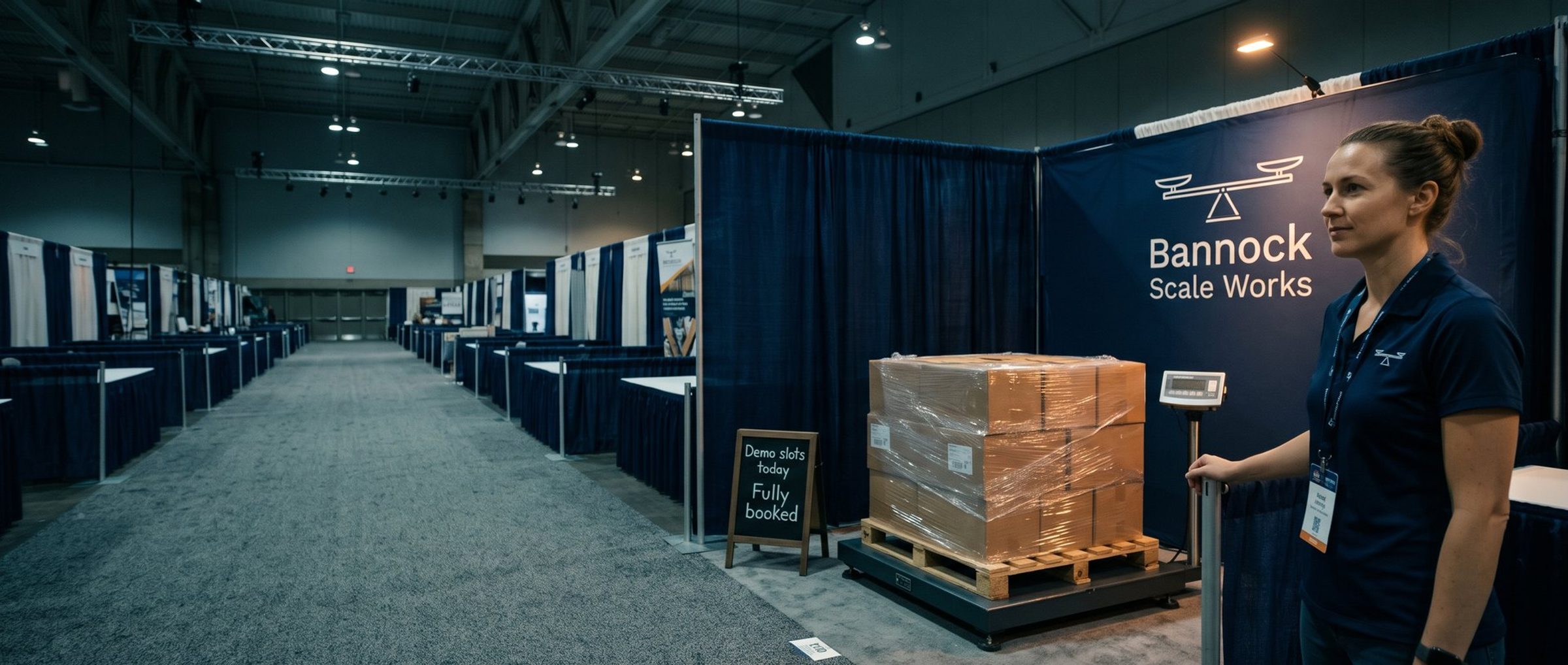
You signed the contract for the booth months ago. Since then the bill has grown the way it always does: the space, the display, freight, electrical, hotel rooms, flights, and three of your best people away from their real jobs for most of a week. Then the show ends, someone exports the badge scans, and you're left trying to work out what you got for all of it.
Here is the part most exhibitors find out the hard way. The buyers worth meeting at a trade show decide who they'll see before they get there. They walk in with a short list and a calendar. If your name isn't on that list, you're hoping they wander past the right aisle at the right moment, between the meetings they already booked with your competitors.
LinkedIn is the best tool most small B2B companies have for getting onto that list, because it knows the job title and employer of the person scrolling. It has one real limit, and owners often assume it doesn't: you can't point it at the convention center. This article covers what LinkedIn can and can't reach at a trade show, and how to use it before, during and after the show so the meetings are booked before you pack the booth. We'll follow one example the whole way: a 25-person company that builds industrial floor scales and exhibits at a regional manufacturing show.
LinkedIn Stops at the City Limits. Your Booth Is One Building Inside Them.
Owners who have run Meta or Google ads often assume they can draw a circle around the convention center and reach everyone inside it. On LinkedIn, you can't. LinkedIn's own targeting help page lists the location levels you can choose, and the smallest one is a city. Above that come county, metro area and state. There's no radius, no map pin, no street address and no venue.
LinkedIn decides where a member is in three ways, and the setting you pick matters more for a trade show than for almost anything else you'll run:
- Permanent location uses the location on the member's profile. That's where they live and work, not where they are this week.
- Recent location uses the member's IP address to catch short-term visits. LinkedIn lets you target recent location on its own at the city, county, metro and state level.
- Recent or permanent location combines both. It's the default.
For most campaigns, the advice is to switch to permanent so you only reach people who actually live in your market. A trade show is the exception. The buyers you want flew in, so their profiles say Dallas or Milwaukee, not the show's city. Recent location is what catches them. LinkedIn notes that a recent-location audience will be smaller, because fewer members have recent IP-based signals, so expect the estimate to drop when you switch.
Even then, targeting the city reaches plenty of locals who never set foot in the hall. That's acceptable, and some of them may be exactly the right buyer who skipped the show this year. But it tells you what geography is actually for here. Geography handles the timing. A list does the targeting. If your only plan is "operations managers in the show's city this week," you're paying to reach everyone in that metro to find the few hundred people walking the floor.
If your business is local, there's more on how LinkedIn treats a single city in Your LinkedIn Market Is One City. Most LinkedIn Advice Assumes a Whole Country.
The Attendee List Does the Targeting. A Year-Old Copy Works Almost as Well.
The best way to reach the people at a show is to know who they are before they arrive. That sounds like a list you can't get, but most exhibitors have more to work with than they think.
- This year's attendee list. Some sponsorship packages include it. If yours does, it's the best targeting you'll get.
- Last year's attendee list. The founder of one agency that works only on LinkedIn ads makes a point worth borrowing: a company that sent people last year is far more likely to send people again. A year-old list is still most of the right companies.
- The exhibitor directory. Most shows publish the list of exhibitors on their website. If you sell to manufacturers and the show is full of manufacturers, many of your buyers are standing in their own booths. Nobody has to hand you that list. It's public.
- Your own pipeline. Customers, open deals and prospects who have told you they're going.
Now the move that makes any of these lists work better. Turn the contact list into a company list. Uploading a list of people sounds more precise, but LinkedIn only matches a contact when it can find their member account, and plenty of people never connect the email you have to their profile. We walked through why so many contacts go missing in You Uploaded 2,000 Contacts. Your Audience Is 1,200. Company names match far more reliably. Upload the companies, then add job function and seniority on top, and you reach the person on the list plus their colleagues, their boss and whoever else sits in on the decision.
For the scale company, that looks like this: 180 companies from last year's attendee list and this year's exhibitor directory, narrowed to operations, plant management, quality and purchasing, at manager level and up. The people they want to meet aren't a guess.
The one hard limit to plan around: LinkedIn won't run an ad set to fewer than 300 member accounts. A short list with tight filters can fall under that, so check the audience estimate before you build anything else. We covered how company lists behave once they're live in LinkedIn Can Put Your Ad in Front of the Exact Companies You Want.
Nobody Walks Across a Show Floor for "Come See Us at Booth 412"
Before you write an ad, decide what you're asking people to do. "Visit us at booth 412" is the default, and it's the weakest thing you can say. Every exhibitor in the hall is saying it. A buyer with three days and a full calendar has no reason to rearrange anything for it.
That same agency's advice is that the ad needs something specific, exclusive or genuinely useful behind it. On a recent client event, the agency says, the booth had an F1 driving simulator, and promoting that pulled far more traffic than "come talk to us about our product." You don't need a racing simulator. You need a reason a busy buyer would choose your booth over the next one. For a small B2B company, the best reasons tend to be practical:
- A live demonstration of the real thing. The scale company brings a working floor scale and lets visitors put their own pallet load on it. That's worth a detour for a plant manager. A brochure isn't.
- A booked 15-minute slot with a named person. "Meet our lead engineer, 15 minutes, pick a time" is a far smaller and clearer ask than "stop by."
- A dinner or a drink away from the floor. This is where the best conversations at many shows happen. We made the case for a small dinner in Your B2B Buyers Won't Remember Your Booth. They'll Remember the Dinner.
- Something they can take home and use. A calibration checklist, a spec sheet comparison, a short answer to the question every buyer in your industry asks.
The pattern is the same one that works for LinkedIn offers all year: ask for something small and concrete, not a sales meeting with a stranger. We covered how to size that offer in Nobody on LinkedIn Wants a Demo. Offer Them Something Smaller.
Three Weeks Before the Show Is When the Calendar Fills
Most exhibitors start advertising when the show starts. That's backwards. By the morning the doors open, the buyers you most want to meet have already filled their schedules. Before the show is when you can still get on them.
Three weeks out, run ads to your list wherever those people live. Don't limit this phase to the show's city. They aren't there yet. You're reaching them at their desks in their own cities while they plan the trip.
Two ad formats do most of the work here.
Message ads from a real person. LinkedIn's sponsored messages arrive in the member's inbox with a person's name and photo on them, and they read like a personal invitation in a way a feed ad never does. The LinkedIn-only agency from earlier says its event campaigns averaged a 67% open rate against about 55% for message ads in general, and a 16.6% click rate against about 3.2%. Those are one agency's numbers, but the reason behind them holds: an invitation to something specific, from a named person, is the one time a sponsored message feels like a message. We covered how these ads work in Most LinkedIn Ads Shout From the Feed. This One Knocks on the Door.
Three details from LinkedIn's own help page change how you use them for a show:
- They only arrive when the member is active on LinkedIn. Someone who doesn't open the app for ten days doesn't get your invitation for ten days. Send early, or the invitation lands after the show.
- A newer sponsored message pushes yours into their archive. When a member receives another sponsored message from anyone, your earlier one moves to their archived folder. In the weeks before a big show, every exhibitor is doing this. Earlier is better here too.
- You pay per send, and LinkedIn limits how often one person gets sponsored messages. You'll reach your list once, maybe twice. Make the first one count.
One quirk to check before launch: when a message ad targets English, LinkedIn only sends it to members whose profile language is set to English. That's different from feed ads, and it can quietly shrink a list.
A Thought Leader Ad from someone who'll be at the booth. Have the lead engineer post on their own profile: they're going, here's what they're bringing, here's what they want to talk about. Then, with their permission, promote that post to your list. The same agency says two posts like this for a recent event averaged about a 10% click rate. Its founder's guess for a plain "we're at the show, come see us" post from the company page is about half a percent. People respond to a person, not a logo. We explained why in Your Best LinkedIn Ad Doesn't Come From Your Company Page.
For the scale company, the pre-show plan is two message ads from the lead engineer, one three weeks out and one ten days out, each with a booking link for a 15-minute demo slot, plus the engineer's own post promoted to the same 180 companies. If six plant managers book slots before the show, the booth has paid off before anyone unpacks the display.
During the Show, the City Finally Becomes Worth Targeting
Once the show opens, add the city. Run a second ad set aimed at your target job titles in the show's city on recent location, alongside the list ad set you already have. This is the one stretch of the year when geography and your buyers line up.
A few settings make this phase cheaper:
- Pay for the click to your page, not for likes. The agency recommends single image ads from your company page on the website visits objective here, because LinkedIn then charges only for clicks to your landing page. A Thought Leader Ad can't do that; it runs on the awareness, engagement or video views objectives, none of which let you pay only for clicks to your site. It reports a 1.57% click rate on a recent show campaign against roughly 0.45% for typical single image ads. We explained what each objective pays for in Which LinkedIn Campaign Objective Should You Pick?
- Keep bids low on the city ad set. It reaches more locals than attendees, so you want the most reach at the lowest price, not a fight for every impression.
- Turn everything off at midnight on the last day. Most attendees leave that night. Anything after that is paying to reach a city.
Now compare the cost to what the show itself will sell you. Jack Caspino, who runs an event advertising company, described a friend's show where the booth was $80,000 and the organizer's marketing package, a few banner ads and a newsletter mention, was another $20,000 to $30,000. On the same episode he worked the LinkedIn math: at a $50 cost per thousand impressions, reaching 10,000 attendees once costs about $500. Those are one person's numbers from one show, and you'll show each person your ad more than once. But even at several times that, a week of LinkedIn ads aimed at the right companies costs a small fraction of the package, and it reaches people before the show as well as during it.
300 Badge Scans Become About 150 LinkedIn Matches. That Is Under the Floor.
The show ends and you have the badge scans. The obvious next step is to upload them to LinkedIn and keep advertising to everyone you met. It's a good instinct, and it runs into a wall.
Caspino puts numbers on it: upload 300 badge scans and you might match 140 to 150 of them. That's below the 300 member accounts LinkedIn needs before it will run an ad set. Your best audience of the year is too small to use, which is the last thing anyone expects after spending a week collecting it.
There are two ways around it, and you should use both. In the scale company's case, the 300 scans came from about 120 companies:
- Turn the scans into a company list. The same move as before the show. Upload the companies the scans came from, add your job function and seniority filters, and the audience grows past the floor while reaching the same buying groups.
- Combine them with everyone who engaged with your show ads. LinkedIn can build audiences from people who engaged with your single image ads, opened or clicked your message ads, watched your videos or opened your lead forms. For ad engagement, you can choose a lookback from 30 days up to 365 days. Everyone who reacted to your ads during the show is now an audience, and they were interested enough to act.
One thing you can't do: retarget the people who joined the show's own LinkedIn Event. LinkedIn only lets you build event audiences from Events hosted on your own company page. If you want that audience, host a small LinkedIn Event of your own for your dinner or your demo hours. We covered how LinkedIn Events behave, and why half the registrants won't show, in LinkedIn Can Fill Your Webinar. Half the People Who Register Won't Show Up.
Then fold all of it into the retargeting you run the rest of the year, not a one-off "thanks for stopping by" ad that runs for a week. Trade show contacts go cold fast because everyone came home to the same full inbox. The companies that win business from a show are the ones still in front of those buyers in month two and month five. We laid out how to build that sequence in Is LinkedIn Retargeting Worth It?
A Phone Video Shot at Your Booth Makes the Best Follow-Up Ad
The best post-show ad is often the cheapest thing you'll make all year. Shoot it at the booth while the show is running.
Lava Media, a video agency that studied dozens of B2B video ads in LinkedIn's public ad library, points to a medical device company that ran three very different videos side by side. One was a polished 3D product demo. One was a customer testimonial. One was just a sales rep at the trade show booth, shot on a phone, talking about the product. The agency prices that last one at $200 to $300, because it's little more than editing. It also suggests the obvious use: show it to the people who were at the event. Someone who walked past that booth last week stops scrolling when they see it again in their feed.
Phone video works at a show for a specific reason. The sound is usually manageable, the setting looks busy and real, and a person explaining their product to a visitor is exactly what the viewer remembers from the floor. A shaky tour of an empty booth doesn't have any of that. So keep it simple and deliberate: one person, one product, 30 to 60 seconds, steady framing, a quiet corner.
For the scale company, that's the lead engineer at the working scale, putting a pallet on it and explaining in under a minute what the reading means and why it stays accurate. It goes to the badge-scan companies and the show engagers the following week, then into the regular retargeting rotation.
Keep the spend in proportion. Lava Media's rule of thumb is that production should run about 10 to 15% of what you spend on the ads. If the whole trade show campaign on LinkedIn is $3,000, a $300 phone video is right on budget. A $5,000 produced film isn't.
The Meetings Get Booked Before the Flight Does
The plan, in one paragraph: three weeks before the show, run message ads and a promoted post from the person staffing the booth to a company list built from attendees and exhibitors, offering something worth booking. During the show, add the city on recent location, pay only for clicks to your page, and switch everything off at midnight on the last day. After the show, turn the badge scans into a company list, combine them with everyone who engaged, and keep showing up for months.
None of it needs a big budget. It needs a list, an offer, and starting earlier than feels natural. The booth is the most expensive part of a trade show, and the meetings are the part that pays for it. LinkedIn can't put your ad inside the convention center, but it can put you on the calendar of the people walking into it.
If you'd like help building that list and running the campaigns around your next show, that's the kind of work we do every week in our LinkedIn ads management. And if you're doing it yourself, everything above is what we'd do.