
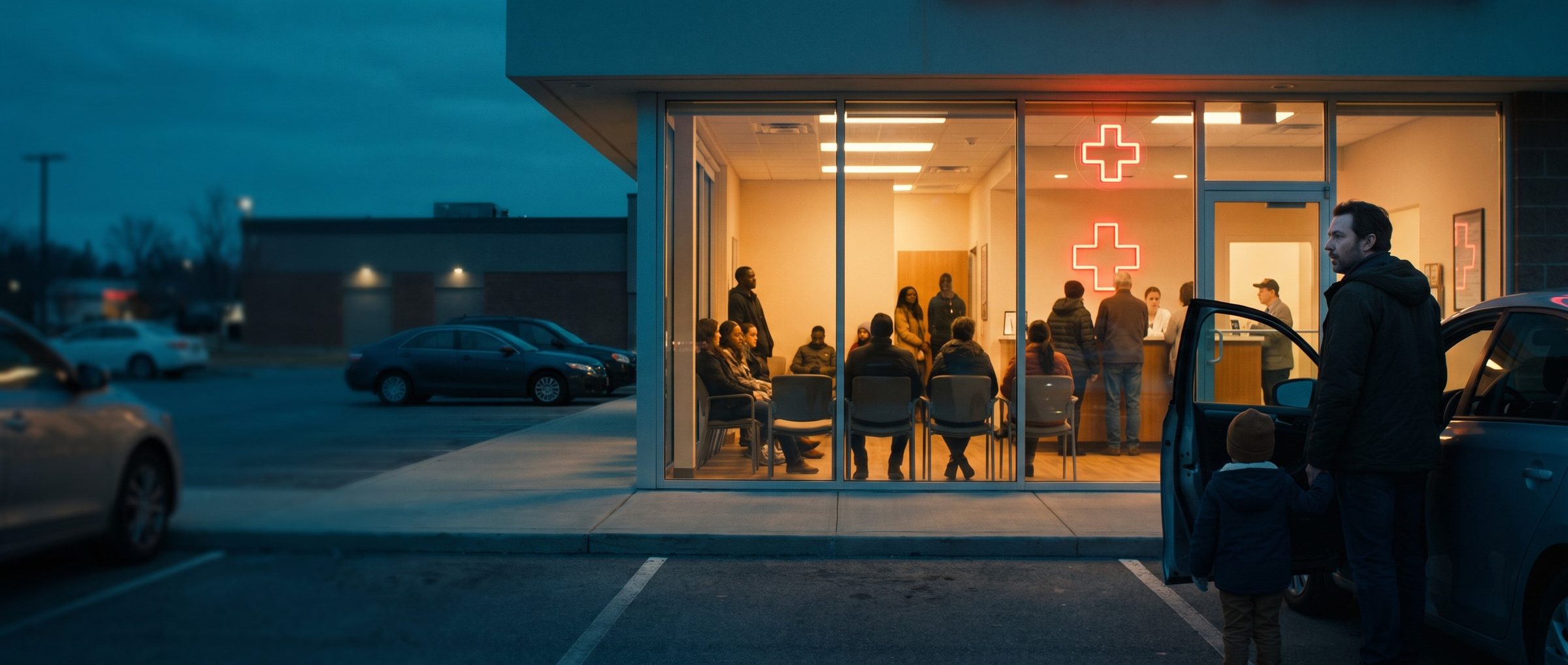
Search "urgent care near me" on a phone and one of the first things you see often isn't an ad or a website. It's a map, a handful of pins, and a stack of listings with stars, hours and a button to call. Tap one, and Google shows you something the clinic never wrote: a bar chart of how busy the place usually is, and on some listings a live reading of how busy it is right now.
That chart is Google's, not yours. You can't edit it, hide it or argue with it. For a business that sells speed, it may be the most important thing on the page.
Google Shows a Busyness Chart on Most Urgent Care Listings in Philadelphia
We opened every urgent care and walk-in listing from our Philadelphia Maps research, 26 in all, on the same day. Seventeen showed Google's popular times chart. Some added a live reading on top of it, such as "Less busy than usual."
Google explains where the numbers come from on its Business Profile help page. The chart is built from anonymized visits by people who have opted in to Location History, and it only appears once a place gets enough of those visits. The live reading updates in real time over the chart. And the part that matters most for an owner: businesses can't add or change any of it.
Google says it can also show a wait time estimate for some kinds of business. On the 26 listings we checked, none showed one. What patients get is the crowd, hour by hour, which for a sick person deciding where to drive is close enough.
An Ad That Promises No Wait Sits One Tap From a Chart That Says Busier Than Usual
Chapter 8 argued for putting a real number in your ad, your typical visit, not your best one. The Maps listing is why that rule has teeth. A patient who reads "No Wait" in an ad and then taps your listing can see Google's chart showing the hour they're about to drive over as your busiest of the day. One of those two claims is yours, and the patient knows which one they trust.
That doesn't mean hiding from the chart. It means writing ads that agree with it:
- If your evenings are packed, sell online check-in: "Check In Online, Wait at Home."
- If your mornings are quiet, say so on the page, and let the schedule from Chapter 9 put more of your budget behind those hours while the campaign still bids by hand.
- If you show a live wait on your own site, link to it from the ad, so the patient sees your number before they see Google's.
The chart can also work for you. A center that's "Less busy than usual" at 7 p.m. on a Tuesday has an advantage it didn't have to write.
Maps Ads Come From the Search Campaigns You Already Built, Once Location Assets Are On
There's no separate Maps campaign to set up. Google lists the campaign types that can show on Maps: Search campaigns with location assets, Performance Max, Demand Gen and Smart campaigns. On Maps, those ads take three forms: a promoted pin that stands out from the ordinary round pins, an ad in the Maps search results, and an ad in the suggestions as someone types.
For the Search campaigns from Chapters 6 and 7, the switch is the location asset from Chapter 9, linked to each center's Business Profile. Without it, those campaigns stay off the map. With it, the same bids and the same schedules carry over, and a patient searching on Maps can see your center marked out from the rest.
Eighteen of Twenty Philadelphia Listings Picked the Same Category. Yours Should Too.
In a Maps search for urgent care in Philadelphia, 18 of the first 20 listings used Google's "Urgent care center" category, including the hospital-run centers. One urgent care used "Medical clinic" instead. Another listing with "urgent" in its name turned out to be a dental clinic.
Google's own guidance is to use as few categories as it takes to describe the core business. For an urgent care, that's the one the rest of the market already uses. Google lets departments of a hospital have Business Profiles of their own, and a department's category must be different from the hospital's, which is why hospital-run centers can carry the urgent care category too.
Two other rules from the same page keep coming up in urgent care. The business name should be the real name with nothing added. Google's own example of what not to do is a pizza place with "Open 24 hours" tacked onto its name. And Google asks for your regular customer-facing hours, which for an urgent care is Chapter 9's last check-in problem again, this time on the map.
Half the Listings Already Take Check-Ins Right on Google Maps
Thirteen of the 26 listings we checked had a "Book online" button right on Maps. The ones we followed in our research ran through check-in companies urgent cares also use on their own websites, such as Solv, NextPatient and ClockwiseMD.
That changes what a Maps visit is. A patient can find you, see how busy you are and reserve a spot without ever reaching your website, and without an ad ever running. The free listing is doing part of the booking before your campaigns do.
Two checks follow from that. First, every center's button should open that center's check-in, not a list of every location the group owns, the Maps version of Chapter 4's locator problem. Second, when you judge what your ads are worth, remember that some check-ins come from the listing on its own. An ad that shows up next to a strong listing is competing with your own free result for credit.
One Listing Has 159 Reviews Naming the Same Front-Desk Worker. Google's Rules Say Don't Ask for That.
Reviews are a short scroll from the chart, and urgent cares know it. On one Philadelphia listing in our sample, Google's review summary showed 159 reviews mentioning the same front-desk worker by first name. One of the reviews shown ended with a note that the patient was posting so that employee could win.
We don't know how that center runs its program, and plenty of those patients were surely happy. But Google's review rules are specific about this kind of thing. Merchants may not offer anything in exchange for a review. They may not ask only the happy patients. They shouldn't pressure people to leave a review while they're still in the building or ask for specific content. And they may not ask staff to collect reviews that name a staff member.
For an urgent care, the safe version is simple. Ask every patient the same way, after they leave, with a text or email that links to your listing. Don't reward staff for review counts, and don't ask for the review at the front desk.
Google's Pay-per-Lead Ads Would List an Urgent Care as a Family Doctor's Office
Local Services Ads are the other thing Google sells on these results: listings billed per lead instead of per click. There's no "urgent care" category in the US list. The closest health care category is primary care physician, which describes the scheduled checkups an urgent care exists to fill in for.
Health care in Local Services also leaves out things other businesses get, including booking leads and credits for bad leads. For a walk-in business whose win is a visit today, not a phone lead, it's a weak fit. Your Search campaigns on Maps, and a well-kept listing, do that job better.
Next: AI Max and the Word "Emergency"
Chapter 13 turns to AI Max, the setting that lets Google widen your matching and write your ads, and to the one word an urgent care has to watch closely when it does: emergency.
Catch up on Chapter 8 for wait times in ad copy and Chapter 9 for hours and schedules, or see all sixteen chapters on the guide home.
When urgent care groups hire us for Google Ads management, we open every center's Maps listing before we write a single ad, because that's what the patient opens right after they see it.


