
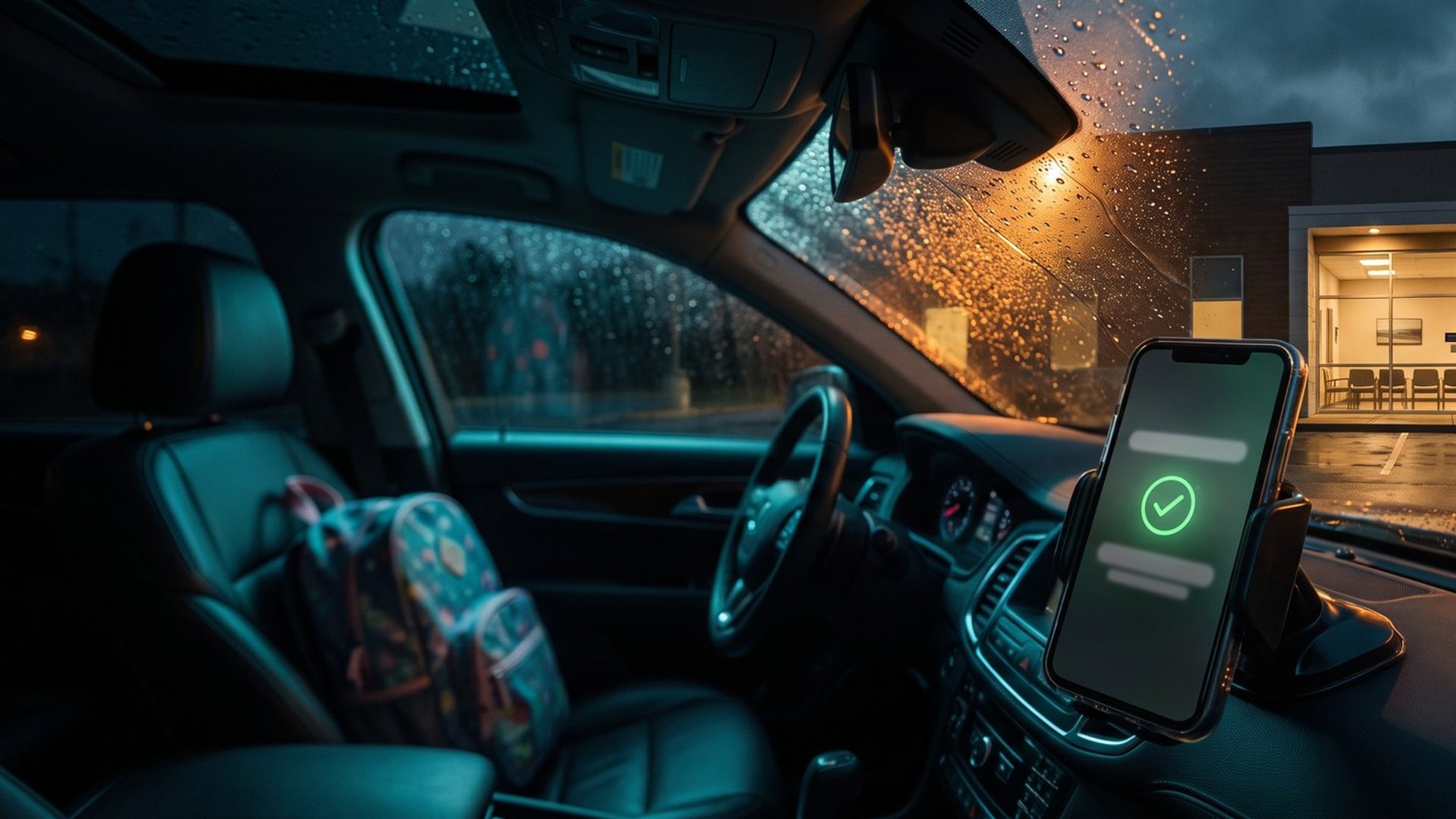
A parent with a feverish kid taps your ad at 6:40 p.m., hits "Save My Spot," and lands on a page with someone else's logo in the corner. They pick 7:15, type "fever and sore throat" into the reason box, and get a confirmation text. Forty minutes later they walk through your door. Your Google Ads account, meanwhile, recorded one click and nothing else.
That gap is where most urgent care accounts lose the plot. The patient did everything right. The ad worked. But the moment that proves it happened on another company's website, and Google never saw it. An account that can't see its wins bids like a dog chasing cars: lots of energy, no idea what it's after. So the first chapter of this guide is about counting, and keywords wait.
Most Urgent Care Patients Never Fill Out a Form. They Just Show Up.
Conversion tracking wears two hats. For you, it's the tally of who came in because of an ad. For Google, it's the brief its bidding works from, all day, every day. Smart Bidding treats each conversion as a sketch of the person you want, then goes hunting for lookalikes in the auction. Whatever you count, it chases.
Urgent care makes that harder than almost any other local business, because patients arrive by three roads:
- They walk in. No form, no call, no digital trace at the moment it matters.
- They call. To ask about wait times, X-rays, insurance, or whether you see kids.
- They check in online. "Save My Spot," "Reserve Your Spot," "Schedule Now," depending on whose software runs the button.
We pulled twelve urgent care websites from one example market, Philadelphia: independent centers, a national franchise location, regional chains, hospital-system urgent cares, pediatric centers, a retail clinic and an occupational medicine operator. Your market will have other names. The three roads will look exactly the same. Two of the twelve take walk-ins only, with no online check-in at all. The other ten add some form of online check-in, and every one of them lists a phone number.
Each road needs its own plan. The online check-in is the one you can measure best, so start there.
Seven of Twelve Check-In Buttons Leave the Clinic's Own Website
Here is where the check-in actually finishes on those twelve sites:
- Seven send the patient to another company's system or a separate patient portal: NextPatient, Solv, ClockwiseMD, healow, or an Epic MyChart "On My Way" page.
- One keeps the patient on its own page but loads the booking inside a Calendly window.
- Two run the check-in on their own website.
- Two take walk-ins only.
None of that is a mistake. The catch is where the confirmation lives. Your conversion tag sits on your website. The "You're checked in" moment happens on theirs. Unless you connect the two, Google watches the patient walk out your front door and never learns they came back through the side entrance.
Three ways to close that gap, from most to least reliable:
- Bring the patient home. If your check-in software can finish on a thank-you page that lives on your site, that page is where the conversion fires. Ask the vendor; it's the cleanest fix.
- Put your tag on their confirmation step. Some tools let you add a Google tag or a Google Tag Manager container to the booking flow. Ask the vendor directly; the answer varies by product and by plan.
- Link the two sites in Google Analytics. Google Analytics 4 has a cross-domain setting built for this handoff: it keeps one visitor recognized as one visitor while they hop from your site to the check-in page. Without it, the same patient looks like two strangers who never met.
One franchise location in our example market, AFC Urgent Care in Frazer, shows the right instinct in its own code: a small script copies the ad's click details onto its Solv and ClockwiseMD check-in links, so the trail doesn't go cold at the handoff. That is the idea to steal.
The embedded window is its own trap. A booking frame from another company can look like part of your page while reporting to its own domain. Test it the only way that counts: click your own ad, check in, and see whether a conversion shows up.
A Click on "Save My Spot" Is a Wish, Not a Visit
When the confirmation is hard to reach, the tempting shortcut is to count the button click instead. Resist it. A button click is an intention, and intentions are cheap. People tap "Save My Spot" to see the open times, to compare two centers, or by accident while scrolling with a sick kid on their lap.
Count a click and Google learns to find clickers. Count a confirmed check-in and it learns to find patients.
Even a confirmed check-in is a promise, not a visit. One reviewer in our sample asked, "Why do you accept appointments if you have to wait your turn anyway?" That doesn't make the check-in the wrong thing to count. It is the best signal you have. But it is one more reason to never let a softer action stand in for it.
The Phone Books the Patients Who Don't Trust a Website
Plenty of patients skip the website and just call: is there a wait, do you do X-rays, do you take my plan, can you see a two-year-old. Google counts those calls in two ways:
- Calls from ads. Google's description: calls made "directly from call-only ads, or call and location assets used in your ads."
- Calls from your site after an ad click. Google swaps a forwarding number onto your pages for people who arrived from an ad, so the call can be traced back to it.
Either way, you pick how long a call must last before Google treats it as a conversion. We use 30 seconds. A voicemail left after hours is still a real patient.
Urgent care phones have a problem most businesses don't: they also ring for people who already came in. Lab results. A billing question. A school note. A records request. If every call over 30 seconds counts, Google learns to find people calling about their bill. We come back to that in Chapter 10, where it matters most. For now, make sure the ad-driven calls go to a line that new patients actually use, and make sure every page lists the same number for the same center. In our sample, one national operator's location page and its own printed market map gave two different numbers for one center.
Walk-Ins Are Your Biggest Conversion and the Hardest One to Count
The walk-in is the heart of urgent care and the blind spot of every ad account. Google does have a tool built for foot traffic, store visit conversions. But its eligibility rules say store locations "must not be considered sensitive," and that "locations related to religion, sexual interests, children, and certain health issues are considered sensitive and ineligible." Google doesn't say whether a general urgent care center falls inside "certain health issues." Check your account before you plan around it, and don't expect it.
What is more likely to work is local actions. Any advertiser running location assets gets them, according to Google's help page, and they count people who tap "Directions" on your map listing after seeing your ad. Google restricts reporting for sensitive locations, and its list names abortion clinics, addiction treatment facilities, domestic violence shelters, fertility centers and counseling centers. Urgent care is not on that list.
A Directions click is a strong hint. Someone asking for driving directions to an urgent care is rarely window-shopping. It's still a hint, though, not a check-in. Keep it as a secondary action you watch, not something you pay Google to chase.
Google Keeps Medical Visits Out of Enhanced Conversions. An Urgent Care Visit Is One.
Enhanced conversions send hashed customer details, such as an email or phone number, with each conversion so Google can match more of them. For most businesses it's a sensible upgrade. For urgent care, Google's customer data policy closes the door. Its list of sensitive categories, which are barred from enhanced conversions, covers health and medical information and names buying medical services as an example.
An urgent care check-in is a medical service by any reading. Leave enhanced conversions off. If a setup guide or a well-meaning tool turns them on, turn them back off.
The Check-In Form Is the Page HHS Still Worries About
In 2024 a federal court in Texas threw out part of the Department of Health and Human Services' guidance on tracking technology. People read that as "the tracking rules are gone." They are not. HHS's current guidance still warns that tracking on a no-login page where people book a visit can reach protected health information, and its own example is a tag picking up the reason for the visit that someone typed or chose from a list.
Read that next to your check-in form. No login. Schedules a visit. Asks the reason. It is close to a word-for-word match.
That doesn't mean you can't measure check-ins. It means you measure them carefully:
- Fire the conversion on a plain confirmation page or step that carries no visit reason, symptoms or name.
- Keep the reason for the visit out of page addresses, event names and anything a tag can read.
- Don't build remarketing lists from check-in pages or condition pages.
- Before any ad tag touches the check-in flow, confirm with your check-in vendor and your counsel that the setup is HIPAA-safe.
This is general information, not legal advice. Have counsel review your own tracking setup.
Primary, Secondary and One Count per Click Keep the Noise Out of Bidding
Once the right events fire, a few settings decide what Google learns from them.
- Primary vs. secondary. Confirmed check-ins and qualifying calls are primary. Directions clicks, results calls and billing calls are secondary. Google treats secondary actions as reporting only: you see them in the All Conversions column, and bidding ignores them.
- Count one conversion per click. Google recommends that option when what matters is whether a lead happened, not how many sales followed. A patient who checks in twice by mistake is still one patient.
- Conversion window. New conversions default to a 30-day click-through window, and you can set it as long as 90 days. Urgent care is decided in hours, not weeks, so this setting matters less for you than for almost anyone else. Leave room for the patient who clicks today and comes back next month for a school physical.
- Attribution. Data-driven attribution is Google's default for most conversion actions. Keep it.
- Auto-tagging on, so every click carries its ID.
- The leftover enhanced CPC box. Enhanced CPC is retired for Search, but a stale checkbox can still appear in conversion settings. Leave it unchecked.
Install everything through Google Tag Manager, then click your own ad and walk through every road with Tag Assistant open: check in online, call from the ad, call from the site. If a road doesn't show a conversion, it doesn't exist as far as Google is concerned.
One more thing before launch: if the account already counts page views or button clicks as conversions, clear them out. Starting clean beats teaching Google bad habits and hoping it unlearns them.
Two BrandRocket terms show up from Chapter 6 on. Isolation is what we call the exact-match campaign on manual bids, the one that holds the searches already proven to bring patients. Exploration is our broad-match campaign, sent out to find the searches nobody put on the list. Both depend on this chapter. Exploration doesn't launch until the account logs about 30 real conversions a month, and it can only learn from the ones you count.
Next: The Same-Day Funnel
Once check-ins, calls and walk-in signals are counted the right way, Google finally learns from real patients. Next comes where to show up. Nobody researches urgent care for a week, and Chapter 2 maps the searches that happen in the hour someone needs you, and why your first dollars belong there.
Rather see the map before the first mile? The guide home shows all sixteen chapters, ending with the line between urgent care and the ER, employer accounts and posted self-pay prices.
Urgent care groups that bring us in for Google Ads management get the same order: we walk every road into the center and fix the counting before we touch a bid. Doing it yourself? Check in, call and ask for directions from your own ad before you spend a dollar.


