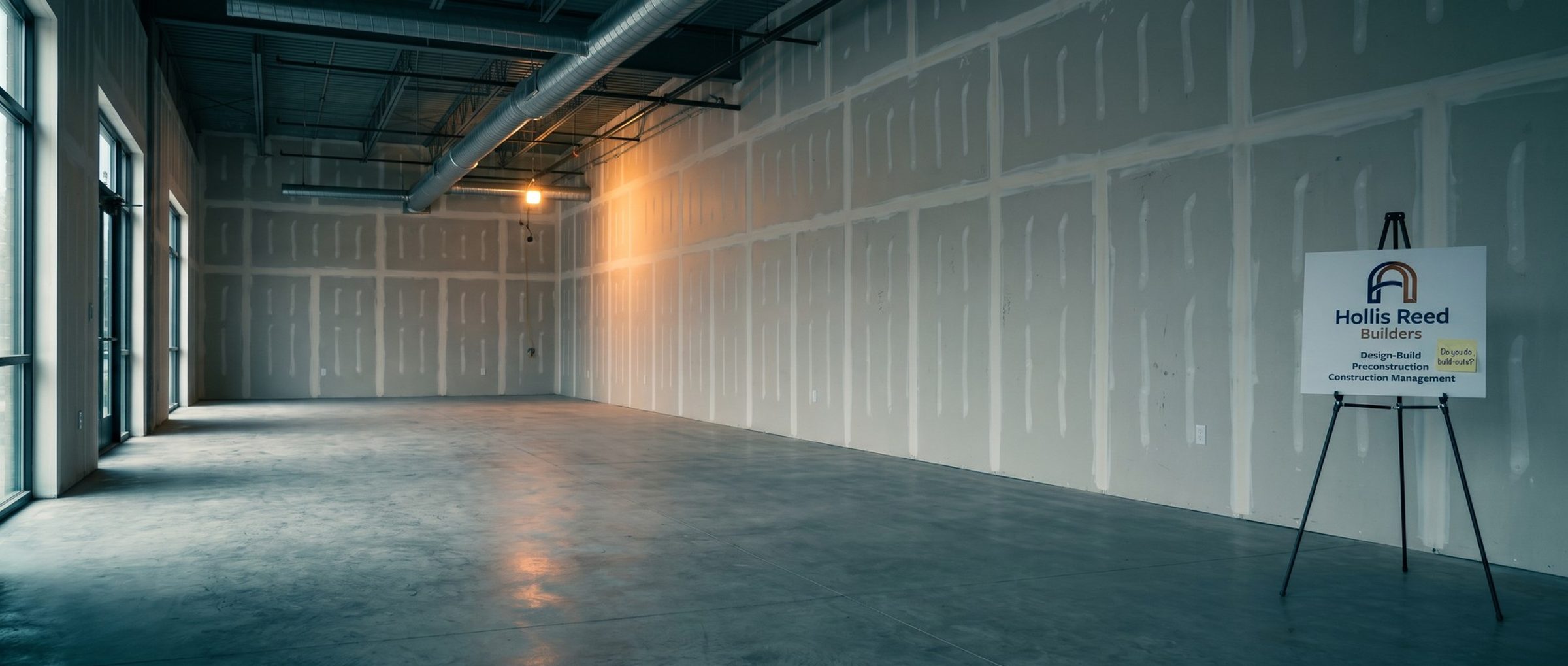
Two builders bid on the same search, "tenant improvement contractor." The first one's ad reads "Commercial Construction Since 1979" and sends the click to its home page. The second one's ad reads "Tenant Build-Outs Around Your Lease" and sends the click to a page of finished tenant spaces with a short project form.
The owner hasn't clicked either one yet, and Google has already decided which ad fits the search better. That judgment changes where each ad shows and what each click costs.
This chapter covers how Google ranks ads, what Quality Score does and doesn't do, and the one lever a builder can pull the same afternoon: ad groups and pages written in the words owners actually use. It follows Chapter 3, which put a value on each client.
Quality Score Is a Report Card. Google Says It Isn't Used in the Auction.
Open the keywords table in any Google Ads account and each keyword can carry a Quality Score from 1 to 10. Builders tend to treat it like a credit score that sets their price. Google's own help page says otherwise: the score plays no part in deciding the auction. It's a diagnostic, a way to see where an ad or a page is falling short.
Think of it like a punch list after a walkthrough. It doesn't change what the project costs; it tells you what to fix. The list has three items:
- Expected clickthrough rate: Google's estimate of how often people would click your ad for that keyword.
- Ad relevance: how well the ad answers what the person who searched was looking for.
- Landing page experience: whether the page after the click is useful and on topic for that person.
Google marks every item on a three-step scale that runs from below average to above average. A builder who sees "below average" on ad relevance for "tenant improvement contractor" has learned something specific: the ads in that group don't read like an answer to that search. The score won't win an auction by itself. Fixing what it points to can.
To read these grades, open the columns menu on the keywords table, find the Quality score section, and add the score plus one column for each of its three items. The versions marked "(hist.)" show how each grade looked across the dates you're viewing, which is how you tell whether a rewrite helped.
Plenty of rows will show a dash instead of a number. Google uses the dash when too few searches have matched a keyword exactly to grade it. Commercial construction searches are thin in any single market (Chapter 2 showed most commercial phrases at 40 or fewer searches a month in one metro), so a builder's account may show many dashes. That's normal. Read the grades on your busiest keywords and fix whole ad groups, not single rows.
Better Ads Can Lower What Google Charges a Builder per Click. A Bigger Bid Can't.
The auction runs on something else, Ad Rank, and Google names six inputs to it. Sort them by who controls them and they fall into three piles. Two are yours to set outright: your bid, and the add-ons attached to the ad, such as a phone number or links to a project gallery. One is yours to improve: the ad and the page behind it, which Google grades again for every search. The other three are beyond any builder's reach: the minimum bar an ad has to clear before it appears, how close the rival builders' Ad Rank sits to yours, and the circumstances of the search itself, from the words typed to the phone or laptop it was typed on.
How Google weighs these against each other isn't public. Formulas still circulate in old blog posts and videos; they predate Google's current explanation, so skip them. The sentence from Google worth keeping is that "higher quality ads can often lead to lower CPCs."
A builder holds three of the six: the bid, the ad with its page, and the assets. Raising the bid is the only one of those that pushes up what each click can cost. Improving the ad, the page or the assets can lift the ad's position without that, and in our experience the top spots on the page collect more of the clicks.
Owners Write "Build Out" and "TI." Builder Websites Say "Design-Build" and "Construction Management."
Ad relevance starts with words, and owners and builders use different ones.
We read 309 posts and comments in online forum threads started by owners and tenants who were building or renovating commercial space (replies from others in those threads are included). "Build out" turned up in 33 of them, "GC" in 33, a price "per square foot" in 19, "TI" or "tenant improvement" in 18, and "quote" in 17. "Design-build" turned up in none, and so did "construction management."
The builders' side reads differently. In 303 posts and comments from trade and construction-career threads, "bid" appears in 59, "change order" in 17 and bonding in 11. And on the websites of most of the 12 builders in our example market, Cincinnati, the service lists lean on terms like design-build, construction management and preconstruction.
Neither vocabulary is wrong. But an ad written in the builder's words, answering a search typed in the owner's words, is the gap Google's ad relevance grade measures.
One caution before throwing out the industry terms: some owners do search them. Keyword Planner puts "design build firm" at around 4,400 US searches monthly, a figure lifted by a summer 2026 spike. People typing it already know the delivery method, so a separate design-build group, with design-build in its headlines, serves them better than burying the phrase in a general group.
A Tenant Build-Out Ad Group Can Say "Tenant Build-Out." A Catch-All Group Can't.
A campaign's keywords are filed into ad groups. Whatever ads a group holds are the only answers its keywords can get. Put every commercial search in one group and the ads have to be general enough to fit them all: "Quality Commercial Construction," "Experienced General Contractor." Those headlines fit everything and match nothing in particular.
The fix is to divide the work the way owners describe it, five or six close keywords per group:
- Tenant build-outs: tenant improvement contractor, commercial build out, office build out, tenant build out contractor.
- Office construction: office construction company, office building contractor, and your city or region where it adds meaning.
- Medical and dental: medical office construction, dental office build out, and the specialties you've built.
- Warehouses and industrial: warehouse construction, industrial construction company.
- Design-build: design build firm, design build contractor, for the owners who search the term.
Now each group's ads can repeat its own words in the first headline: "Tenant Build-Outs Around Your Lease," "Dental Office Build-Outs," "Warehouse Construction, Design to Keys." The owner sees their search reflected back, and Google's ad relevance check sees the same thing.
Keep the claims in those headlines true and specific to work you've done. Chapter 8 covers what to say, and Chapter 5 shows how to find the searches that fill each group. The structure comes first, because ad relevance can't rise above the ad group it lives in.
A Tenant Build-Out Ad Belongs on a Page About Tenant Build-Outs
The page after the click is the third item on Google's list. An owner who clicked "Tenant Build-Outs Around Your Lease" expects to land on tenant build-outs, not on a welcome message and a slideshow of every job since 1979.
Some of the example market's builders already organize their sites this way. Perry Contracting has industry pages for dental, medical, office and retail work. Cintech Construction groups its projects by building type, including automotive, banks, education, industrial and retail. Ki Developments' commercial build-out page opens with a line that could have come from an owner's own search: "Commercial build-outs that turn an empty or outdated space into the business you actually need."
A good build-out page for ads needs only a few things: a headline that names the work, photos of finished spaces like the one the owner is planning, a few lines on how the builder handles schedules around a lease, and a short project form (the one Chapter 1 set up to count as a lead). It doesn't need the company history, the careers link or the full project archive above the fold.
Speed is part of the experience too, though it's rarely the main problem. We ran Google's PageSpeed test on the home pages of 11 of the 12 example builders (one site wouldn't run). On a mobile connection, 9 of the 11 took longer than 4 seconds to show their main content, the point Google labels poor, and one took 24.7 seconds. A lean landing page can load faster than a home page, so test it on its own. Test each page you send ads to on its own, at pagespeed.web.dev, and fix what's slow before spending on clicks to it.
None of this needs a new website. It needs a handful of pages, one for each kind of work you want to win, each matched to an ad group that speaks the same language. If you'd like help mapping your services to ad groups and pages, our Google Ads agency does this with builders before launch.
Next: Builders' Names Out-Search the Commercial Construction Terms
Chapter 5 fills these ad groups: it seeds Keyword Planner from rival builders' sites, sorts what comes back, and deals with the surprise in that list, how often people search a builder by name. The full chapter list is on the Google Ads for Construction Companies guide home.