
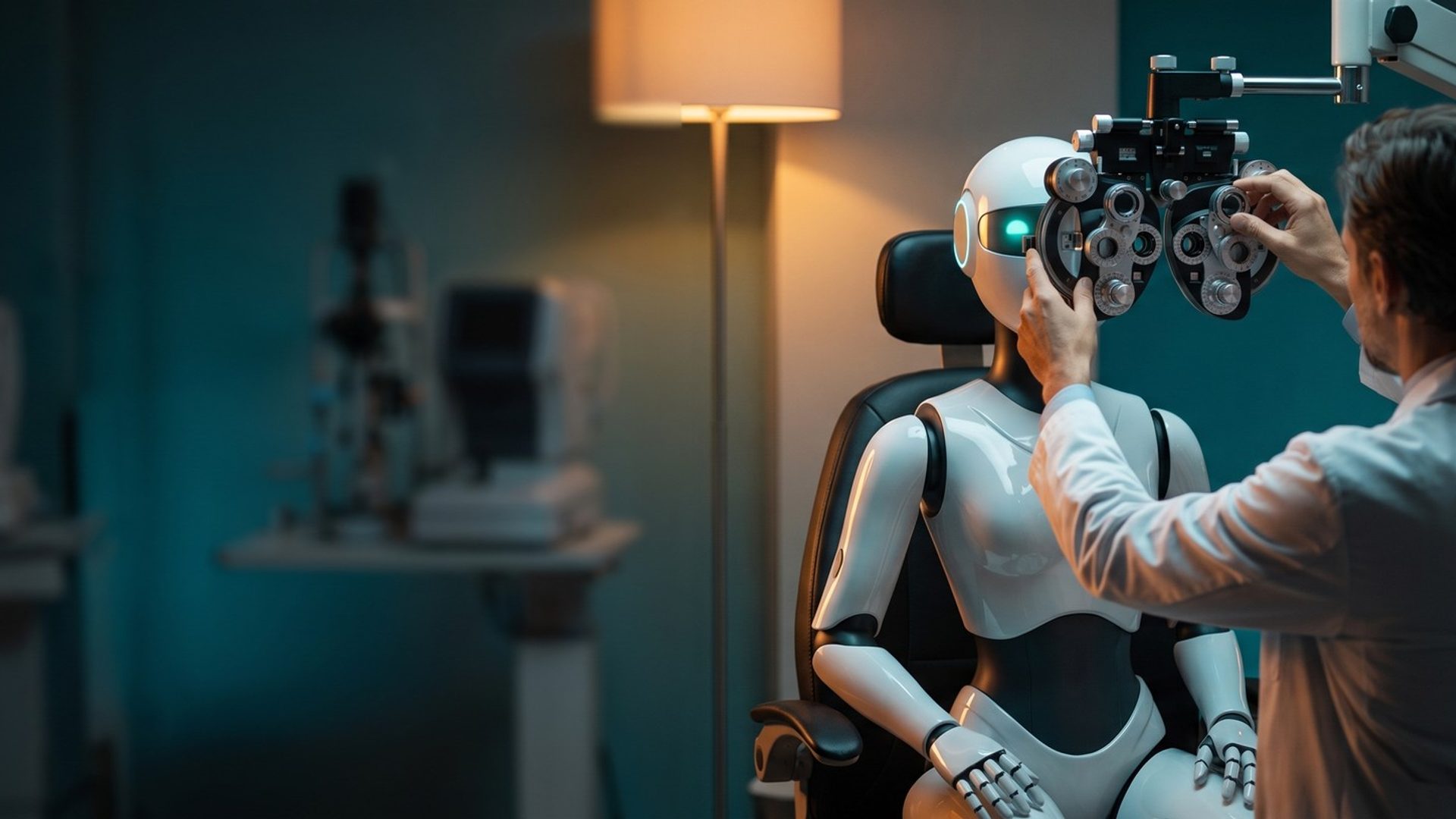
A patient searches "eye exam near me," taps your ad and lands on a login screen for reordering contact lenses. They didn't come to reorder anything. They wanted to book an exam, and now they're looking at a password field. Most of them leave.
Nobody at the practice chose that page. Google did, through a setting in AI Max that picks the landing page it predicts will perform best. For most businesses that's a reasonable bet. For an eye care practice, whose website often sells glasses and contacts next to the exam, it's a bet that can send exam searchers into the store. This chapter covers how AI Max chooses pages, how to fence off the ones that don't book, and the one situation where you shouldn't let it choose at all.
AI Max Picks the Page, Then Writes the Ad to Match It
AI Max is a set of features that sits on top of a Search campaign. Two of them matter here. Final URL expansion lets Google send a search to the page on your domain it predicts will do best, as long as the page is relevant to the search and the ad group's theme. Text customization then writes headlines and descriptions to match that page. The two come as a pair: Google requires text customization for Final URL expansion to work, so the ad copy fits wherever the click goes.
As Chapter 9 covered, AI Max arrives switched on for new Search campaigns, with both features selected. Existing campaigns aren't safe either. In September 2026, Google moved many older campaigns into AI Max without anyone clicking a thing, as we explained in Google switched your Search campaign to AI Max on September 1. If you haven't opened your campaign settings since the summer, check them now.
Nine of Twelve Eye Care Sites We Checked Sell Glasses or Contacts Online
To see what AI Max has to choose from, we looked at the websites of the 12 practices and chains we profiled in our example market, Chicago. Nine of them let a visitor buy glasses or contact lenses online, in three different setups.
The national chains sell on their main domain. LensCrafters sells contact lenses on its own site with a one-click reorder button, and America's Best and Warby Parker sell glasses and contacts on theirs. For these sites, the store is part of the same domain AI Max can choose from.
Four others run a separate shop site on their own address, such as a "shop." address in front of the practice's domain: MyEyeDr. and three local practices. Three of those local practices, and two more, send contact lens reorders to a vendor's website entirely, with names like LensFerry and Arrellio. The last three sites we checked had no online store at all.
For an independent practice, the risk is usually smaller than for a chain, but it isn't zero. Beyond the store, most practice sites carry blog posts, a bill-pay link, a patient portal, a careers page and promotion pages that expired months ago. Any of those can win AI Max's prediction for a search it matches loosely, and none of them books an exam.
URL Exclusions Fence Off the Store, the Blog and the Bill-Pay Page
Google gives you a direct control for this: URL exclusions. They sit in the campaign's AI Max settings, under Final URL expansion. You can list pages one at a time or write rules that cover whole sections of the site, such as every address containing "/shop" or "/blog". Exclusions only work while AI Max and Final URL expansion are on, so add them at the moment you switch those features on, not a week later.
For an optometry practice, the exclusion list usually includes:
- The store: shop pages, product pages, the cart and checkout.
- Reorders and logins: contact lens reorder pages, patient portal and prescription lookup pages.
- Pages that don't sell an exam: blog posts, bill pay, careers, the privacy policy.
- Old offers: promotion pages from past sales, which can also hand text customization an old price.
- Condition pages, for exam ad groups: a routine exam search shouldn't land on the glaucoma page. Chapter 10 covered why medical eye care pages need separate handling.
If your store runs on a separate "shop." address, exclude it too. Google's help pages say Final URL expansion sends traffic to pages on your domain, but they don't say whether a shop address in front of your domain counts. An exclusion costs nothing, so there's no reason to find out the hard way.
A Pinned Disclosure Disappears When AI Max Swaps the Page
This is the part most AI Max guides skip, and it matters more in eye care than almost anywhere else.
In Chapter 8, we pinned only lines that must appear in every ad, such as a required disclosure. Some states require one. Illinois, our example market's state, requires ads for optometric services to state that all optometric services are performed by a licensed optometrist. Pinning that line to a description slot was how you made sure it appeared every time.
Google's own AI Max setup page says pinned assets aren't used when Final URL expansion picks a more relevant page, because they may not match the new page. It says the same about URL inclusions, the control for adding pages AI Max missed. If you want pinned assets to always serve, Google's instruction is to turn off both.
So in a state with a required line, the choice is simple. Keep Final URL expansion and URL inclusions off in any campaign whose ads carry that line, and let AI Max work through search term matching alone, which widens the searches you reach without touching the page or the pins. Check your own state's rules with your state board or counsel before deciding you don't need the line. (This isn't legal advice.)
AI Max Belongs in Exploration, Once the Bookings Are Steady
In our rollout, AI Max is the last feature to switch on, and it never goes in Isolation, the exact-match campaign that holds the searches you already know convert. AI Max's search term matching works like broad match. Putting it in an exact-match campaign defeats the reason the campaign exists.
Its home is Exploration, the broad match campaign from Chapter 6. That campaign already runs on the kind of bidding AI Max needs: Google says its features require conversion-based Smart Bidding to work well. Google also warns that AI Max won't be effective in a campaign limited by budget, and the account will show an alert if it is. So fund Exploration properly before you add it, especially heading into January (Chapter 7).
Before you switch it on, check three things. Your conversions count booked exams, not contact lens reorders (Chapter 1). Exploration is steadily booking patients at a cost you're happy with. And your URL exclusions and text guidelines are written and ready to paste in. If any of the three is missing, wait.
Turn it on as a test, not a switch. Run it as an experiment against the same campaign without AI Max, give it several weeks, and judge it on booked exams and cost per booking, not on clicks or impressions. If it books more exams at a cost you can live with, keep it. If it mostly finds new ways to reach contact lens shoppers, turn it off.
Block the Claims Your State Board Already Bans
Text customization writes ad text from your site. Text guidelines set its limits, in two forms: banned words and phrases, and short written rules about what the generated text may and may not say. A campaign can hold a few dozen of each, which is plenty for an eye care practice.
For an eye care practice, start with the words that could get you in trouble:
- Claims of being the best: "best," "top-rated," "leading," and your market's variations. Chapter 9 showed how Illinois treats claims of superior care.
- Free exam language: a generated "free eye exam" line can drop the conditions of the offer, and Google requires ads to disclose the full cost a patient will bear. Federal rules also shape how exam-and-eyewear offers work. Chapter 15 covers them.
- Drug and device names: prescription eye drop names and myopia treatments, which follow their own rules. Chapter 16 covers them.
- Exam and eyewear prices: banning the dollar sign doesn't keep a price out of generated text. Write a rule in plain words telling it not to mention prices, since an exam fee on an old page may no longer be what you charge.
Term exclusions only cover the language you write them in. If you advertise in Spanish, add the Spanish versions too.
The New Search Terms View Shows Which Page Each Search Landed On
AI Max changes the reports as well. The search terms report gains an "AI Max" match type for searches it found, with a column showing whether each came from broad match expansion or keywordless matching. And Google added a view that puts each search next to the headline it was shown and the URL it landed on.
Watch for chain names too. Search term matching will find searches that name LensCrafters, Warby Parker or MyEyeDr., the same searches Chapter 5 put in the cut pile. AI Max's brand settings let you keep your ads away from searches for specific brands at the campaign level. Add the chains you don't want to compete for by name, and any vision plan or contact lens brand searches that bring shoppers rather than patients.
That last view is the one to read every week. Scan the URL column for anything that isn't an exam page: a shop page, a blog post, a login. Each one goes straight onto the exclusion list. Then scan the headlines for any claim you wouldn't write yourself, and add a term exclusion for it. After a month, the reviews get shorter, because the fences are in place.
Next: Medical Insurance or Vision Plan
With the Search account complete, the next question is one patients ask before they book: will my insurance cover this? For an eye care practice the answer depends on why they're coming in. Chapter 14 covers why a pink eye visit can bill medical insurance or a vision plan, and how your ads should say which plans you take.
Every chapter is listed on the guide's home page.
Eye care accounts under our Google Ads management get their URL exclusions written before AI Max is switched on, never after. Running your own? Open your campaign settings today and see whether AI Max is already on.


