
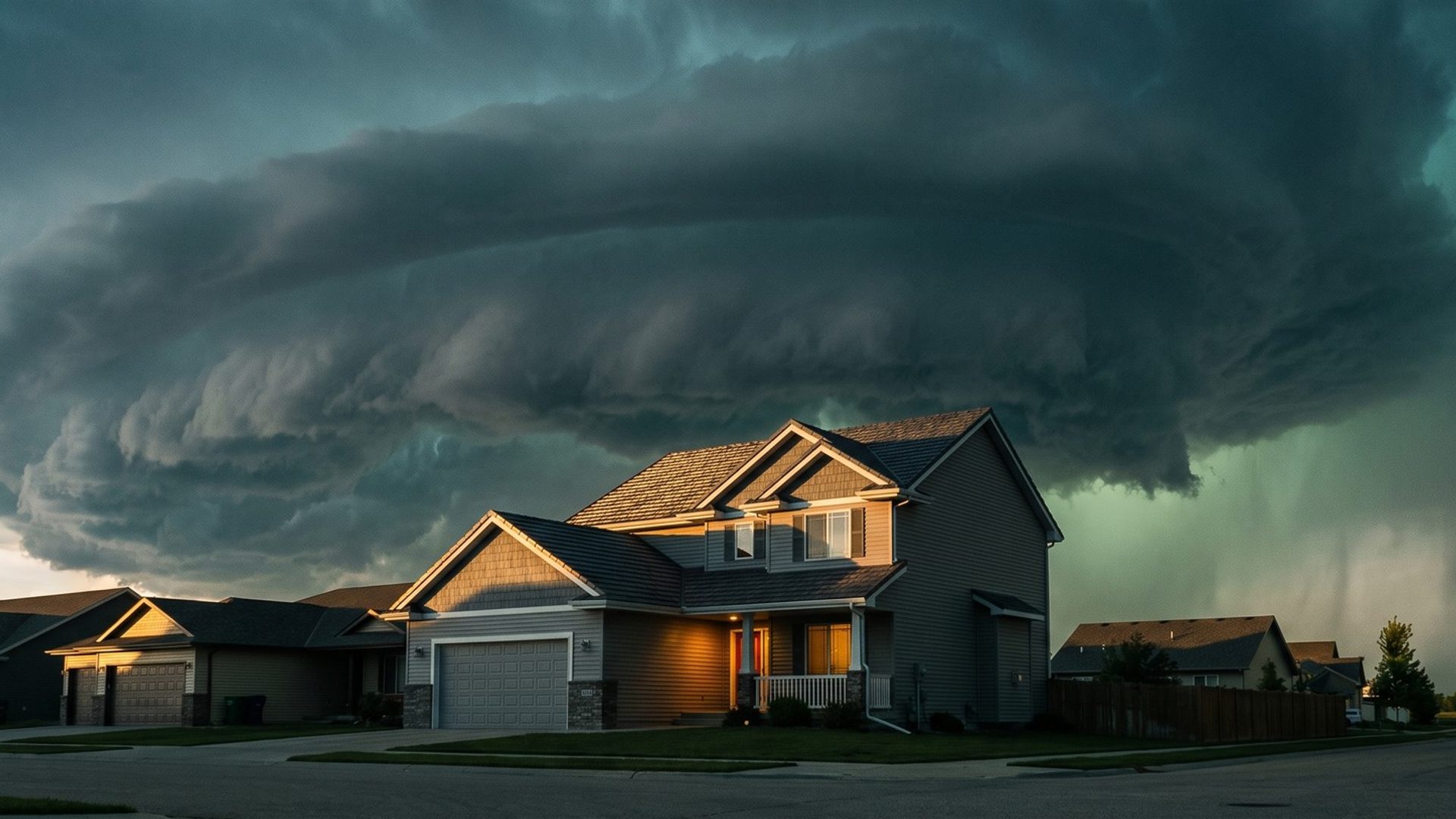
Nobody wakes up on a sunny Tuesday in April and thinks about their roof. They think about it at 2 a.m. in June, when hail is hammering the skylight, and again the next morning, standing in the driveway looking at dents in the gutter. By then they're searching, and every roofer in town is bidding on the same search.
The roofer who wins that morning often isn't the one with the highest bid. It's the one whose name the homeowner already half-knows: the one they saw in a short YouTube video back in May, or in a Gmail ad the week before the storm. That's what Demand Gen is for. It doesn't catch the search. It gets there first.
Roofing Searches Follow the Weather, and Demand Gen Has to Get There First
Look at how roofing demand moves through a year. These are monthly Keyword Planner numbers for our example market, Minneapolis-St. Paul:
- "Hail damage roof" sits at 20 searches a month in December and January, jumps to 320 in April, and peaks at 480 in June.
- "Ice dams" runs about 110 a month through the summer, then hits 6,600 in December.
- "Emergency roof repair" drops to 10 in January and climbs to 210 in July and August.
Nationally the pattern shifts a little but holds its shape. "Hail damage roof" peaks in April across the US at 9,900 searches, and "storm damage roof repair" peaks in July at 9,900.
Your Search campaigns from Chapter 6 catch those spikes when they come. Demand Gen works the weeks before them. For a roofer in a hail market, that means March and early April, before the spring storms. In ice dam country, it means November, before the first real cold snap. Your own market's months will differ; pull the same monthly numbers from Keyword Planner for your area and find your peaks.
The mistake is starting Demand Gen when the storm hits. By then the homeowner has already searched, and the Search campaign is doing the work. The campaign has to be running while homeowners are still calm enough to notice a roofer's name, not scrambling to find one. Treat the weeks before your peak as the season, and the peak itself as harvest.
Demand Gen Puts a Roofer's Name on YouTube and Gmail Before Anyone Searches
Demand Gen puts a roofing ad in the feeds people scroll between chores: YouTube and Shorts, the Discover feed on their phone, the Gmail inbox, Maps and the sites in Google's Display Network. These are the places people scroll and watch, not the places they type a roofing search.
That changes what the campaign is for. A Search ad meets a homeowner who already has a problem. A Demand Gen ad meets a homeowner who doesn't have one yet: someone watching a video about lawn care, checking email, or scrolling the Discover feed on their phone. Most of them won't call this week. The goal is that when the hail does come, your name is the one they already recognize, and your ad is the one they click when they finally search.
So the ad shouldn't try to close a sale. It should say three things fast: who you are, what town you work in, and one reason to remember you. The review-based lines from Chapter 8 do that job well. "Magnet Sweep Before We Leave" is easier to remember than "Quality Roofing Solutions."
That also means you judge it differently. A Demand Gen campaign will rarely produce leads as cheaply as the Isolation campaign does. Measure it on whether searches for your company's name rise in the weeks after it runs. If homeowners start searching your name after a storm, Demand Gen did its job.
The brand campaign from Chapter 9 gives you a clean way to see it. Brand searches live in their own campaign, so you can watch its impressions week by week. Compare the weeks after a Demand Gen run with the same weeks the year before, and remember the weather: a year with a big hailstorm will lift branded searches whether Demand Gen ran or not.
Google's Own Budget Rule Makes Demand Gen a Campaign for Bigger Roofers
Here's the number that decides it for most roofers. If you set a lead-cost target, Google wants each day's Demand Gen budget to be ten or more of those targets stacked together.
Run that against real roofing numbers. Say your Isolation campaign books inspections at around $150 each. (That's an illustration. Use your own number from Chapter 7.) Google's rule means a Demand Gen campaign aiming for the same lead cost wants a daily budget of at least $1,500. That's $45,000 a month for one campaign type.
For a small roofing company, that number ends the conversation, and that's fine. Demand Gen isn't where a roofer starts. The order stays the same as the rest of this guide: Search and Local Services Ads first, because they catch homeowners who are already looking. Demand Gen comes once those are profitable and the budget math from Chapter 3 shows room to spend on homeowners who aren't searching yet.
If the number is out of reach, you're not shut out of YouTube completely. The Performance Max campaign from Chapter 10 already runs on YouTube, Discover and Gmail alongside Search, from the same budget. It's less control and no separate timing, but it puts your crew videos in front of some of the same people while Demand Gen waits.
A Hail-Page Visitor List Is the Best Audience a Roofer Owns, Once It Clears 100 People
Demand Gen lets you choose who sees the ads, and the best audience a roofer has is people who already visited the site. Someone who read your hail damage page last spring and didn't call is a far warmer prospect than a stranger scrolling YouTube.
Google calls these your data segments: lists of site visitors gathered by the Google tag. Build one for the pages that matter, such as the hail page, the roof replacement page and the free inspection page from Chapter 4. Google's help page sets the rules:
- A list needs at least 100 active users in the last 30 days before it can serve on YouTube or the Display Network.
- Membership can last up to 540 days, long enough to reach someone who read about hail last year before this year's season.
The 100-user minimum is the catch for a smaller roofer. A hail page that gets 40 visitors a month won't qualify on its own. Combine pages into one list, or let it build through a busy season before you lean on it.
Then there are lookalike segments, which find people similar to a list you provide. Google's help page says lookalikes in Demand Gen are changing through 2026: the list you supply becomes a suggestion rather than a strict limit, and the campaign may reach people outside it if they seem likely to convert. Treat your list as a strong hint, not a fence. Your customer list can help too, where Google's Customer Match rules allow your account to use one.
When the lists are still too small, custom segments fill the gap. They're built from what people search and browse, not from your site: homeowners who have searched roof replacement, hail damage roof inspection or roof leak repair. They're the same segments Chapter 10 built for Performance Max, so build them once and use them in both.
Demand Gen's Default Location Setting Buys Storm Ads in Towns Your Crews Won't Drive To
Chapter 9 switched every Search campaign to Presence, so ads only reach people in or regularly in your service area. Demand Gen needs the same fix, and it's easy to miss, because Google's location help page names Presence or Interest as Demand Gen's default and recommended setting.
For a roofer that default is expensive twice over. Demand Gen already reaches people before they need you. Add "interest" and it also reaches people who aren't in your area at all, like someone three states away reading about a storm that hit your city. That homeowner will never call your trucks.
Set Demand Gen to Presence and to the same towns and ZIP codes as your Search campaigns. A campaign built to plant your name in homeowners' heads should only plant it in homeowners you can actually reach.
A Phone Video of Real Hail Hits Beats a Polished Roofing Commercial
Demand Gen runs on images and video, and it needs several shapes: landscape at 1.91:1, portrait at 4:5, and square at 1:1, plus video for YouTube and Shorts.
It's tempting to hire someone for a polished roofing commercial. Look at what homeowners actually respond to in their reviews, though. Chapter 8 found them praising crews who showed up, called back and cleaned up. They weren't praising production values. A 20-second phone video can show all of that:
- A real inspection. The ladder going up, a close look at hail hits on the shingles, the photo report handed to the homeowner. Get the homeowner's permission first.
- The cleanup. The magnet sweeping the lawn, the tarps coming off the flower beds.
- Your crew, by name. Homeowners hire people. A face and a first name beat a logo animation.
Shoot vertical for Shorts and portrait placements, keep the first two seconds strong enough to stop a thumb, and put your company name and town on screen early. Supply the landscape, portrait and square images too, so the ad fits whichever feed it lands in without Google cropping your crew out of the frame. The same rule from Chapter 10 applies here: no stock footage and no generic suburban house. If a homeowner can't tell it's your crew on a roof in their town, the video is doing someone else's advertising.
Next: Local Services Ads From Month One
Demand Gen plants your name before the storm. The next channel is the one we put in month one for roofers, right alongside the Search campaigns: Local Services Ads, which put a verified badge and your reviews at the very top of the page and charge by the lead instead of the click. Chapter 12 covers how roofers qualify, what a lead costs, and how to dispute the ones that aren't real.
The full guide is on the roofers guide home, and when a roofing company wants help deciding if Demand Gen is worth the budget yet, that's part of our Google Ads management.


