
We wrote down the posted hours for all twelve shops we profiled in our example market, Portland, Oregon. Every one posts weekday hours that start between 7 and 8 in the morning and end by 6 in the evening. Re-Born Automotive: "MON-FRI:7:30 AM – 5:00 PM." Advanced Transmission & Gear: "Mon - Fri 8:00am - 5:00pm," closed both weekend days. Even the dealer service department shuts at 6.
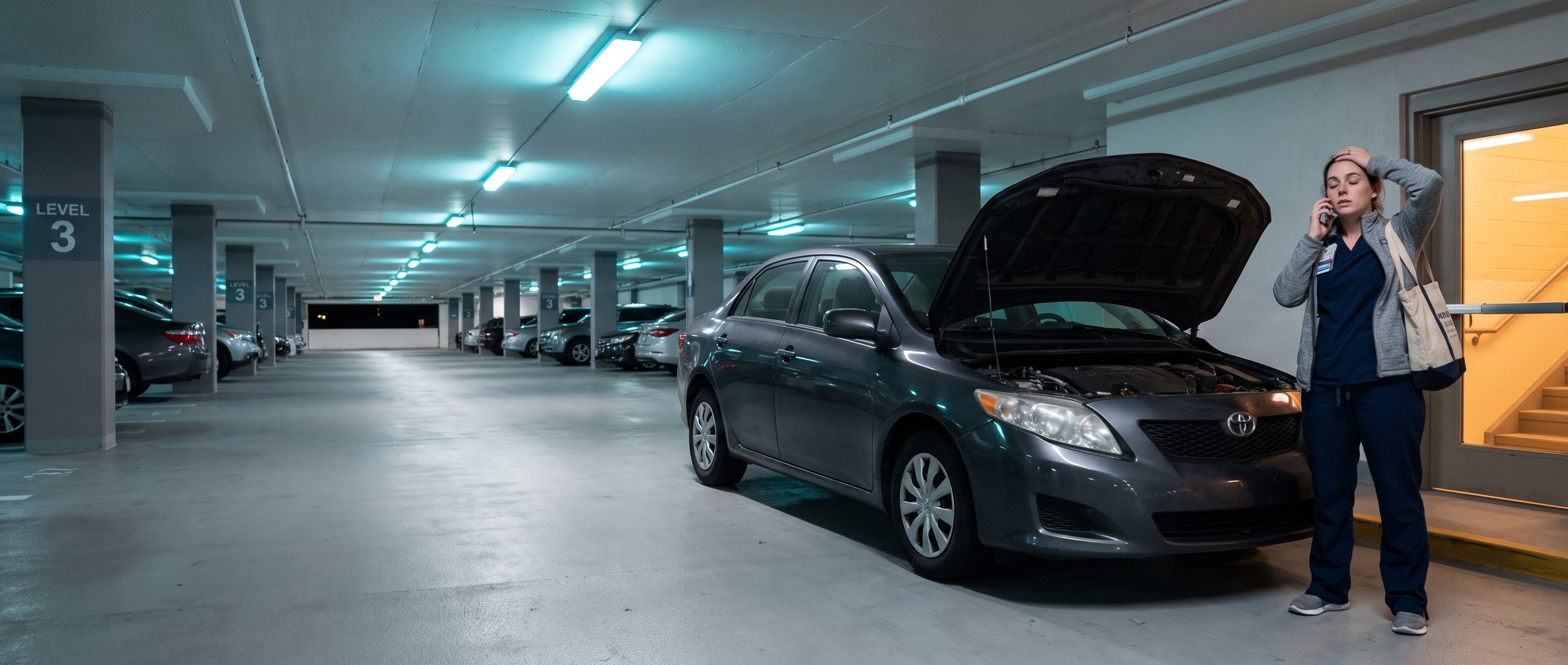
Google doesn't know any of that. A new campaign shows its ads, in Google's words, "All day," every day, until someone changes it. So at 9:40 on a Sunday night, a driver whose car just started shaking on the freeway can tap a repair shop's call button, and the phone rings in a dark building.
That's not an argument for switching the ads off at closing. Eleven of the twelve shops let drivers ask for or book an appointment online. A search at 10 PM can become a Tuesday morning brake job without anyone picking up a phone. The ad can work all night. The call button can't.
This chapter is the settings pass every new repair account gets before the first dollar is spent. Chapter 8 wrote the ads; this one decides when, where and to whom they show.
Google Runs Your Ads All Day. A Shop Open 8 to 5 Answers Its Phone 45 Hours a Week.
A week has 168 hours. A shop open 8 to 5, Monday through Friday, has someone at the counter for 45 of them, a little over a quarter of the week. The ad schedule is the setting that decides what happens in the other 123.
The answer depends on what the shop can do with a driver who shows up at night:
- If drivers can book online, let the Search ads run around the clock. The booking page does the work the phone can't, and once it's tracked the way Chapter 1 sets up, every booking lands in the account as a conversion.
- If the only way in is the phone, schedule the ads to the hours someone answers it, plus a little on each end. Google's ad schedule lets you "specify certain hours or days of the week when you want your ads to show." A click at 11 PM that reaches a voicemail box is a click a shop paid for and probably lost.
Match the schedule to the shop's real week, too. Five of the twelve shops post Saturday hours, and those belong in the call schedule. A shop closed for a holiday week should pause the call button along with the lights.
Three of the twelve shops spell out an after-hours drop-off, with key-drop instructions on two. That's worth a sitelink of its own on night and weekend searches: "Drop Off Tonight, Fixed Tomorrow" says more than another headline about years in business, as long as the shop really works that way.
A Call Button That Rings an Empty Shop Pays for the Click and Loses the Car
The call button on a Search ad is a call asset, and it has its own schedule. Google's help page says you can choose to show a call asset "only on certain days and hours--for example, only when your business is answering phone calls." Set it to the shop's real hours. The rest of the ad keeps running and sends night drivers to the booking page instead.
Chapter 1 counted calls past 30 seconds and treated a voicemail from a stranded driver as a real lead. Both things are true at once. A voicemail is a lead if someone returns it at 7:30 the next morning, before the driver calls the next shop on the list. Most shops can't promise that every morning. A booking page that takes the appointment at 10 PM can.
The hours drivers see don't only come from the ad. When an ad shows the shop's address and opening times, Google fills them in from Maps and the shop's listing there, the Google Business Profile, not from anything typed into the ad. A wrong listing means a wrong ad.
In the Ads Transparency Center previews we read, 5 of 151 map-style shop ads showed "Open 24 hours" next to a Call button. One of them belonged to a shop whose own site lists "Mon - Fri: 8:00 AM - 5:00 PM." Our reading is that the label came from the shop's listing, not the shop, and previews don't always match the live ad. Either way, checking the listing's hours, holiday hours included, takes two minutes before the account goes live.
Presence or Interest Shows Your Brake Ad to Drivers Who Only Read About Your Town
Location comes with two options, and Google recommends the wider of them. Besides drivers actually in your area, it reaches anyone Google decides is interested in the area, wherever they are. Its help page calls that wide option the best practice for Search, then carves out an exception: if you only want people physically in your locations, consider "Presence."
That exception is a repair shop's whole business model. The car has to roll into the bay. Someone in another state planning a weekend in Portland is interested in the city and useless to a brake shop across town. Presence it is.
Then draw the area around how far your customers really drive. The shops' own pages give the answer away. Advanced Transmission & Gear, in Gresham, writes that it serves "the Portland metro area, Milwaukie, Gresham, and Clackamas." A general repair shop on a busy corner may only pull from a few miles. A transmission or European specialist pulls from much farther, because there are fewer of them. Start with the area your repair orders already come from, then widen it on purpose, not by default.
Search Partners and AI Max Arrive Switched On. A New Repair Account Turns Both Off.
Google's defaults are built for Google's reach, and a new repair account needs the opposite: a tight, readable first month. Two settings come switched on and need to be switched off at build:
- Search partners. A new Search campaign shows ads on Google's partner sites unless you untick them. Some of those clicks are real drivers and some aren't, and an account in its first month has no history to tell them apart. Untick the box now; once the account books cars reliably, partners can get a fair trial of their own.
- AI Max. Google's setup page says new Search campaigns start with AI Max already on. It stretches each keyword toward searches you never chose and rewrites your ad text on the fly, the two things the bracketed brake keywords from Chapter 6 exist to prevent. In our build it's the last switch an account flips, never one it starts with.
A few more belong on the same pass:
- Display Network: keep it unticked. Banner ads on websites are a separate decision for later, not a checkbox inside a Search campaign.
- Text customization: off. Google renamed it from automatically created assets, but the job is the same, and the headlines should stay the ones written from the shop's own reviews in Chapter 8.
- Broad match in the Isolation campaign: none. Every keyword goes in with square brackets.
- Dynamic Search Ads: off. They write ads from the website's pages, which is the opposite of picking the searches you pay for.
- Ad rotation: "Optimize," so Google can learn which headlines work.
Without Auto-Tagging and Call Reporting, Google Can't Tell Which Search Booked the Car
Some switches have to be on. Auto-tagging stamps every ad click with a code Google calls the GCLID. Google calls it required to track website conversions on all browsers and to bring in results from outside systems, which is how the bookings and closed repair orders from Chapter 1 get credited to the right ad. Call reporting does the same for phone calls from the ad. Without them the account still spends money; it just can't say what any of it bought.
Three more decisions round out the setup:
- The shop's name gets its own campaign. Searches for the shop by name are cheap and convert well, and they'd flatter the numbers of every other ad group if they were mixed in. A separate brand campaign, as Chapter 2 set up, keeps them honest, and it's better than adding the shop's name as a negative everywhere and hoping nothing slips through.
- Start the budget low enough to read. The first week's real costs per click show where the bid ceilings from Chapter 7 actually land in your market. Raise the budget on the ad groups that book cars, not across the board.
- Language is now an ad, not a setting. Starting in September 2026, Google is removing the language setting from Search campaigns and matching ads by the language they're written in, so a Spanish search is far more likely to find a Spanish ad if one exists. If the counter speaks Spanish, write Spanish brake ads and point them at a Spanish brake page.
None of these settings are exciting, and that's the point. They decide whether the first month's money goes to drivers who can bring a car to the bay during hours someone can take it.
Setting up accounts this way before launch, and checking them when we take one over, is the first job in every account our Google Ads management team runs.
Next: Performance Max Hunts the Cheapest Bookings. Point It at the Brake Page, Not the Oil Change Coupon.
With Search set up and booking cars, the next campaign type is the one Google pushes hardest. Chapter 10 explains when Performance Max belongs in a repair account and how to aim it at the jobs the shop wants.
This chapter is part of Google Ads for Auto Repair, a sixteen-chapter guide for independent repair shops in every state.


