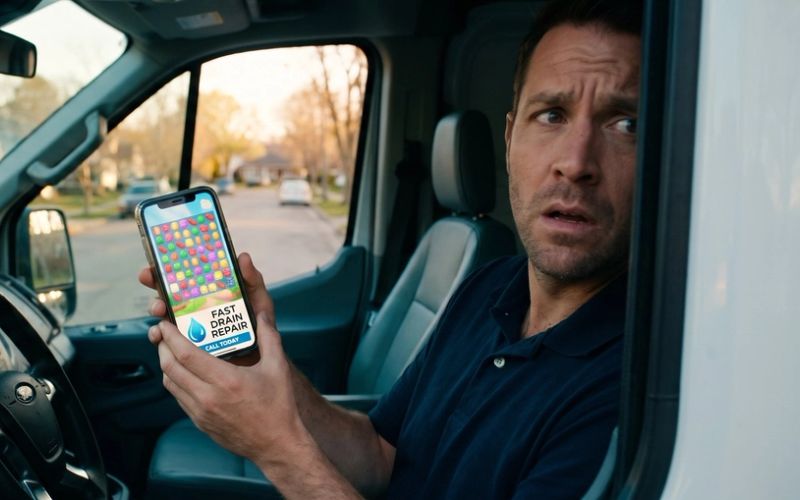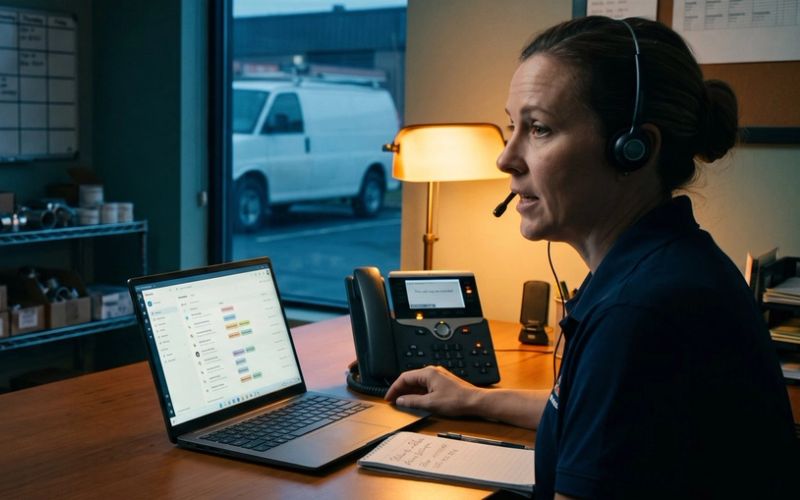
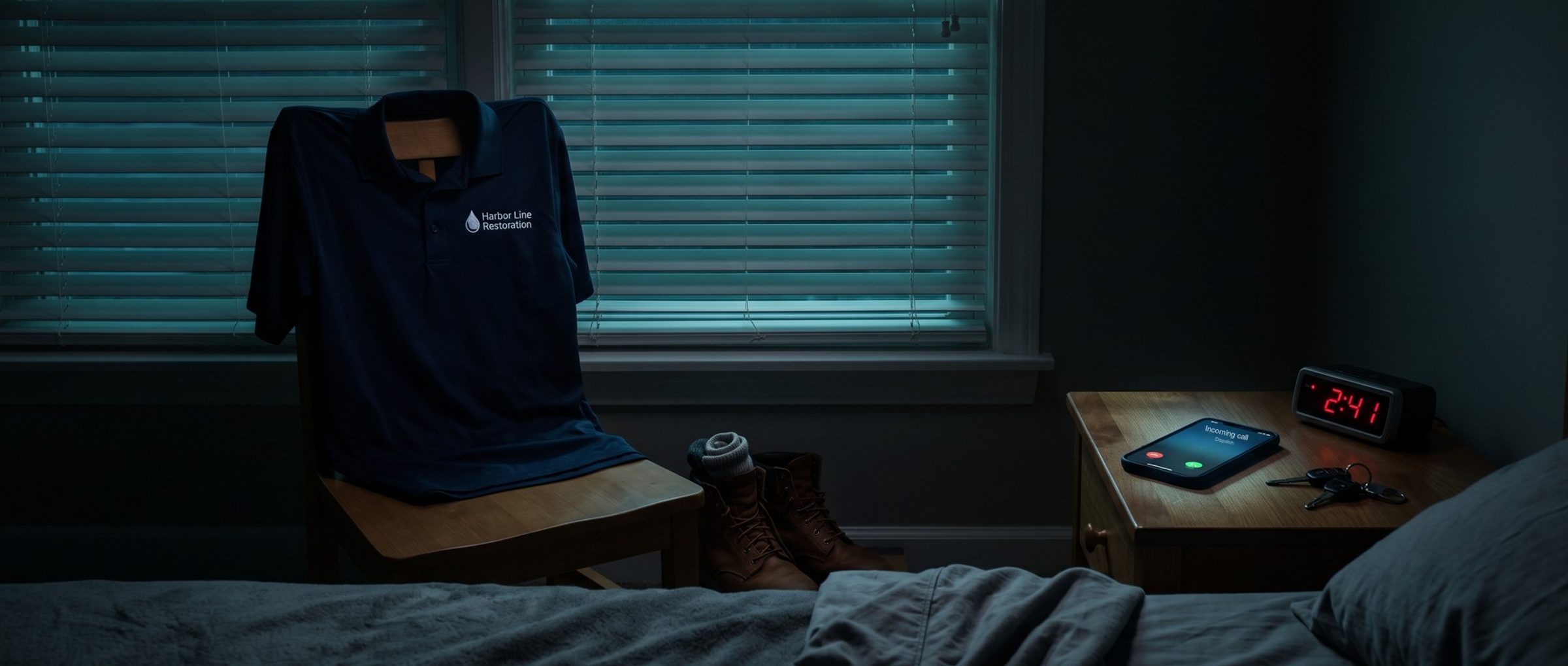
Most restoration companies say they're open around the clock. Far fewer have a person ready to pick up the phone at 2:40 on a Sunday morning, when a supply line lets go under a kitchen sink.
Google doesn't know the difference. Left at its defaults, a new Search campaign runs ads at every hour, on sites you didn't pick, to people who aren't in your service area, with an AI feature switched on that works like the broad match Chapter 6 holds back. None of that shows up on day one. It shows up on the first invoice.
This chapter is the list of settings we change before a restoration campaign's first click, starting with the one that matters most for a business that answers emergencies: when the ads run.
57 of 70 Water Damage Listings in One Metro Say Open 24 Hours. The Ad Schedule Should Match Who Picks Up.
In one example market, Sacramento, we looked at the Google Maps listings categorized "Water damage restoration service." Of the 70 in the area, 57 listed 24-hour hours, all seven days.
Homeowners do call at those hours, and they remember who answered. In the reviews we read, 31 of 722 describe a night, weekend or holiday emergency. "I called the team at around 8:30 on a Saturday night, and they were there to help within the hour," one salon owner wrote after a flood. Another homeowner: "We called at 5am recently & a great team showed up!"
They also remember who didn't. One review ends: "Moving on to someone else who will actually answer their phone."
Google's ad schedule starts at "All day." Its help page says that by default, campaigns are eligible to show ads throughout each calendar day. For a restoration company, that default is right only if a person answers at every one of those hours: the owner's cell, an on-call technician, or a restoration answering service that can take the job details and dispatch a crew.
If nobody does, the overnight clicks pay for voicemail. Chapter 3 showed what happens to calls that aren't answered: about half of the calls to restoration companies in Invoca's benchmark never reached a person. An overnight ad with nobody on the other end makes that number worse, at emergency prices.
So before you launch, write down who picks up, hour by hour, for a normal week. That list is your ad schedule. If the phones are covered 24/7 by someone who can book a job, run the ads all day. If the overnight line goes to a recording, either cover it or schedule the ads around it.
A Restoration Call Button Can Switch Off When Nobody Answers. The Rest of the Ad Keeps Running.
There's a middle path between running everything and running nothing. The call asset, the phone number or call button attached to your ad, has its own schedule. Under its advanced options you can pick the days and hours it appears, and Google's own example is limiting it to the hours your phones are staffed.
That lets the ad keep running overnight while the call button only appears when someone can take the call. A homeowner who finds you at 3 a.m. can still reach the website, read about water damage and fill out a form. Whoever opens that form first thing in the morning needs to call back fast; a form that sits until noon is a job someone else books.
A few mechanics trip people up:
- The clock is the account's. Google's setup page says ad schedules follow the account's time zone. Check it matches your service area.
- Overnight runs need two entries. To run from 11 p.m. Monday to 7 a.m. Tuesday, Google's example uses one schedule for Monday ending at midnight and another for Tuesday starting at midnight.
- Six blocks a day, at most. Google allows up to six ad schedules per day for each campaign.
One more change matters if you planned to save money by switching off whole days. Since June 2026, a campaign on an ad schedule aims to spend 30.4 days' worth of its daily budget each month, according to Google's pacing note, even if it only runs on weekdays. Turning off Sundays no longer trims the monthly bill. It packs the same money into the other six days. So size the daily budget for the month you actually want to pay, not the days you plan to run.
Google Adds Partner Sites to Every New Search Campaign. We Switch Them Off for the First Restoration Clicks.
Build a Search campaign and Google opts it into search partners automatically, per its Search Network page. Those are other sites that show Google ads in their own search results. Your ad can show on thousands of them, and Google doesn't tell you which one showed it.
At launch, we turn them off, along with the Display Network. The first months of a restoration account are about learning which searches on Google itself book jobs. Partner and Display clicks blur that picture, and Google's own Search Network page warns that partner-site clicks aren't always well targeted. Once the account has steady booked-job data, search partners are worth a test, in a campaign or experiment you can read on its own.
Google's Default Location Setting Reaches People Who Only Showed Interest in Your Area. A Burst Pipe Needs Someone Who Lives There.
Location targeting has two options under its advanced settings. Out of the box, a campaign reaches homeowners in your area plus anyone elsewhere whose searching suggests an interest in it; Google labels that Presence or Interest. Switch to Presence and the ads only reach people Google believes are physically in, or routinely in, the zip codes and cities you drew.
For a restoration company, we set Presence. A homeowner with water on the floor is standing in the house. Someone three states away reading about your city's neighborhoods is a click you pay for and can't serve.
There is a trade-off, and it's worth naming. An adult child searching from out of state for help with a parent's flooded house would be missed by Presence. For a company that mostly serves people living in the area, that's usually the smaller loss. If your company does a lot of work for out-of-town owners, property managers or second-home owners, that's the case for testing the default later, in its own campaign.
Draw the area itself around where your crews can arrive in the time you promise (Chapter 8), not around every county you've ever driven to.
AI Max Comes On by Default in New Search Campaigns. We Switch It Off Before the First Water Damage Click.
Build a new Search campaign today and AI Max is already switched on; Google's AI Max setup page says so plainly. With it on, Google can put a water damage ad in front of searches you never listed and assemble ad text from pages on your site.
That's the opposite of what the launch campaign is for. Chapter 6's exact match campaign exists to learn which named services book jobs. AI Max would add searches you didn't choose, the same way broad match does, before the account has any booked jobs to steer by. So it goes off at build, and it comes back last, after everything else has proven itself (Chapter 13).
A related setting hides under an older name. Text customization, formerly called automatically created assets, lets Google write headlines from your site. Since September 2026, any campaign still using it gets moved into AI Max automatically, per Google's text customization FAQ. With AI Max off at build, this one stays off too; look again after any account-wide change.
Broad match stays off in this campaign too. Its turn comes once the account books about 30 jobs a month (Chapter 6).
Call Reporting Shows Which Restoration Ads Rang the Phone. It Has to Be On Before the First Click.
For a business that lives on phone calls, this is the setting that makes everything else measurable. Google's call reporting page says that when call reporting is turned on, a Google forwarding number is assigned to your ad, so you can see each call's length, start time and whether it connected. That's the call data Chapter 1's tracking builds on, and a call that happens before it's on is a call you can never tie back to an ad.
Auto-tagging belongs on the same checklist. Google's page says it's now on by default for new accounts, and it's the link between a click and the booked job you send back later. Confirm it's on rather than assume it.
Three more settings round out the launch:
- Brand searches get their own campaign. People searching your company's name already chose you. Chapter 2 explains why they're tracked apart from everyone else.
- Language follows the ad. Since September 2026 there's no language box to tick on a Search campaign. Google goes by the words in each ad, so a water damage ad written in Spanish finds Spanish searches on its own. A restoration company that books jobs with Spanish-speaking families writes those ads in Spanish, in a separate ad group that sends people to a water damage page written in Spanish.
- Start the budget low. For the first few weeks, the job is comparing the prices you actually pay with Keyword Planner's ranges from Chapter 7. Full spend can wait until those line up.
Next: Performance Max Picks the Landing Page.
The launch campaign is narrow on purpose. Chapter 10 covers the campaign type that isn't: Performance Max, which chooses its own placements and, by default, its own landing pages, and why it waits until the account books about 30 jobs a month.
Want the whole plan first? The guide home lists all sixteen chapters. Chapter 8 writes the ads these settings will run.
When a restoration company hands us its account for Google Ads management, the first question isn't about keywords. It's who answers the phone at 3 a.m.