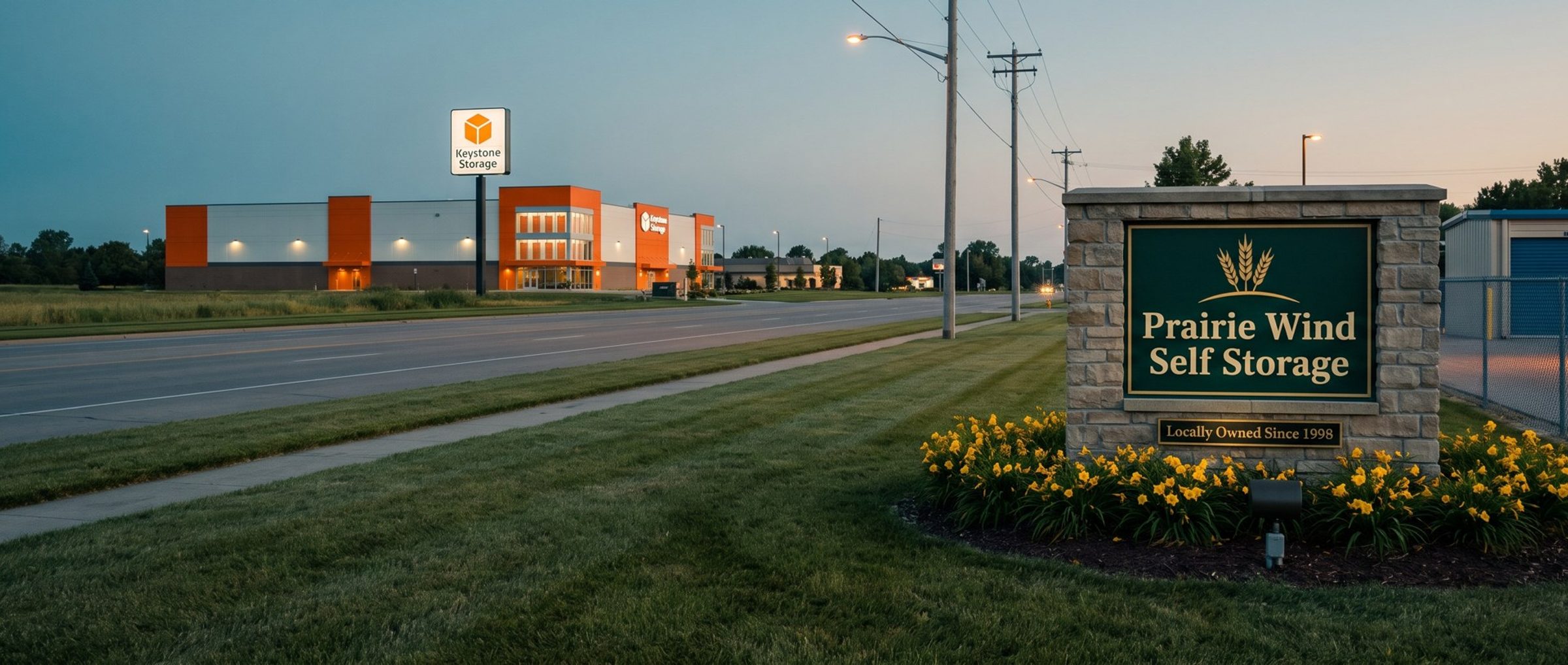
Ask Google's Keyword Planner for storage ideas and the biggest searches on the list aren't really about storage. They're about two companies. "public storage" and "extra space storage" each pull roughly 1.5 million US searches a month, more than "storage units near me." An independent facility that adds them to its keyword list hasn't found a gold mine. It has found a very expensive way to show its ad to people who already decided to rent from someone else.
Keyword research for a storage facility is mostly a sorting job: find every search a renter might type, keep the ones that could become your move-in, and set the rest aside before they cost anything. This chapter covers where the list comes from (your competitors' websites, mostly), what to throw out, and how to sort what's left into ad groups that are ready to launch. The examples come from our example market, Oklahoma City; the research steps work in any town.
Four in Ten Storage Searches Name a Chain. The People Typing Them Already Picked Someone Else.
We pulled Keyword Planner ideas for storage rentals across the US and grouped every search by what it asked for. Searches that include the name of a large national storage company made up 42.7% of the total volume. Add the smaller chains and the listing sites and it's 45%. In our example market, chain names were 40.2% of the searches that carried bid data (about 27% of all searches, once the long tail of tiny searches is counted). Either way, the single biggest group of storage searches is people asking for a specific company by name.
Those searches belong on your negative keyword list, the words that keep a storage ad off a search entirely. A renter who types "extra space storage near me" may still end up somewhere else, but your ad is an interruption on a search they've already answered, and you'd be paying chain-level click prices to make it. Google's trademark policy does allow advertisers to use a competitor's name as a keyword; what it restricts, after a complaint, is using the name in the ad itself. So bidding on chain names is allowed. Doing it means a campaign of its own, built on purpose, and in our experience a facility in its first months of advertising gets more move-ins from almost anywhere else.
Your own facility's name is the opposite case. Searches for it stay in the small name campaign Chapter 2 set up.
Google's Ad Preview Tool Shows Who Advertises in Your Town. Clicking a Rival's Ad Just Pays Their Bill.
Start by looking at the storage ads already running near you. Your Google Ads account has an Ad preview and diagnosis tool in its Tools menu that lets you type "storage units near me" and see the results page as a searcher would. Google points out that it doesn't rack up impressions in your account the way a real search would. Run your main searches through it from your town: "storage units near me," "climate controlled storage," your town's name with "storage." Note which facilities show ads.
Resist clicking a rival facility's ad to see its page. That click bills the other facility for a renter who was never coming, and the preview has already shown you their ad. Type the facility's web address instead. If you want to see every ad a competitor has run recently, Google's Ads Transparency Center lists them by advertiser.
In our example market we looked up 108 storage-related businesses and websites there. Over the 90 days before our check, we found recent Search ads for 13 of 16 national chains and 9 of 12 regional groups, against 7 of 40 local independents. The Transparency Center doesn't show which towns an ad targeted, but the pattern is plain enough: the advertisers you're likely to meet are mostly bigger operators, which is exactly why the research step that follows matters.
While you're in the Transparency Center, read the ads themselves, not just the list of advertisers. Rival headlines hint at which storage searches those facilities have decided to pay for. If three regional operators all lead with "climate controlled" and "drive-up," those phrases belong in your research. If one of them keeps a separate set of ads for boat and RV storage, that's a group of searches someone already found profitable enough to buy. Write the phrases down; they become extra seed words in Keyword Planner alongside the competitor sites.
Pay attention to what's missing too. In our example market, none of the 17 readable ads from the seven local independents that advertise mentioned climate control, while chains and regional groups used it in dozens of theirs, and none of the 14 RV and boat lots we checked showed any Search ads in the Transparency Center. Gaps like that are where a smaller facility can be the only answer on the page. Note them as you go, because they shape your ad groups in Chapter 4's terms and your ad copy in Chapter 8: a climate group with an ad that actually says climate, in a market where the local competitors don't, has an edge over local competitors whose ads never mention it.
Keyword Planner Is Only as Smart as the Storage Site You Point It At.
Keyword Planner will also start from a web address. Give it a rival facility's site and your market, and it pulls the words off those pages and turns them into search ideas. It takes the pages at face value, so the site you choose shapes the whole list.
We ran it on twelve local storage websites in our example market. Eleven came back with storage searches making up 91% to 99.5% of the ideas. The twelfth came back with mostly junk ("play store," "download app"), because the site's main text was instructions for its gate app. Then we ran it on a Public Storage facility page: 24% of the ideas were chain names, against 0% to 9% from the independents' sites.
That gives you three rules for seeding:
- Seed with independents and regionals that rent what you rent. If you have climate units and RV spaces, use a competitor that has both. A drive-up-only lot will hand back drive-up searches.
- Avoid seeding with chain pages. They return the chain's own name and the searches it ranks for.
- Run your own site too. It shows you how Google reads your pages. If your own pull comes back thin or off-topic, your unit pages need work before your ads do (Chapter 4).
Keep the location on your own market. National volumes and bids describe an auction you'll never be in.
People Searching for Storage Auctions Aren't Renting. They're Bidding on Other Tenants' Units.
The other big trap is searches that look like storage but come from someone who will never rent. Auctions lead that pile by a wide margin. Nationally, "storage auctions" gets about 90,500 searches a month, "storage auctions near me" about 60,500 and "storage unit auctions" about 27,100. Those are people hoping to buy the contents of a unit sold for unpaid rent. One facility in our example market posts its auctions online, and its Keyword Planner pull came back with 22% auction searches. If you run auctions, keep that page out of your ads and the auction searches on your negative list.
The rest of the throw-away pile:
- Buying a facility: "storage facility for sale" draws about 22,200 searches a month, mostly investors
- Building and DIY: sheds, storage buildings, bins, shelving and garage organizers
- Jobs: storage job and hiring searches
- Other kinds of storage: cloud storage, data storage, cold storage and wine fridges
Our usual rule puts "cheap" and "free" on the negative list, because those words often come from people who won't pay. Storage is an exception worth weighing. Searches like "cheap storage units near me" and "storage units first month free" come from renters comparing promotions, and Chapter 7 shows what those clicks cost. If you're priced to win on value or run a move-in special, keep them; if you're the premium climate-controlled option in town, set them aside.
None of this is a one-time list. When the account later adds broad match (Chapter 7), Google starts matching your ads to searches you never listed, and new chain names, auction phrasings and oddities show up in the search terms report every day. That's when the negative list earns its keep.
A Tight Storage Ad Group Holds Five or Six Exact-Match Keywords, Not Every Search You Found.
Now sort what's left into the ad groups from Chapter 4: one for climate-controlled units, one for drive-up, one for each size renters search by, one for each town you serve, and a separate campaign for vehicle storage if you offer it (Chapter 14). Each group gets five or six keywords at most; if one keeps growing past that, it's two groups pretending to be one.
In the first weeks, all of them run as exact match, so an ad appears only for that search or a close variant of it. The payoff is clean data: each reservation and move-in traces to one known search. Broader matching comes later, once the account has the conversions to guide it.
Keyword Planner's high and low bid for a storage search give you a neighborhood, not an address; what you actually pay per click will land somewhere around them. In our experience, the estimates reflect broader matching than you'll run at launch, so treat them as roughly right, give or take about 30%. For "storage units near me" in our example market, the range was $4.00 to $17.40. Chapter 7 covers setting the actual bids.
Next: Ten Keywords Carry Half of the Storage Searches That Skip Chain Names. Most of Them Belong in Exact Match.
Chapter 6 takes the list you just built and picks the handful of searches that carry most of the demand. Earlier chapters are on the Google Ads for Self Storage guide home, including Chapter 4 on unit pages. Our Google Ads agency team runs this research for storage operators who'd rather not spend an afternoon in Keyword Planner.